
Overview
You can now create a custom Risk Solutions using a name, risk family, or risk that doesn't exist in the Paramify community library or your workspace's existing data. Previously, you could only select from pre-existing options; now a Use Entered Value option appears in each dropdown whenever you type something that isn't already in the list.
Who can use this
Any workspace member with permission to create Risk Solutions can use this feature. It is available on the workspace-level Risk Solutions page under Implementation.
How to create a custom Risk Solution
1. Open the Risk Solutions page
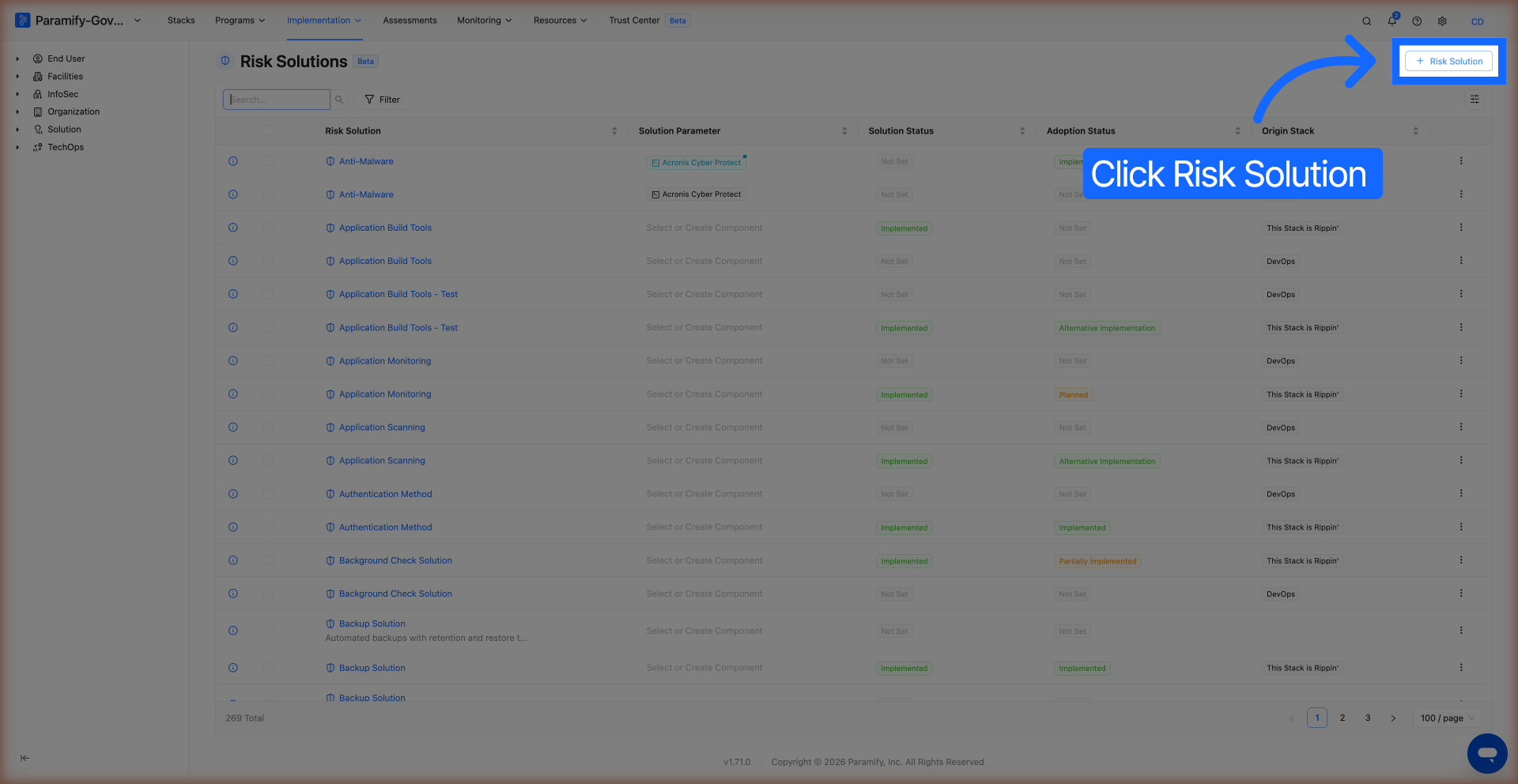
2. Click "+ Risk Solution"
In the top-right corner of the Risk Solutions page, click the + Risk Solution button. The "Create a Risk Solution" modal opens.
3. Type a custom name and select "Use Entered Value"
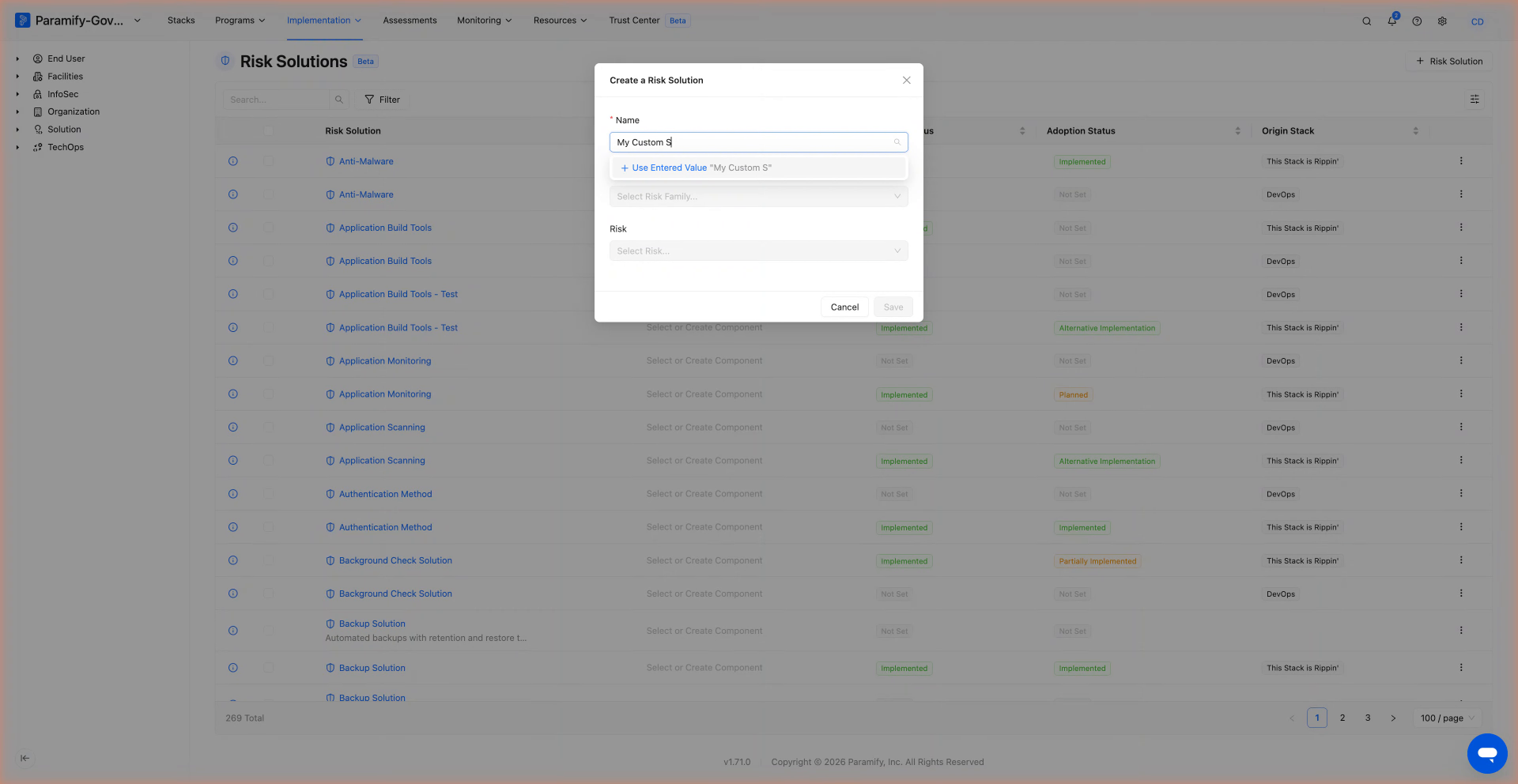
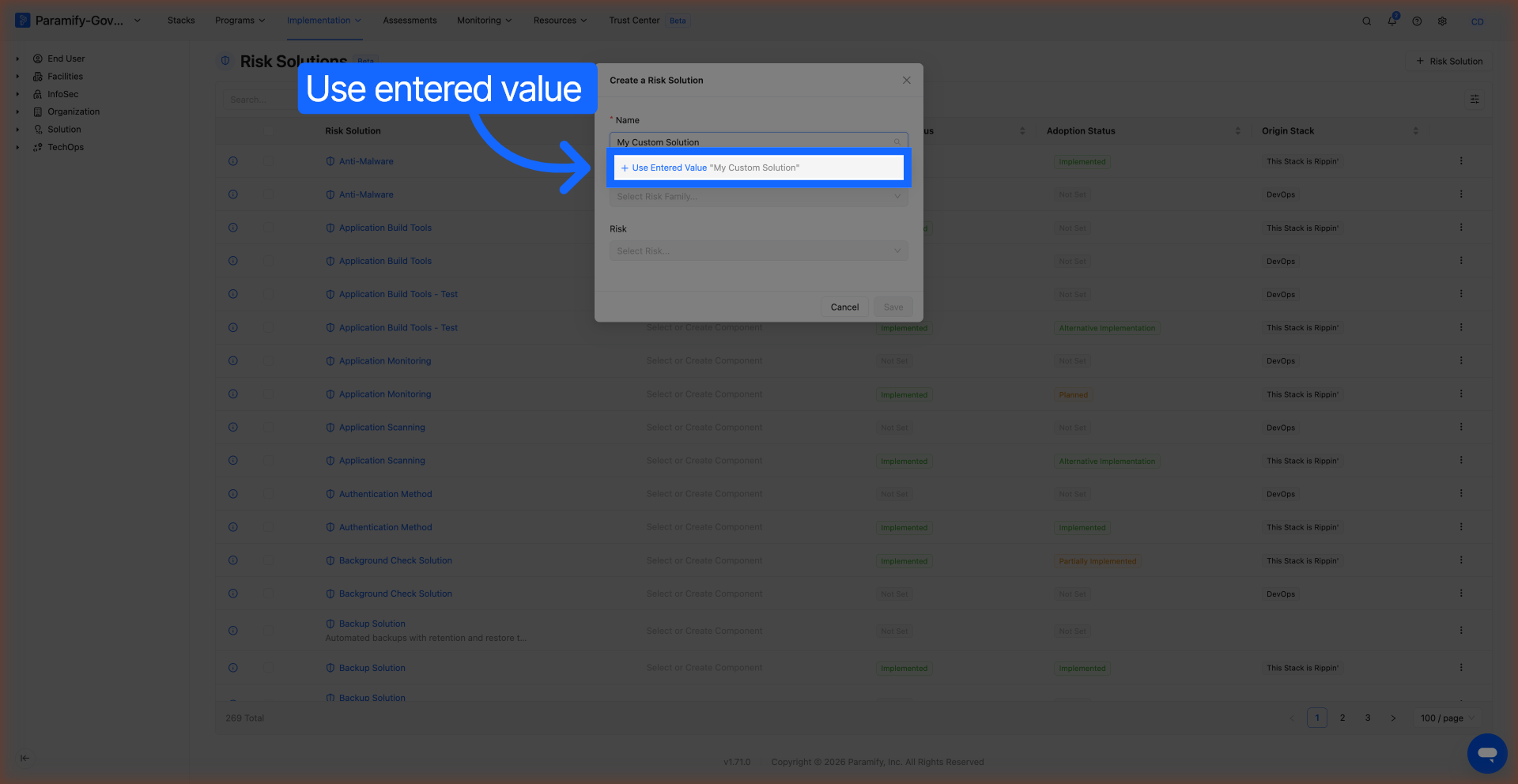
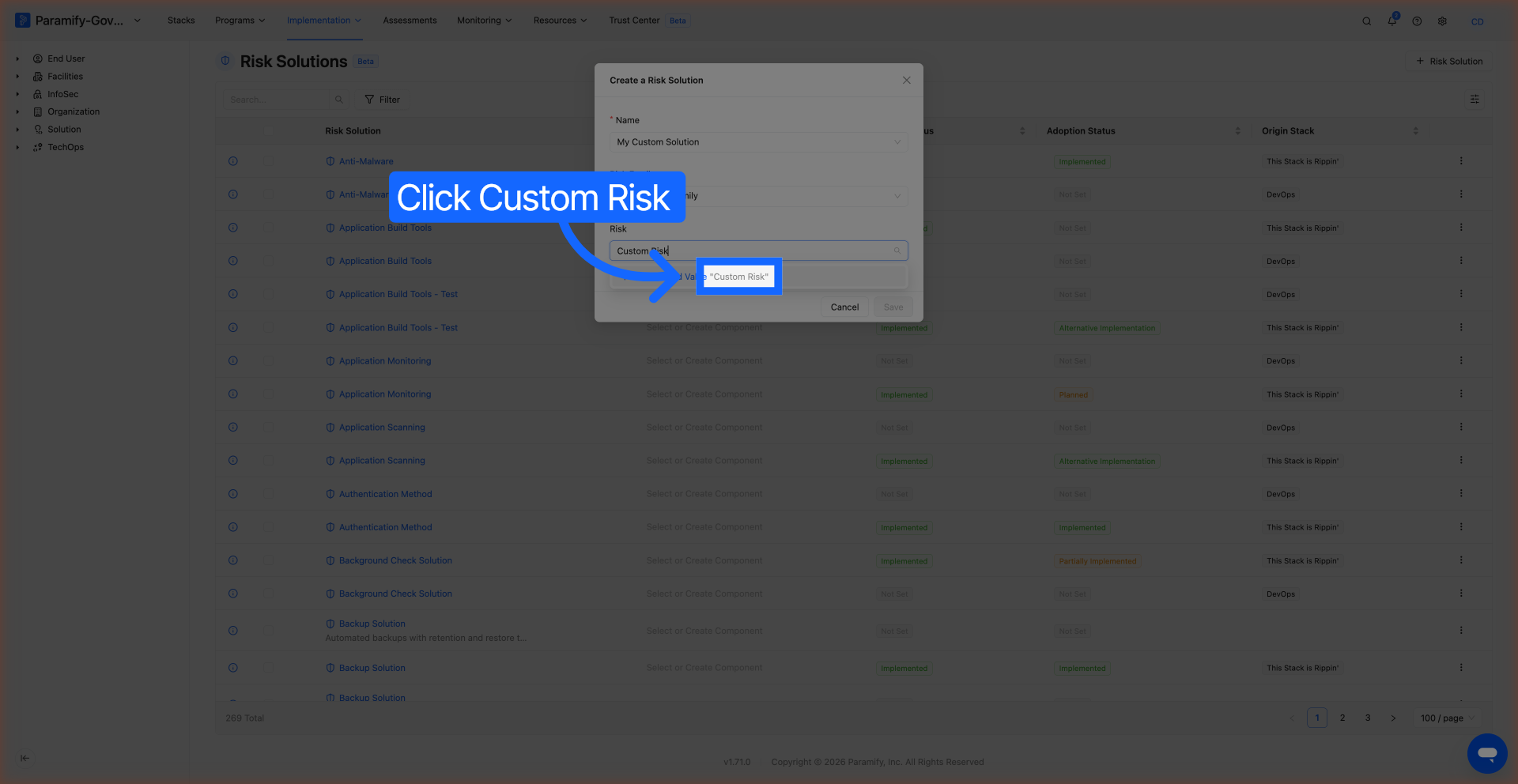
Click the Name field and start typing your custom risk solution name. If no match is found in the library, a + Use Entered Value "[your text]" option appears at the top of the dropdown — click it to use the value you typed.
4. Set a custom Risk Family (optional)
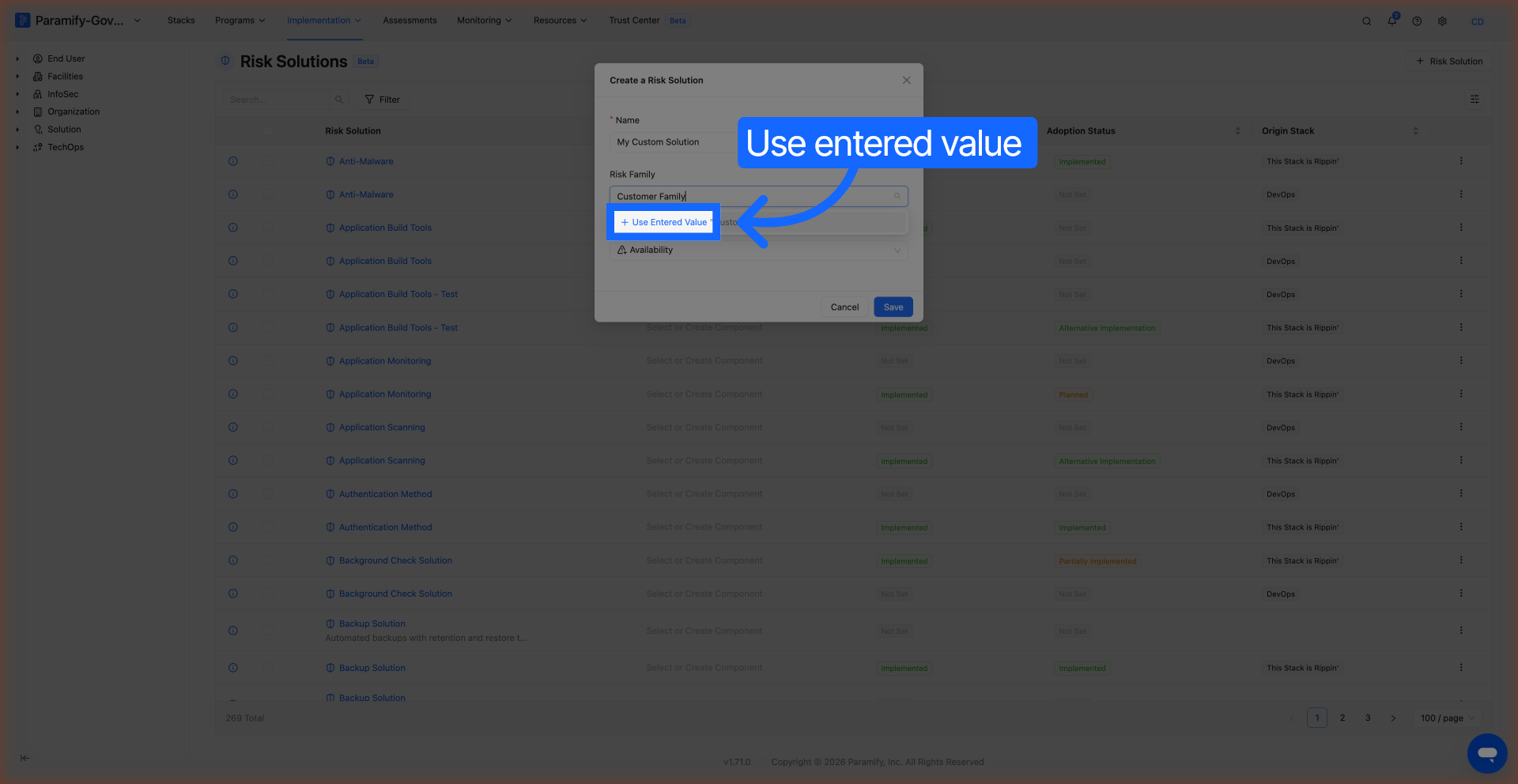
Click the Risk Family field and type your custom risk family name. Again, if there's no existing match, select + Use Entered Value "[your text]" from the dropdown.
5. Set a custom Risk (optional)
Click the Risk field and type your custom risk name. Select + Use Entered Value "[your text]" if no match exists.
6. Save the Risk Solution
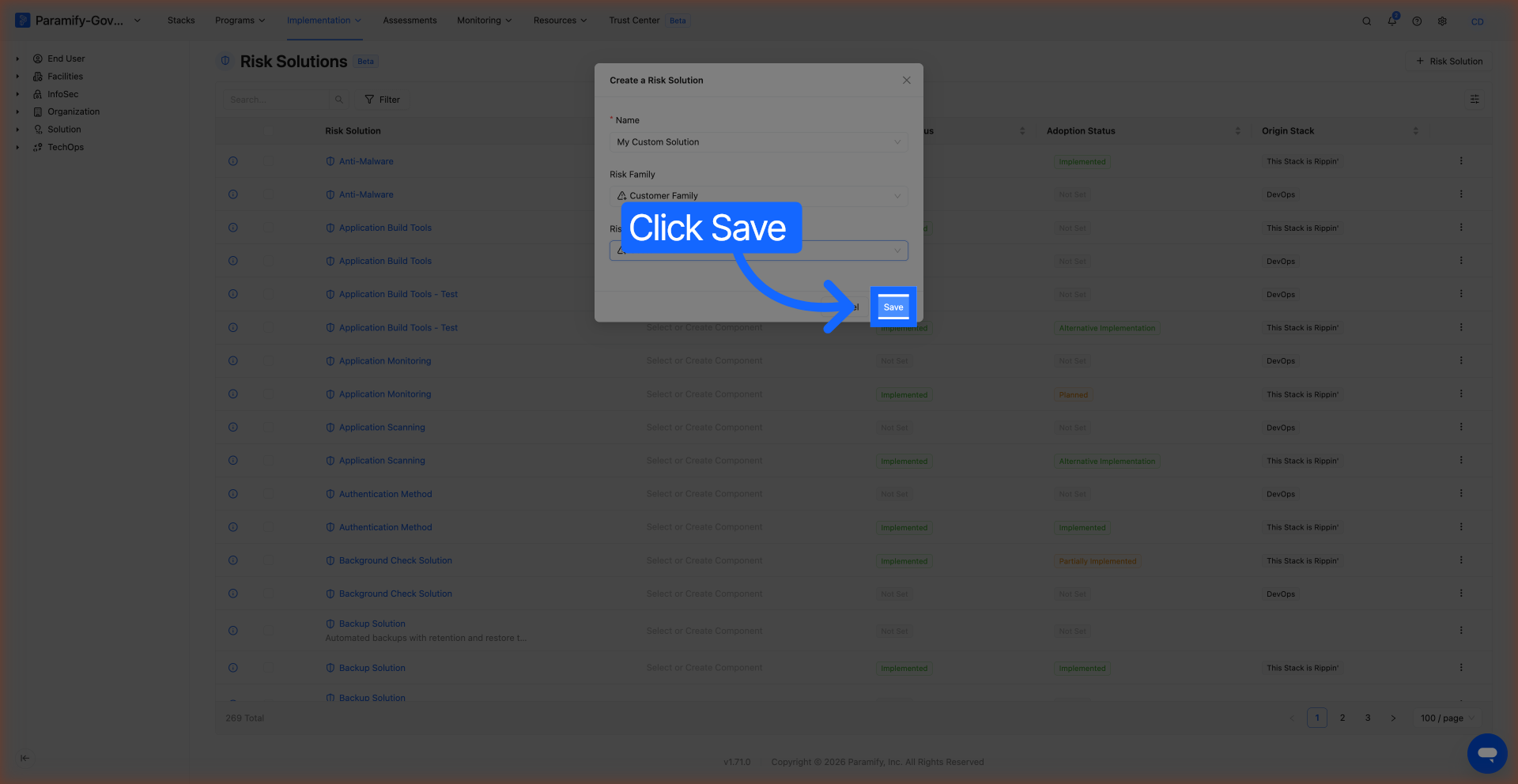
Click Save. Your new custom risk solution appears in the Risk Solutions list.
What to expect
After saving, the custom Risk Solution appears in your workspace Risk Solutions list. The custom Name, Risk Family, and Risk values you entered are stored exactly as typed. Because this is a fully custom entry (not linked to the Paramify community library), it will not sync with community data or receive automatic updates from community risk solution changes.
NOTE
The Use Entered Value option only appears when the text you type does not exactly match an existing option in the list. If you see matching suggestions, select from those to link to an existing community or workspace risk solution instead.
Limitations and known issues
Custom Risk Solutions created with "Use Entered Value" are not linked to the Paramify community library. This means they won't be pre-populated with community-sourced descriptions or metadata, and changes to community Risk Solutions with similar names won't be reflected on your custom entry. If you need to associate a Risk Solution with community data in the future, you'll need to create a new entry using a matched selection from the dropdown.
Comments
0 comments
Please sign in to leave a comment.