
Paramify provides an intuitive reference library to help clarify terminology used across the platform and in security compliance programs. This article explains how to access the Glossary & Acronyms section from the Resources menu to quickly find definitions and abbreviations used in Paramify and related compliance workflows.
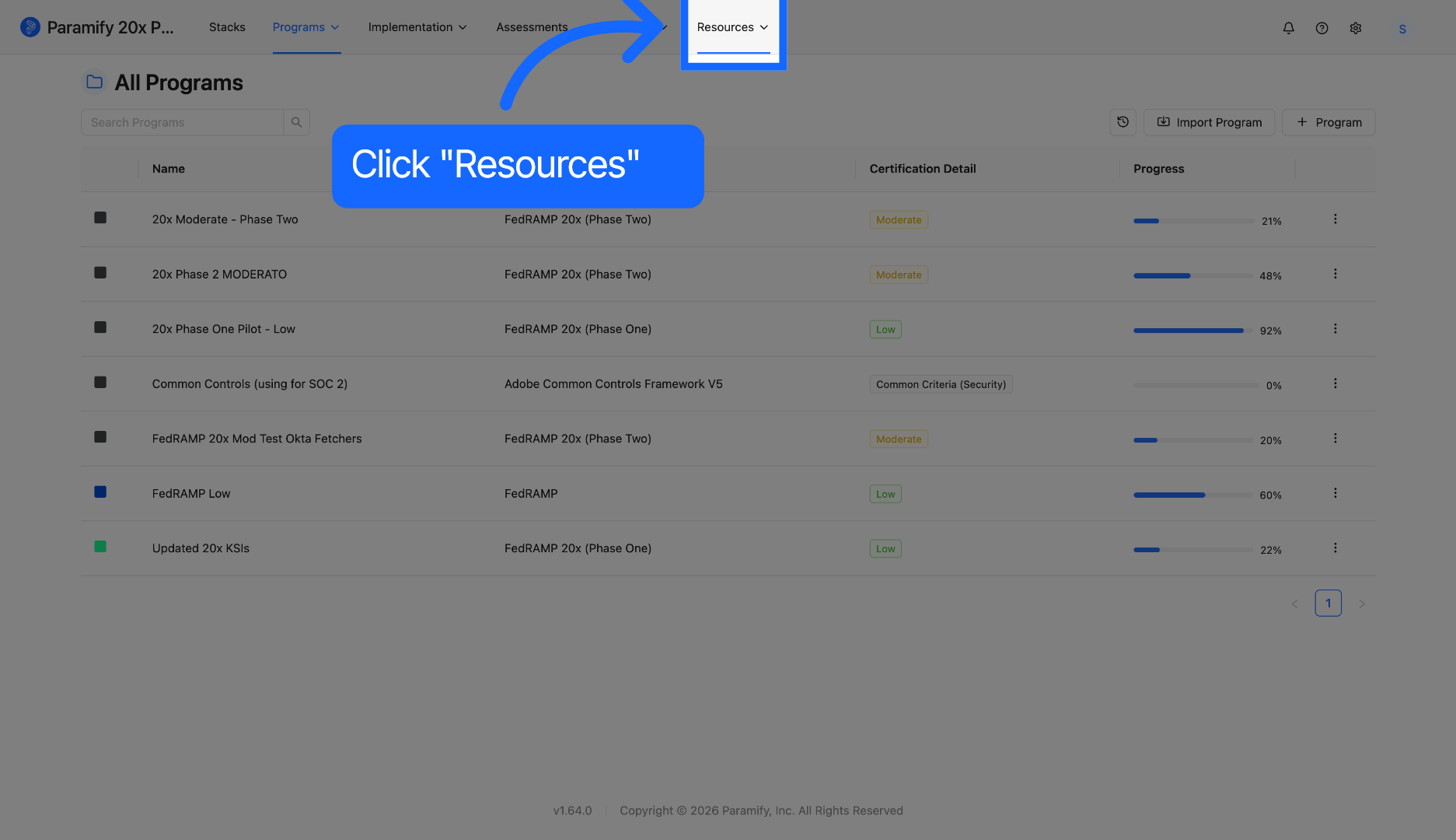
1. Click Resources Menu
Click the Resources menu to access the lists of Glossary & Acronyms.
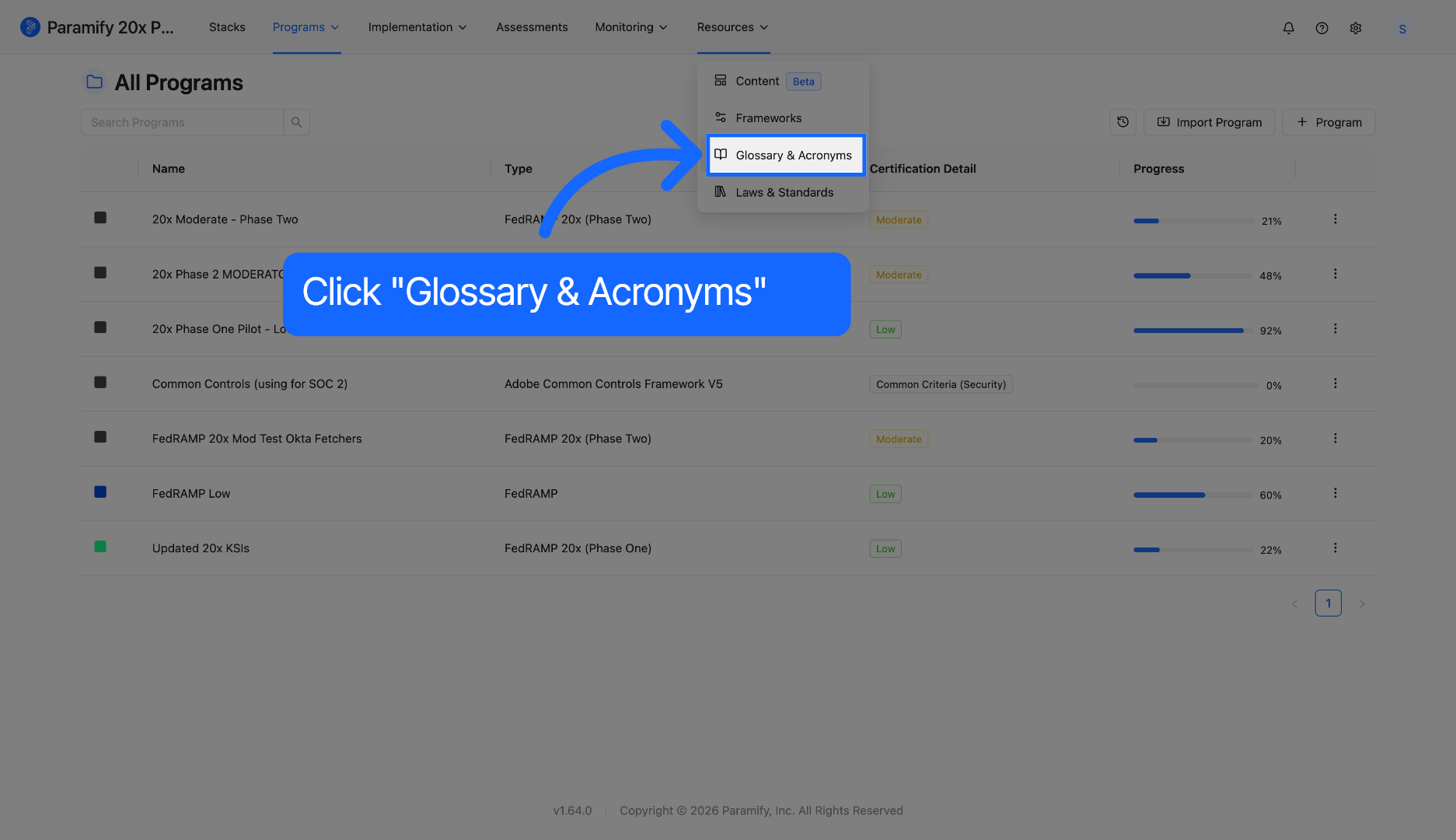
2. Select Glossary & Acronyms
Select the Glossary & Acronyms option to view definitions and explanations of terms used in the program.
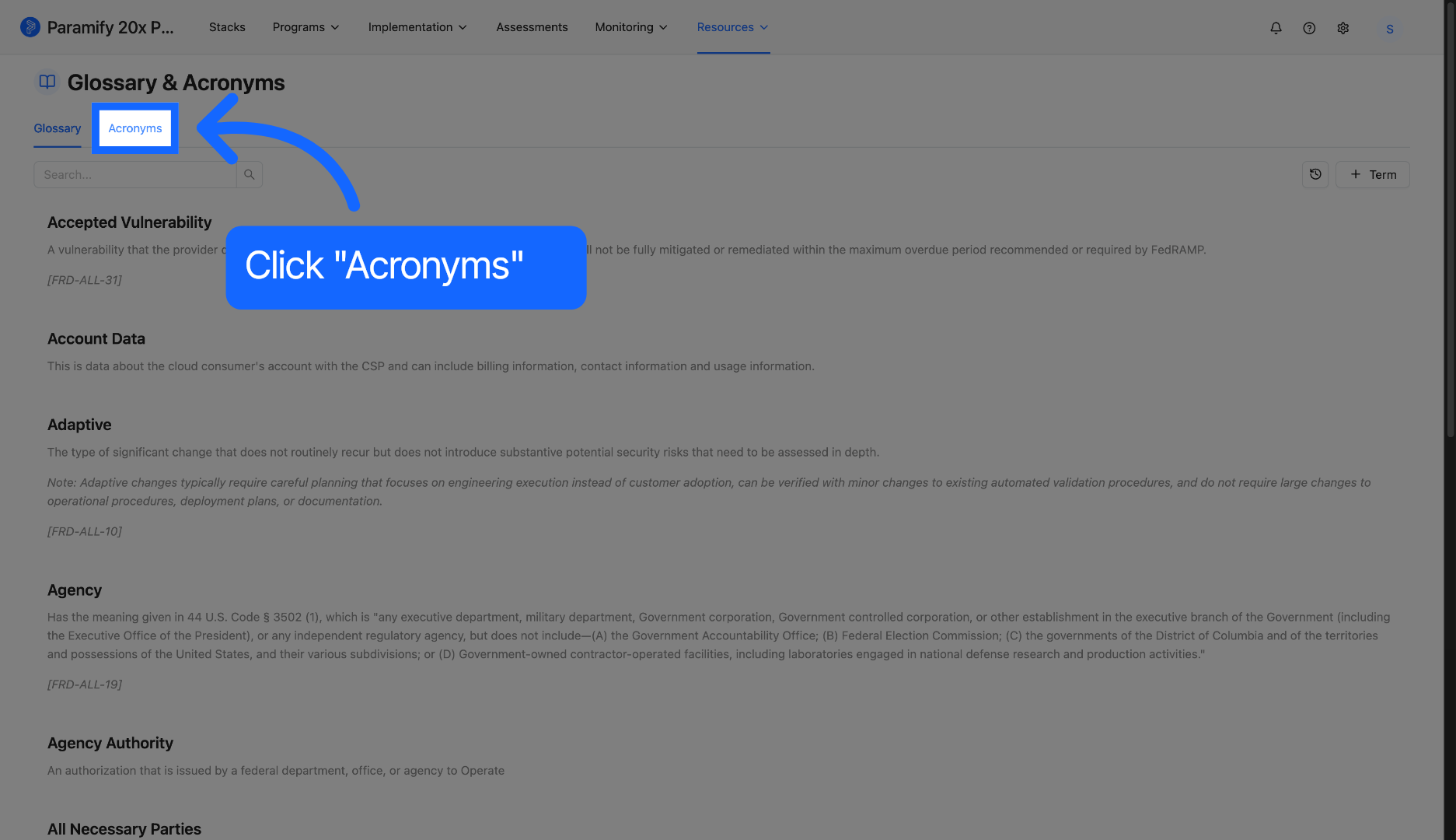
3. Open Acronyms Section
Click the Acronyms tab to focus on the list of abbreviations and their meanings.
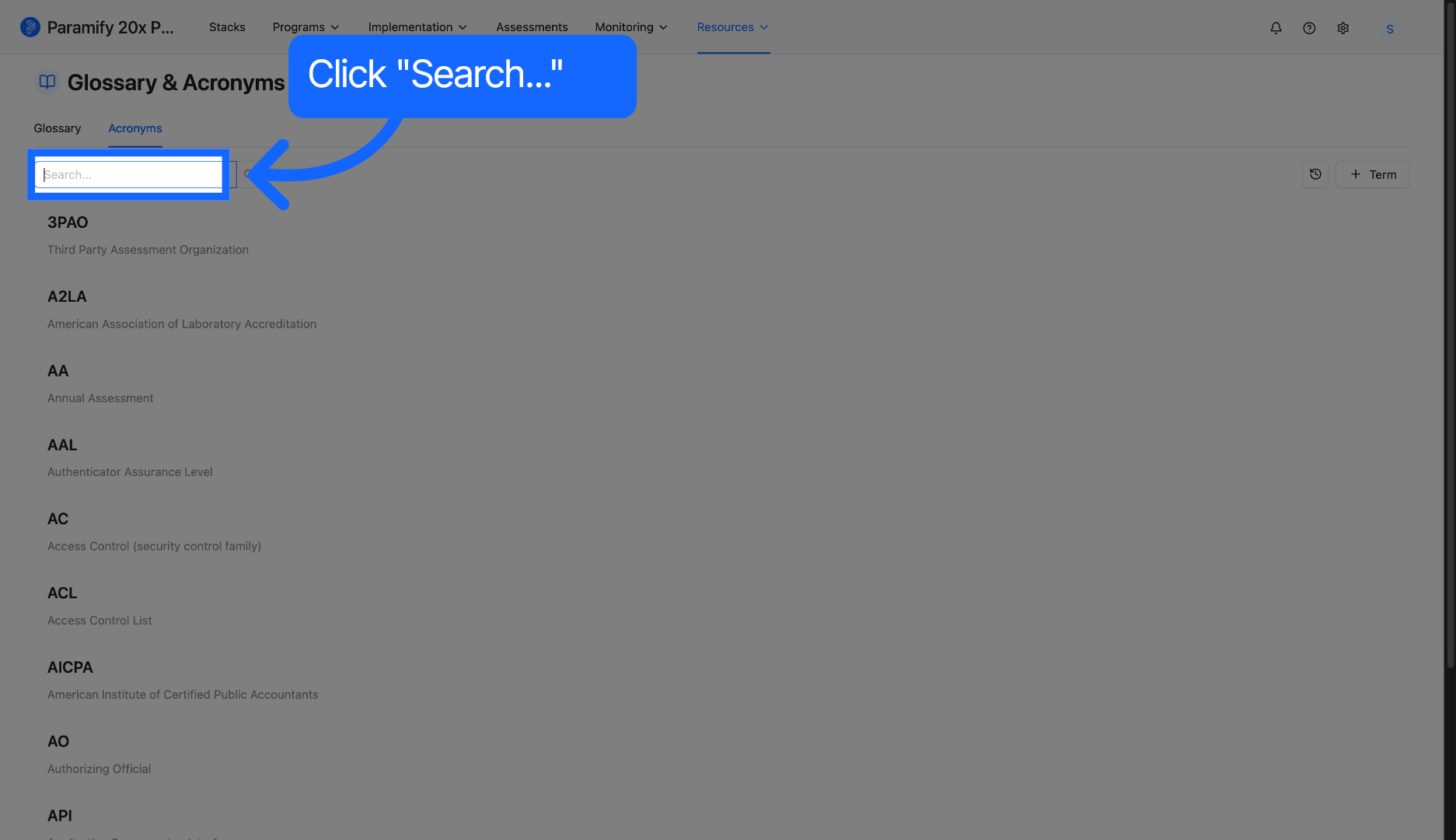
4. Click Search Field
Click the Search field to prepare for entering the acronym you want to find.
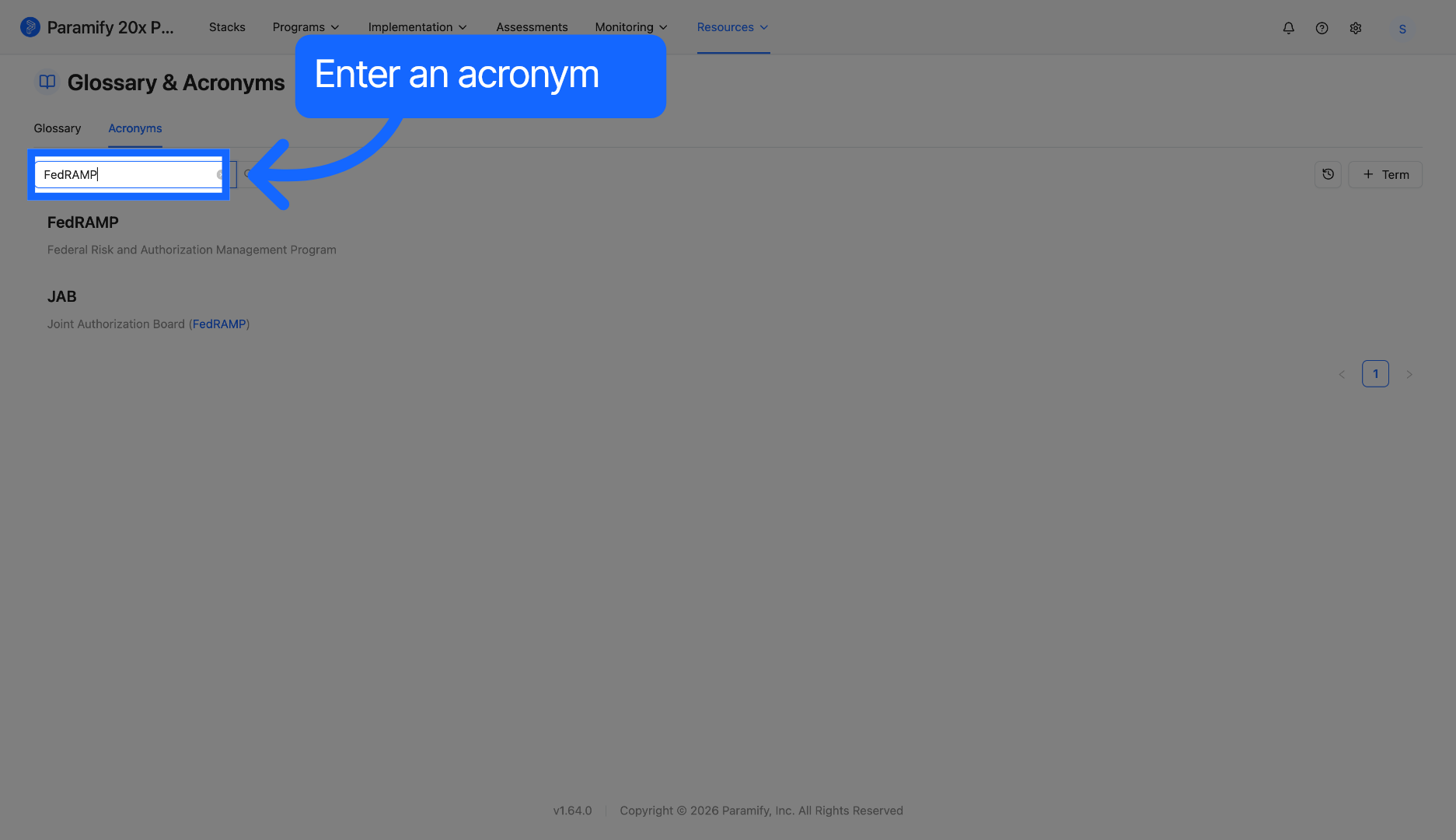
5. Enter Acronym to Search
Enter the acronym you want to look up, such as FedRAMP, to find its definition.
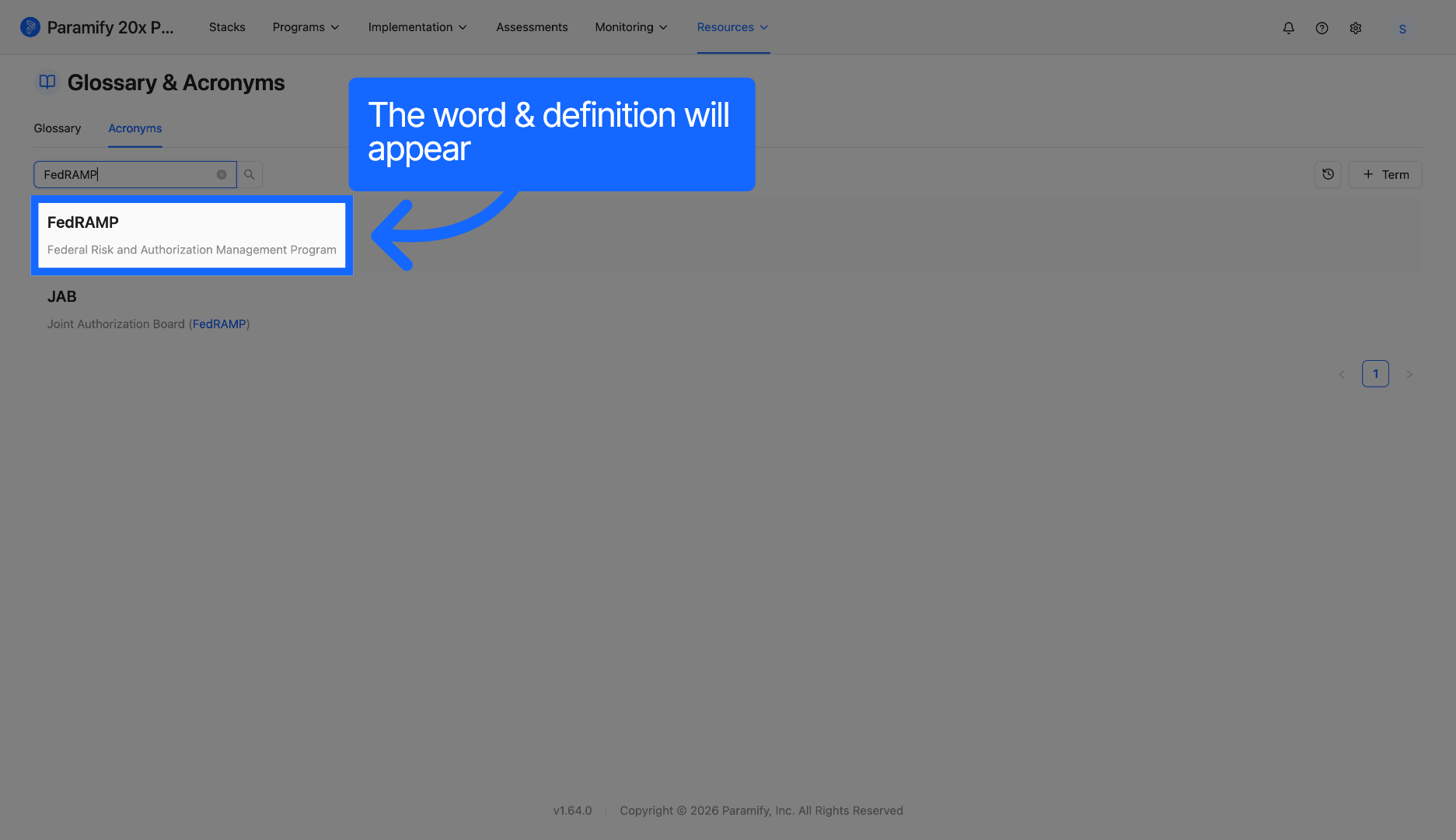
6. Select Acronym Entry
Select the FedRAMP Federal Risk and Authorization Management Program entry from the search results.
Comments
0 comments
Please sign in to leave a comment.