
In Paramify, there are easy ways to track trends in issues. This is done through the Monitoring > Trend Analysis page, where issue trends based on status, risk level, and scan target are shown. These trends reflect the status of your POA&M (Plan of Action and Milestones, also referred to as POAMs) items over time, helping you identify areas of concern and improvement.
How to access Trend Analysis within a program
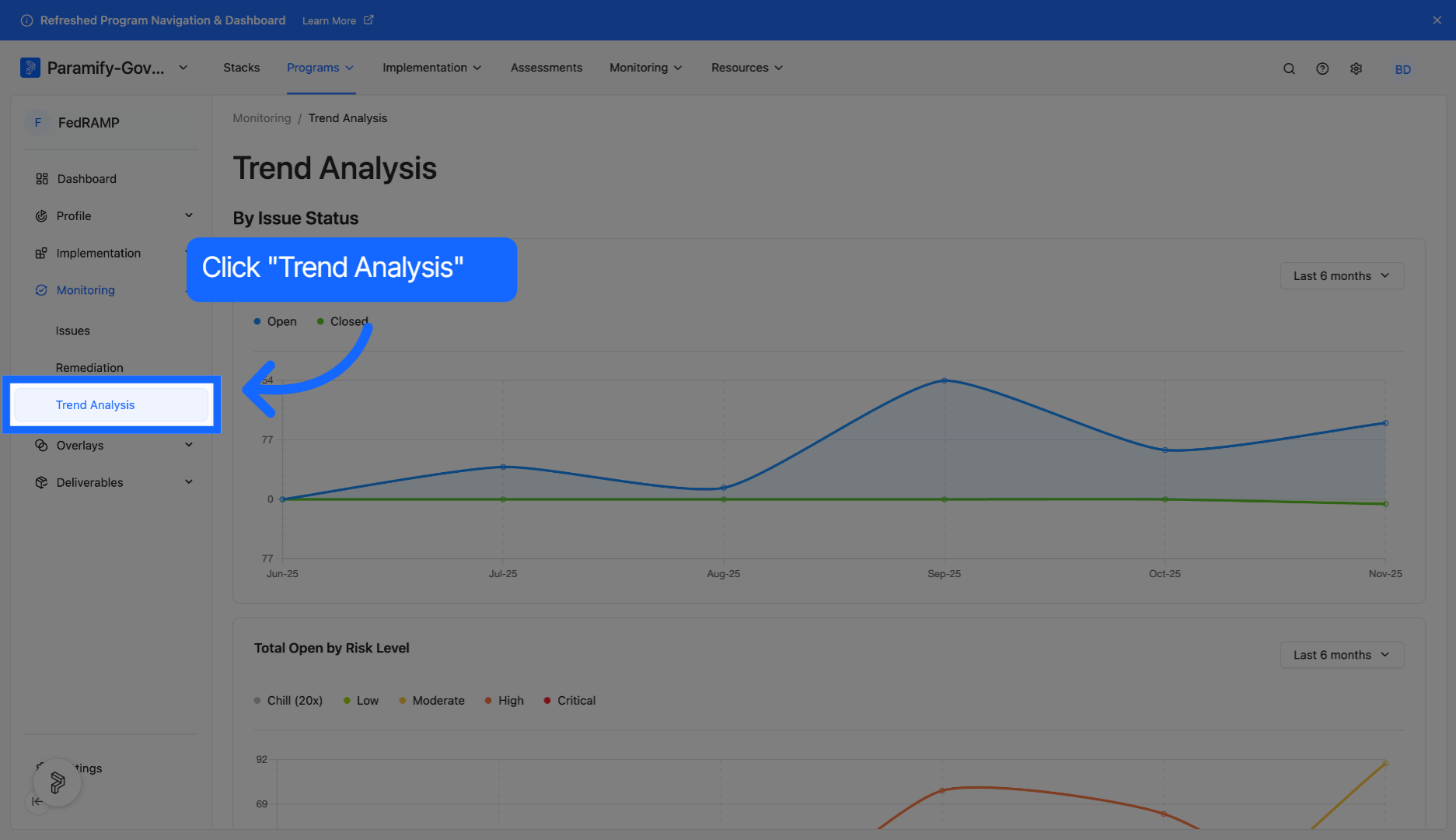
1. Access Trend Analysis page
Within a program, navigate to Monitoring > Trend Analysis.
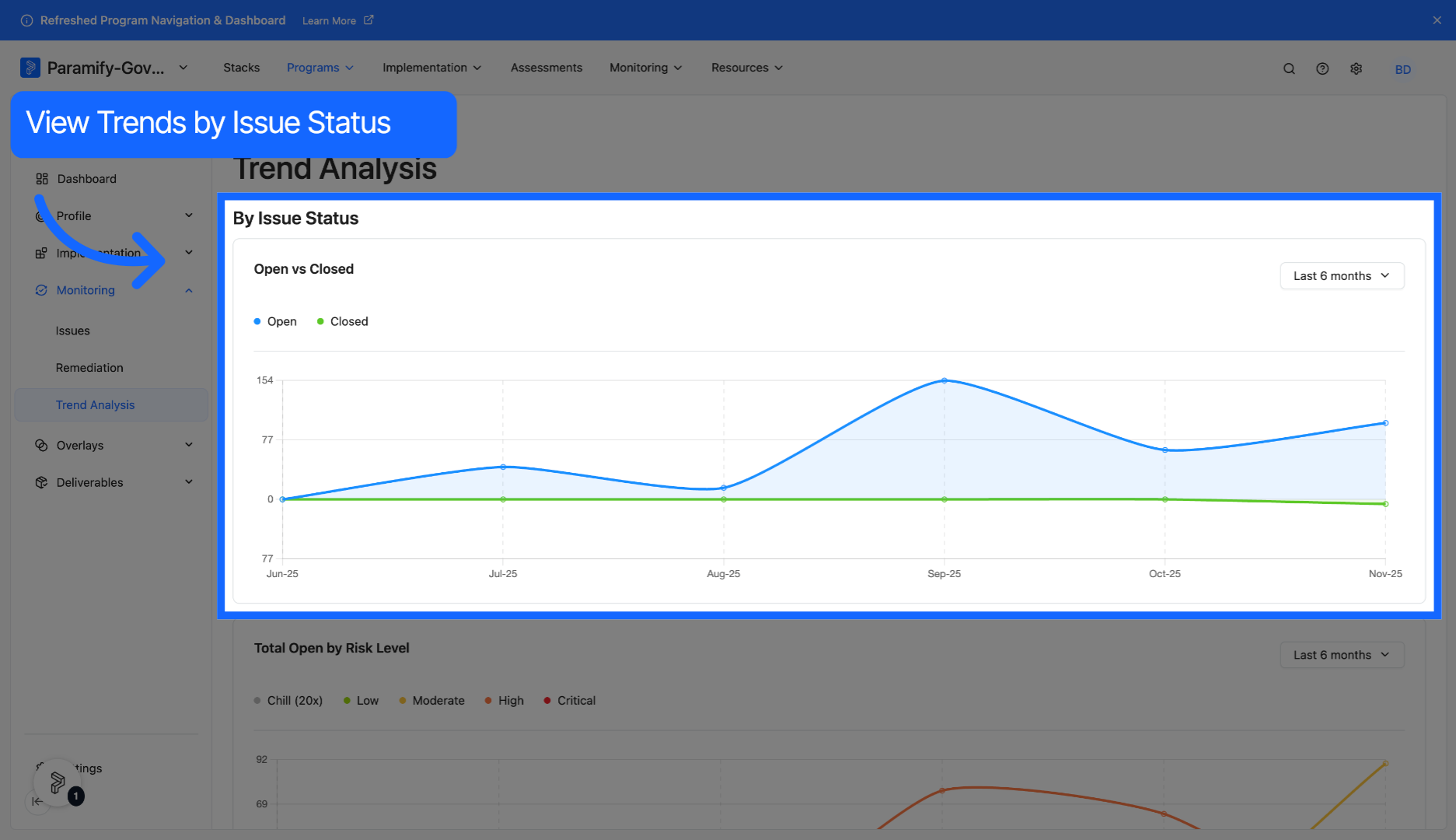
2. View trends by issue status
Examine trends in the number of issues opened and closed within a given timeframe.
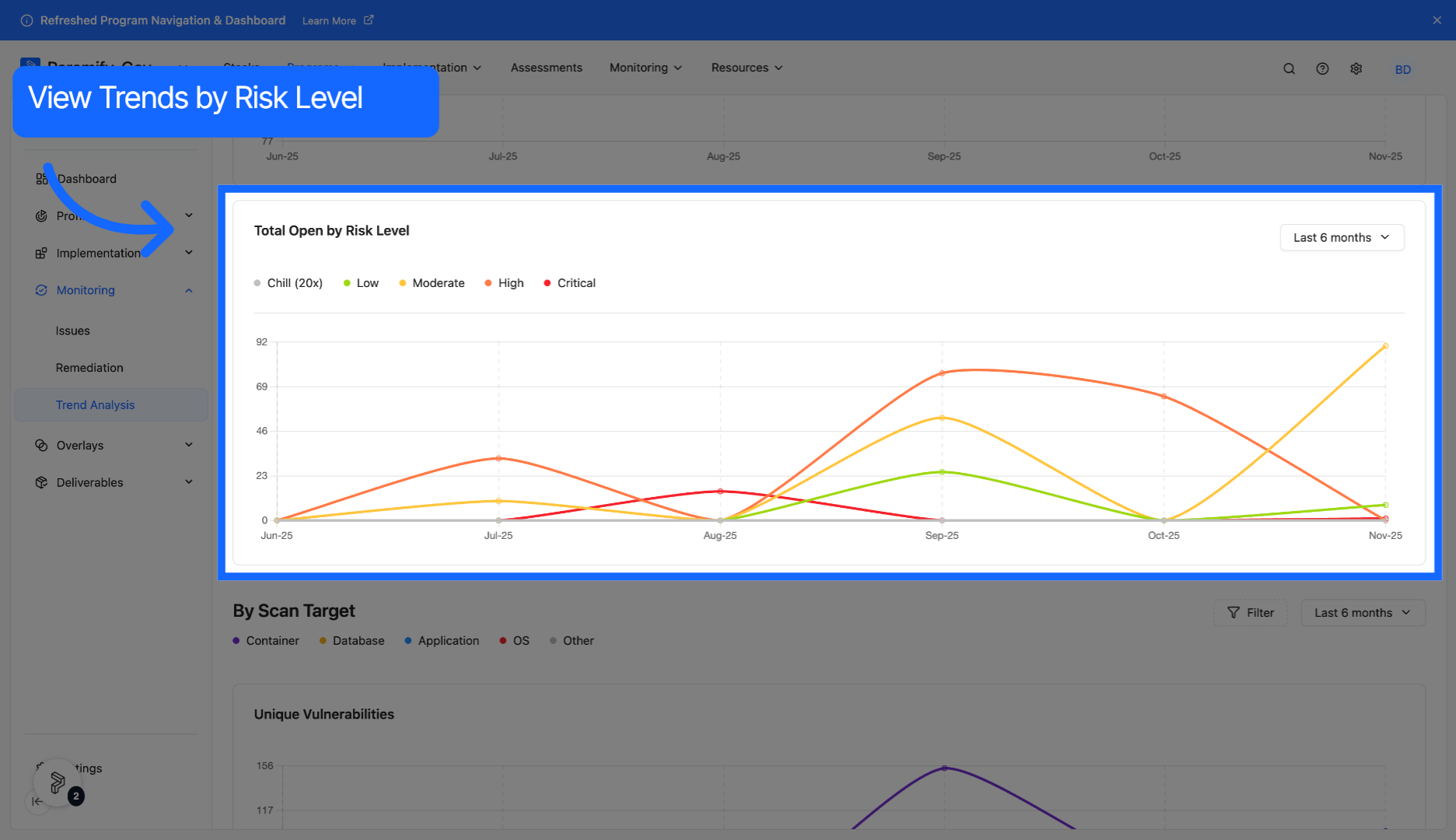
3. View trends by risk level
Examine trends in the number of issues by risk level within a given timeframe.
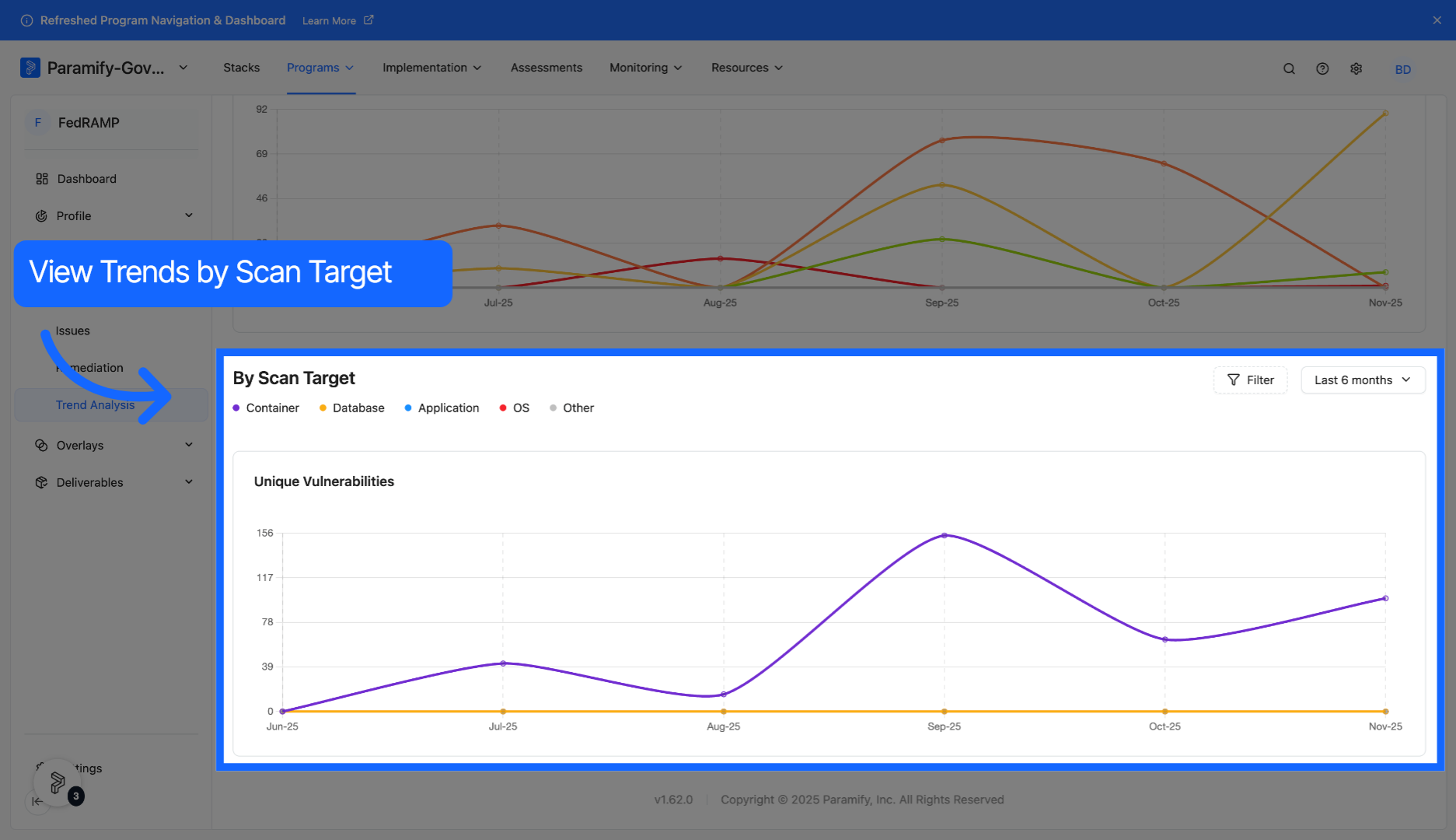
4. View trends by scan target
Examine trends in the number of issues by scan target within a given timeframe.
Comments
0 comments
Please sign in to leave a comment.