
The Monitoring section in Paramify is where you track and manage your POA&Ms (Plan of Action and Milestones, also referred to as POAMs), the required documentation for identifying and resolving open security issues. This article walks you through navigating Monitoring > Issues to view issue metrics, access remediations, and analyze trends over time.
1. Introduction
You will learn how to access critical data necessary for monitoring within Paramify.
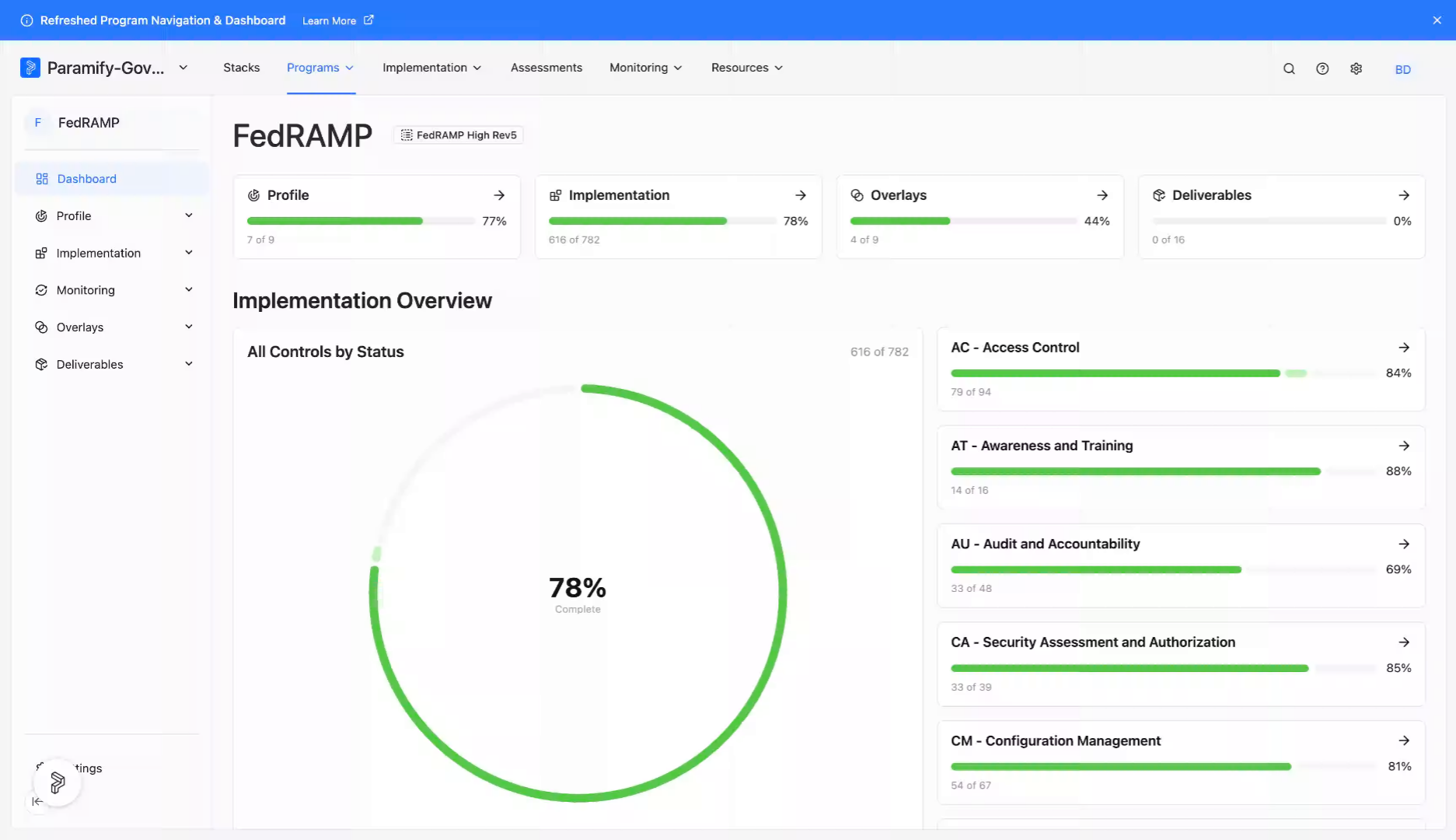
2. Access monitoring section
From a program dashboard, navigate to the "Monitoring" dropdown.
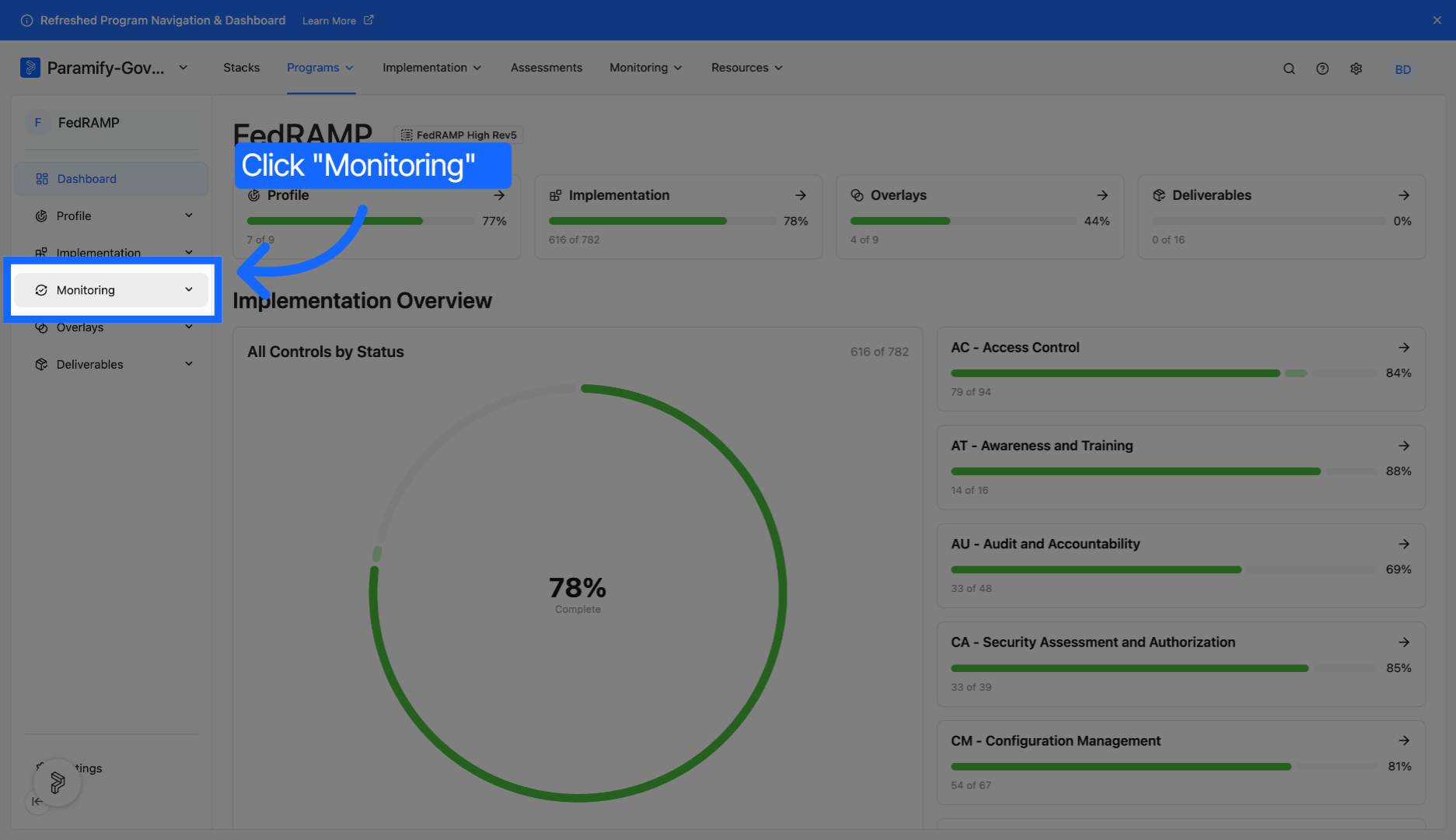
3. Open issues page
Click "Issues" to view the page.
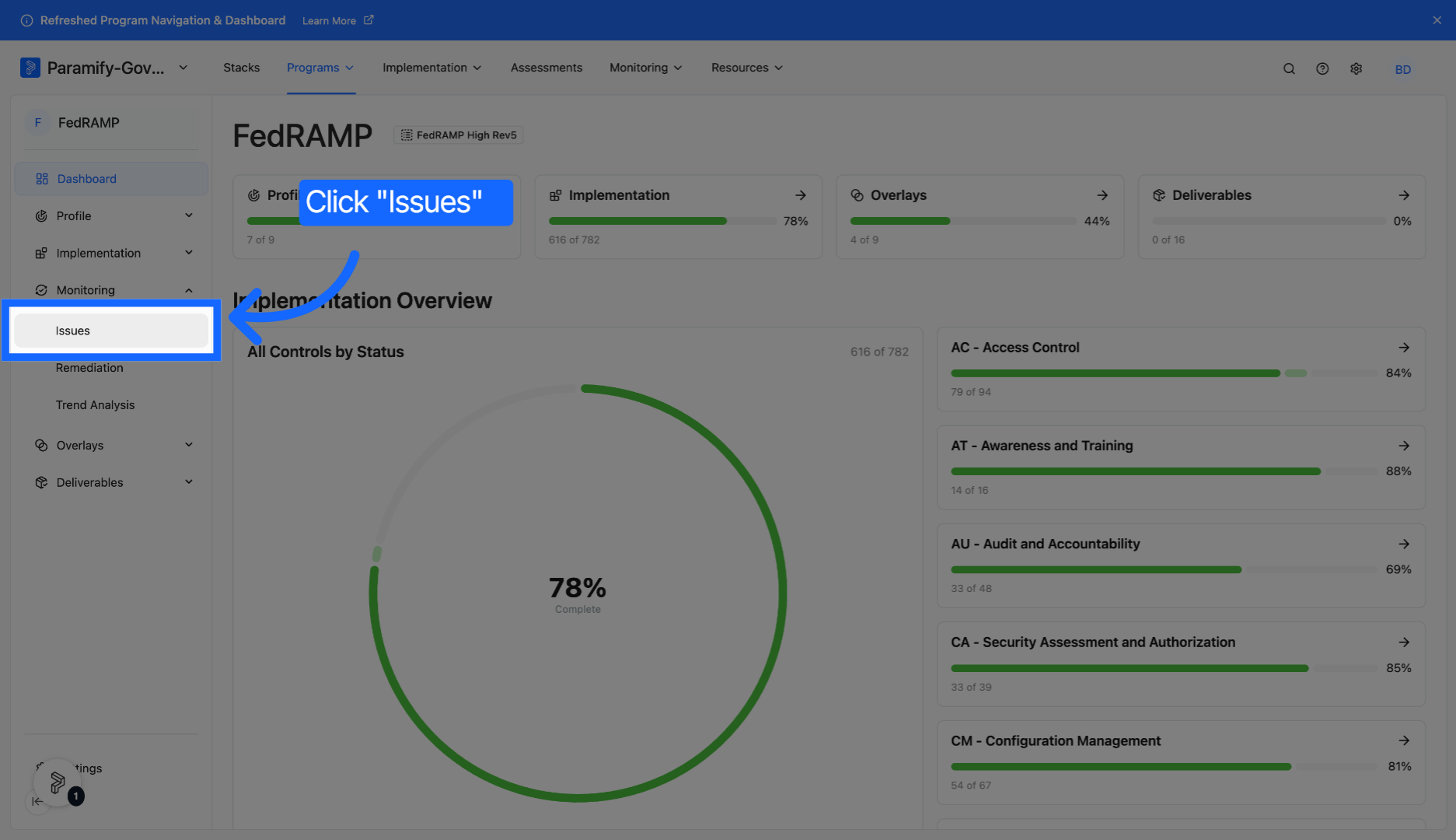
4. View all issues
Issues and issue metrics are displayed and can be viewed and accessed from this page.
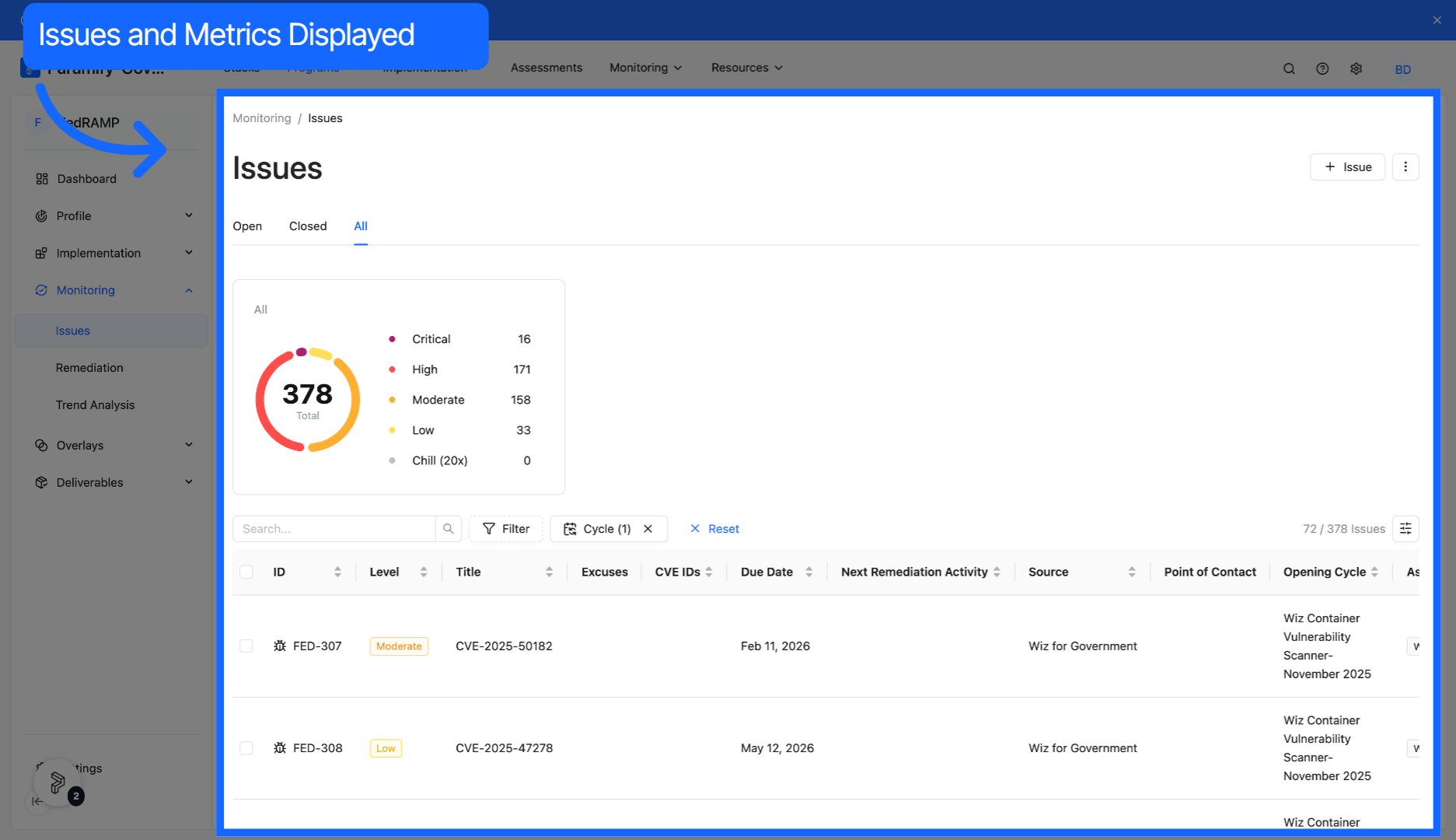
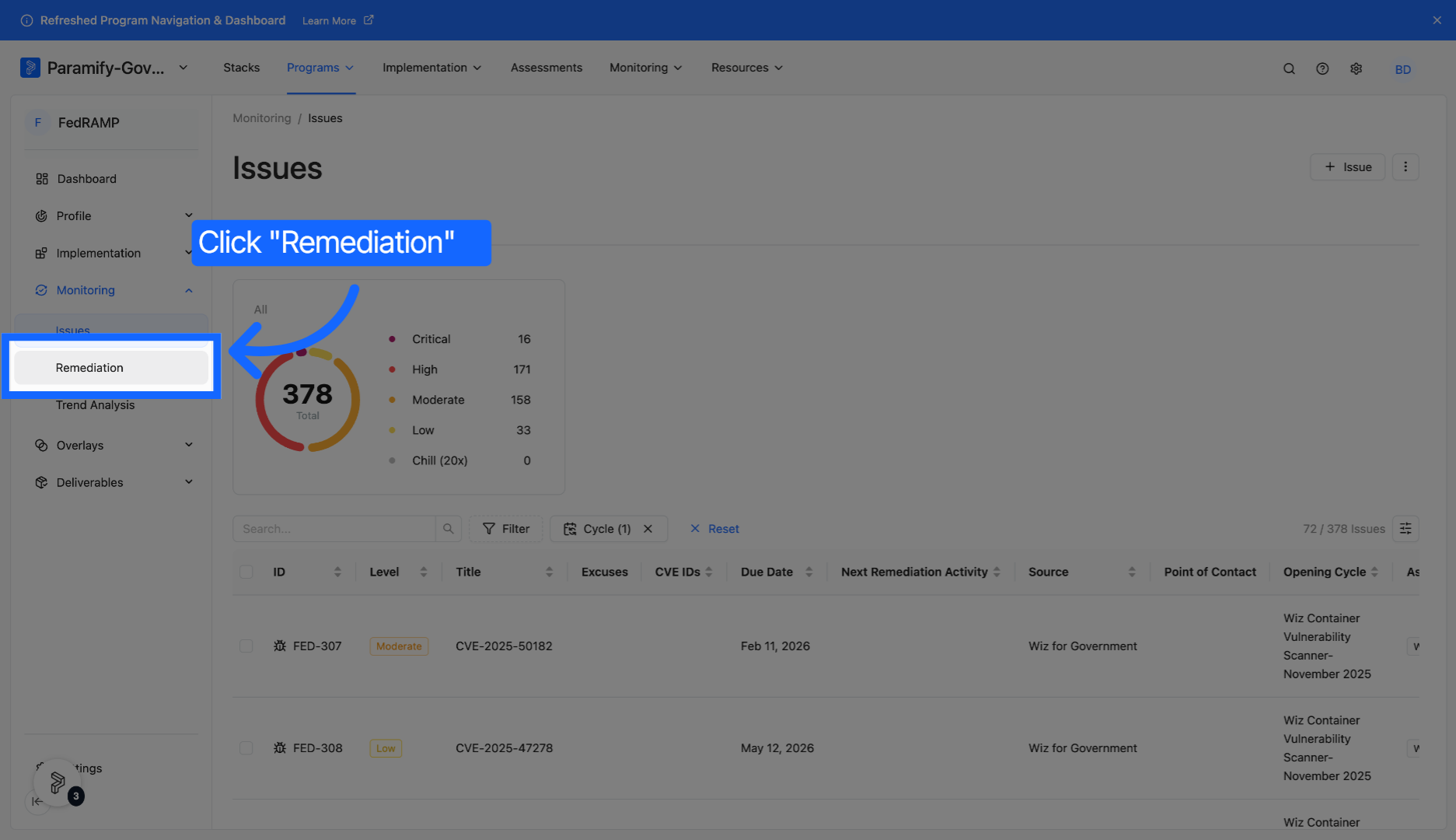
5. Open remediation page
Click Remediation to access options for addressing identified issues.
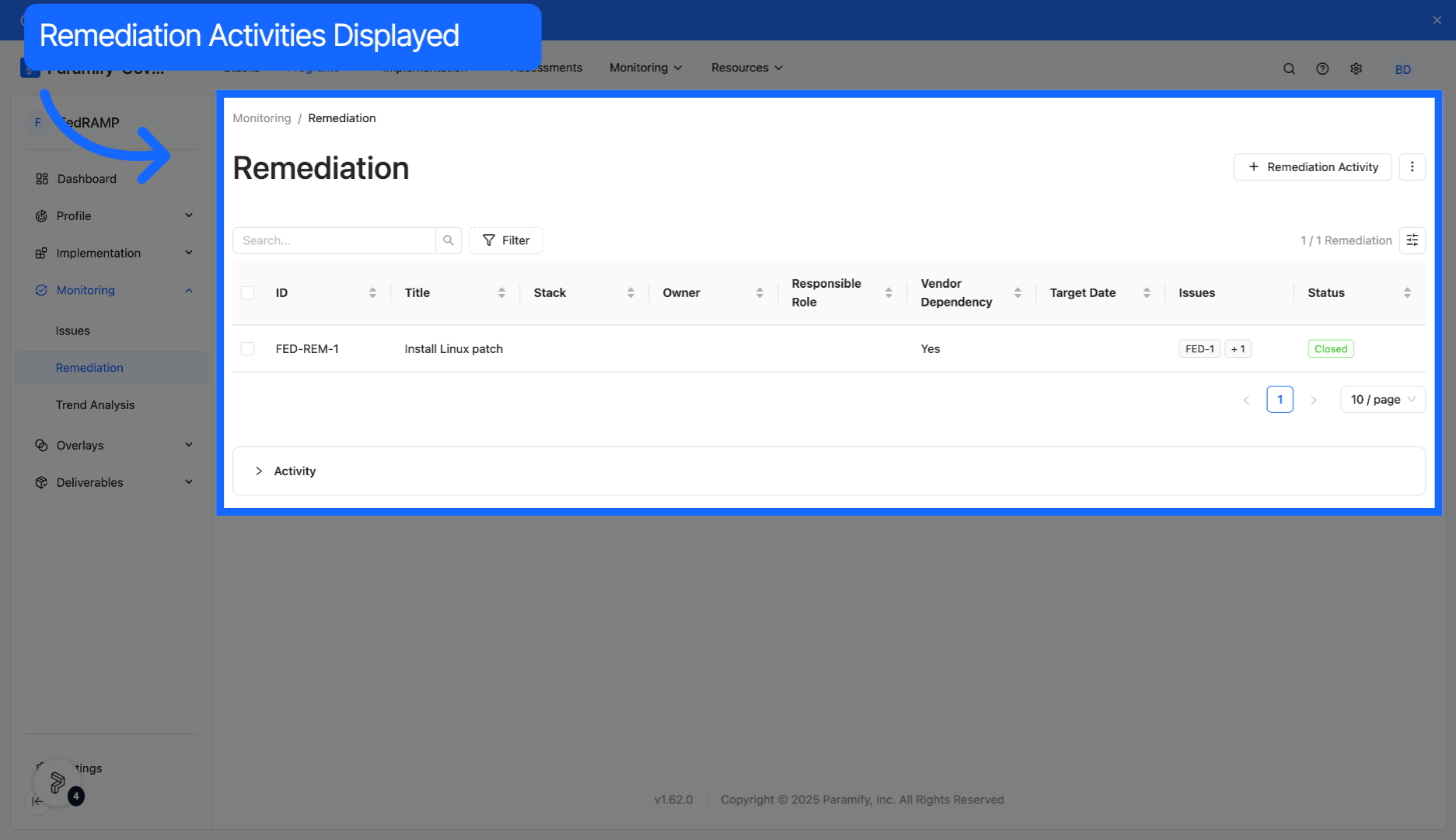
6. View remediations
Remediations for issues can be found and accessed on this page.
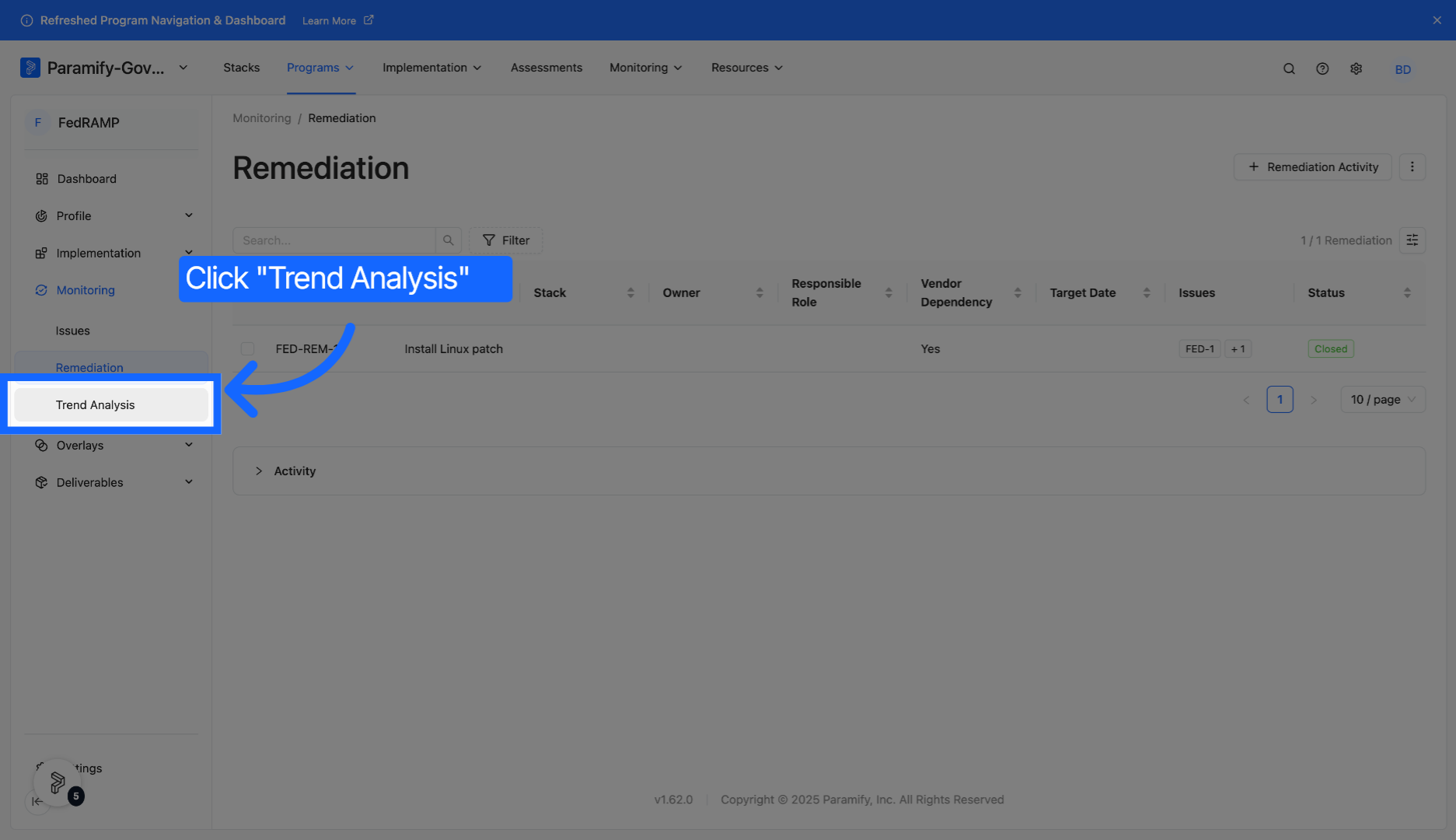
7. Open trend analysis
Click Trend Analysis to examine patterns and changes in issue occurrences over time.
8. View trends
Trends over time are available for a variety of metrics relating to issues and remediations.
You have successfully navigated Paramify's monitoring features to review and analyze issues and remediations.
Comments
0 comments
Please sign in to leave a comment.