
This tutorial will explain how to create an assessment and cycle in Paramify.
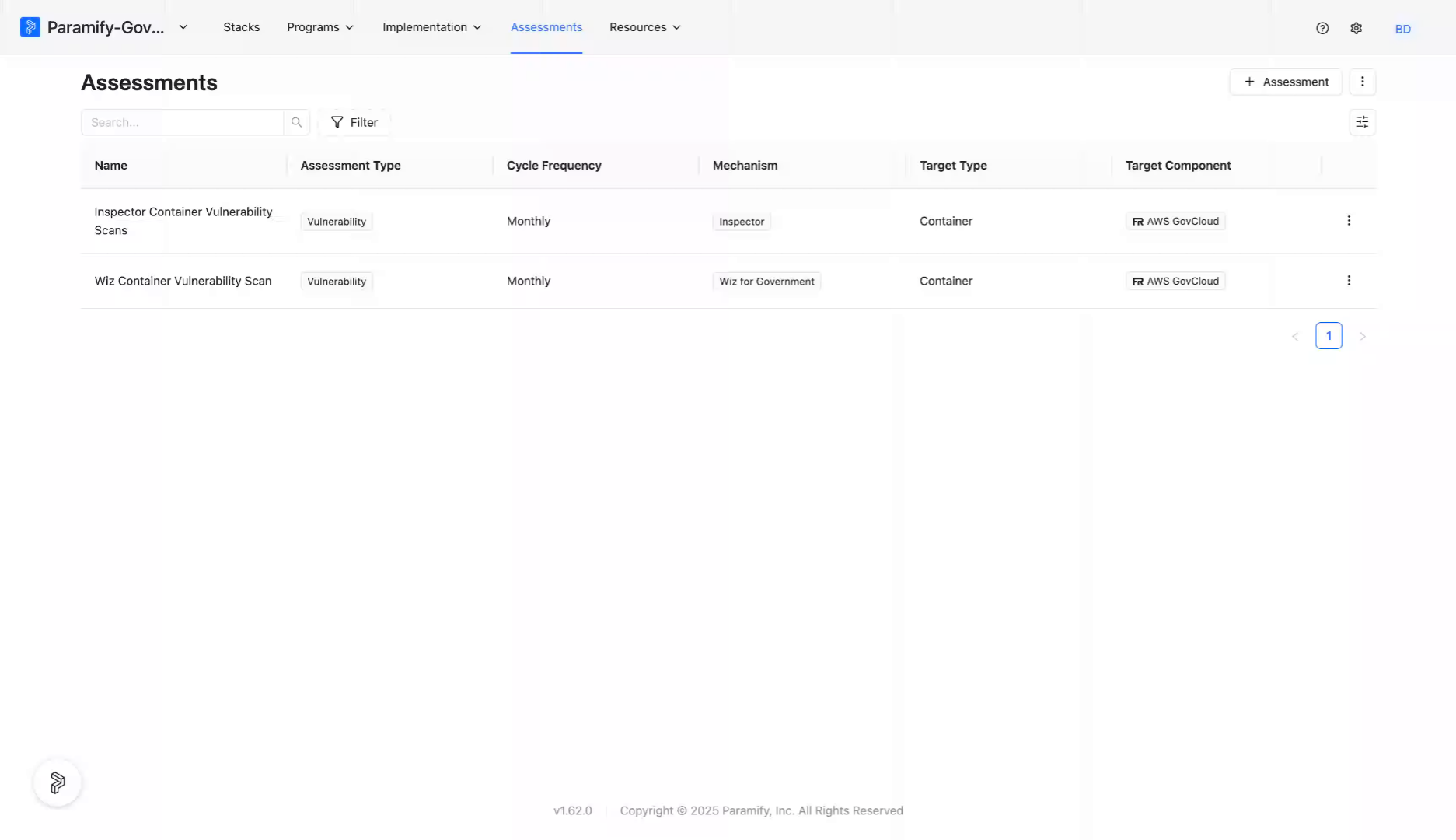
Under the Assessment Tab, Select "+ Assessment".
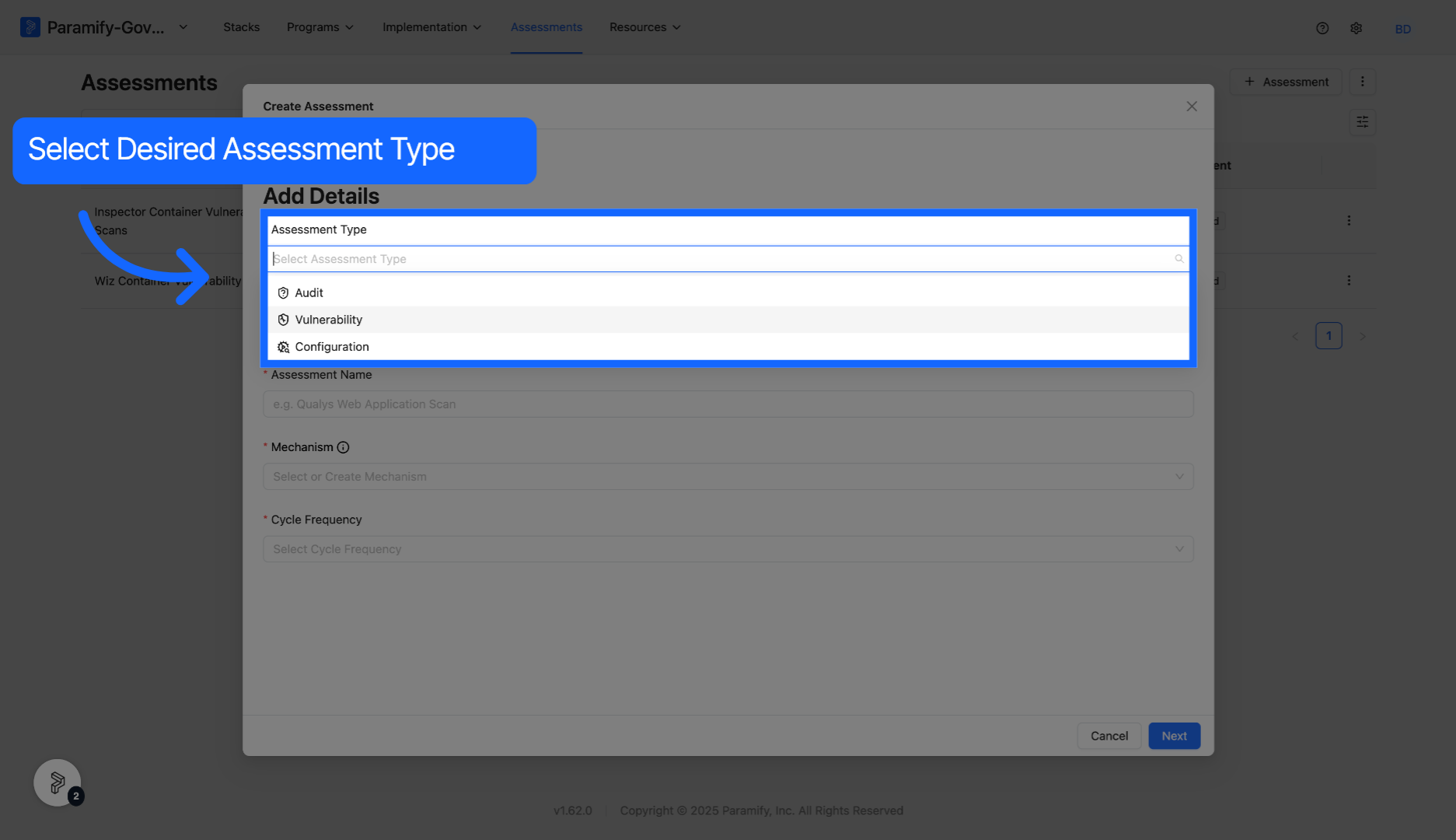
Select desired Assessment Type from the list of available options. While vulnerability and configuration assessments are most common, audit assessments are used to evaluate programs in Paramify.
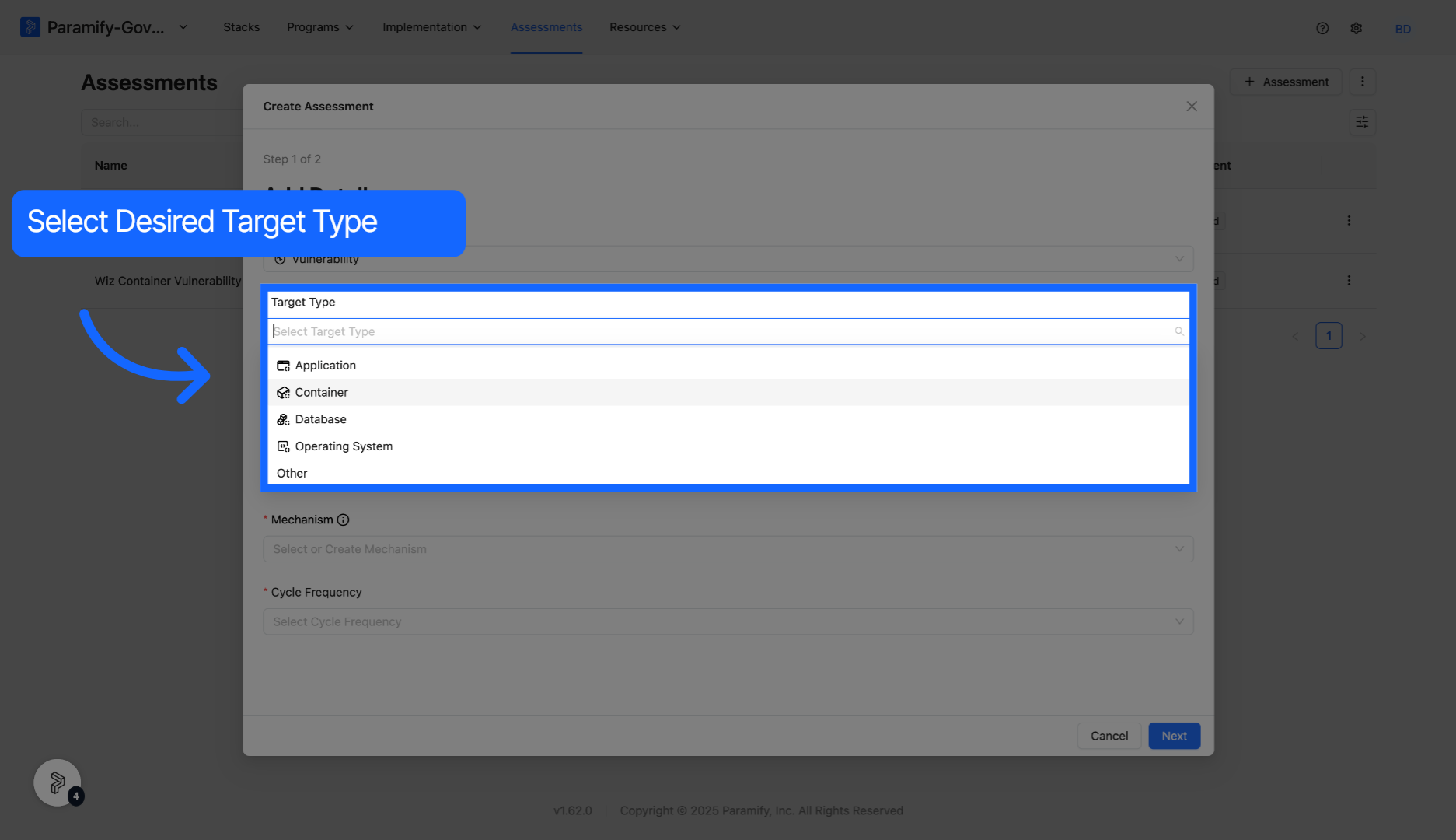
Select desired Target Type from the list of available options.
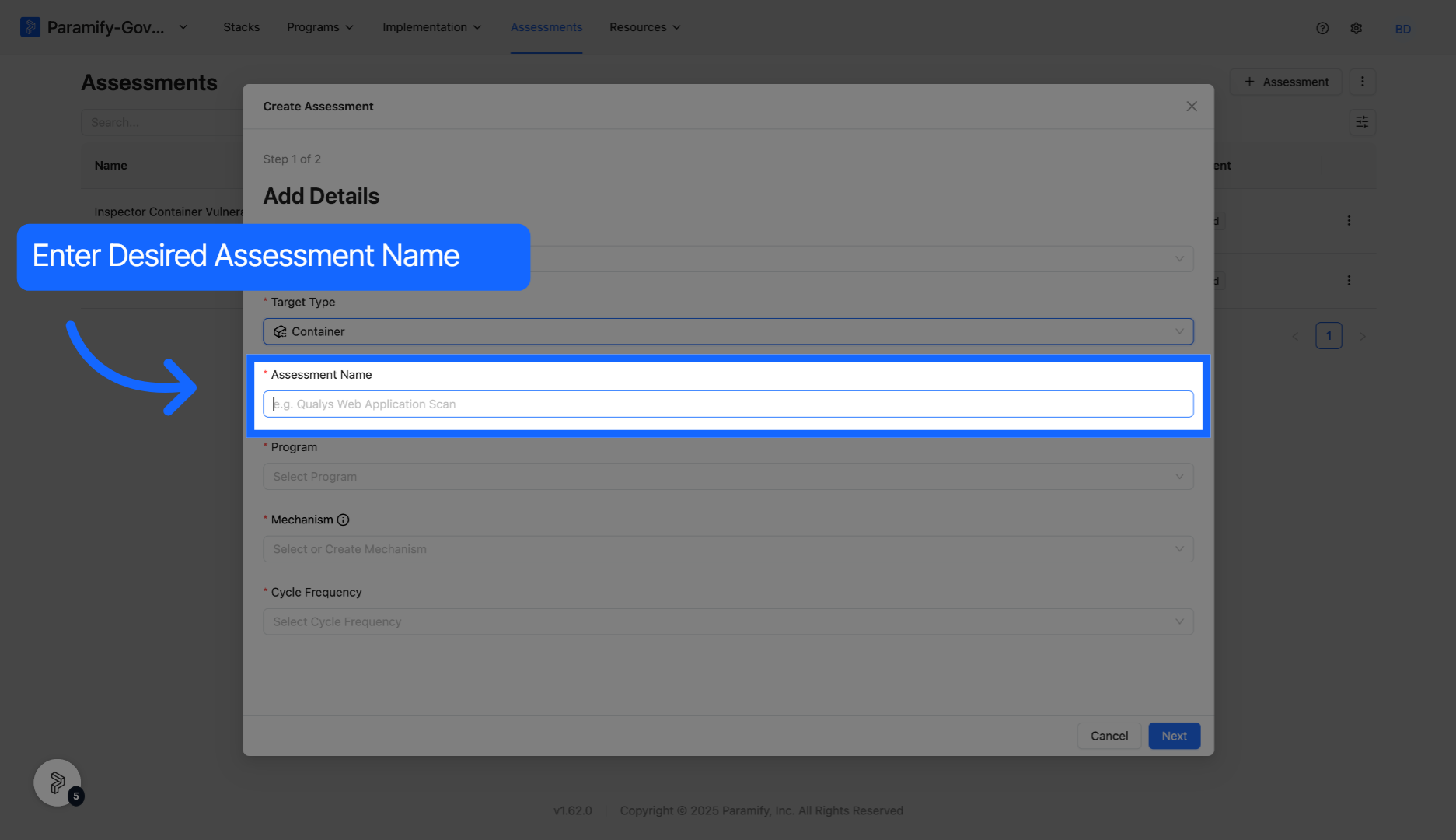
Enter desired name into the Assessment Name field.
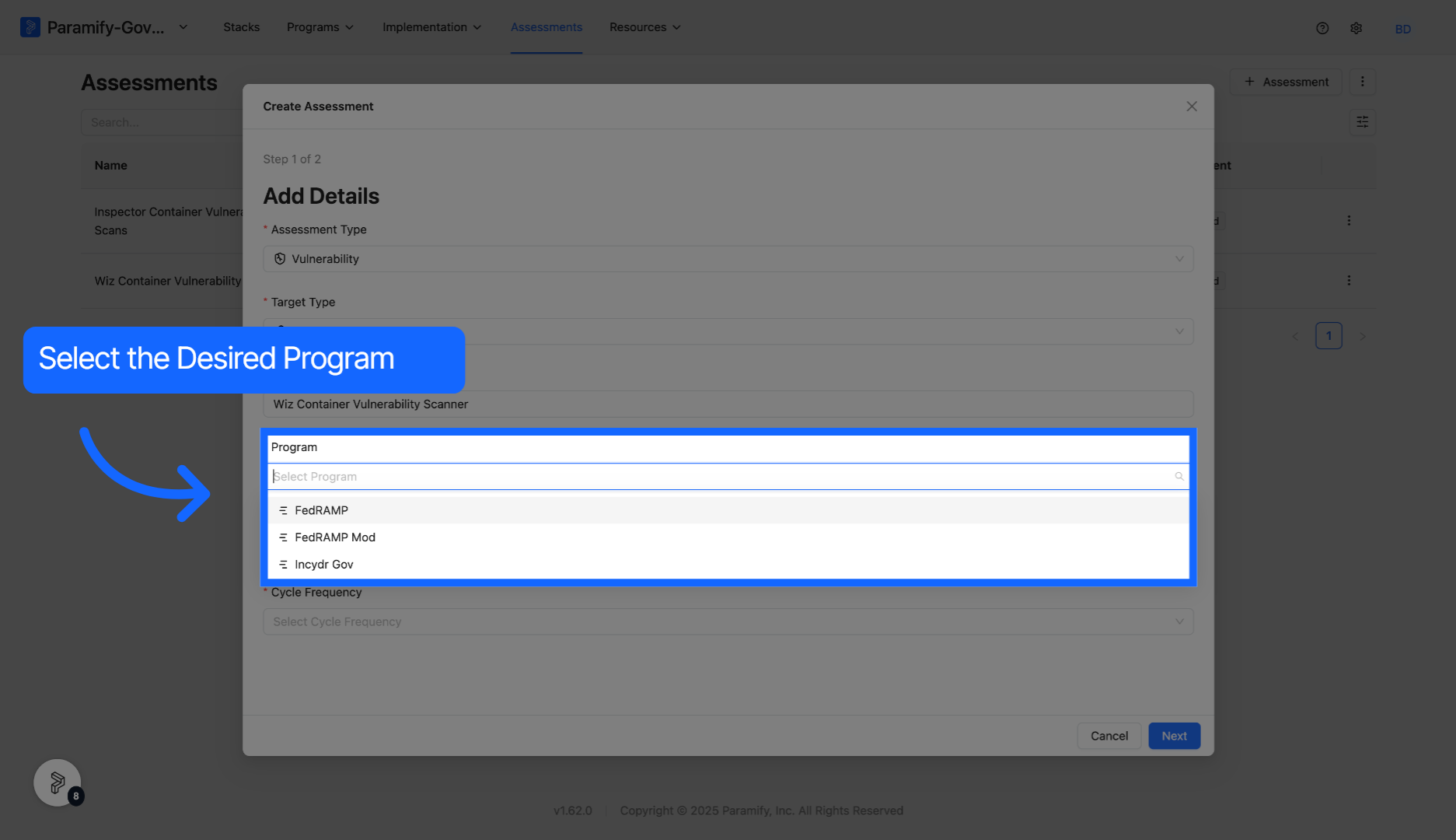
Select desired Program from the list in the dropdown.
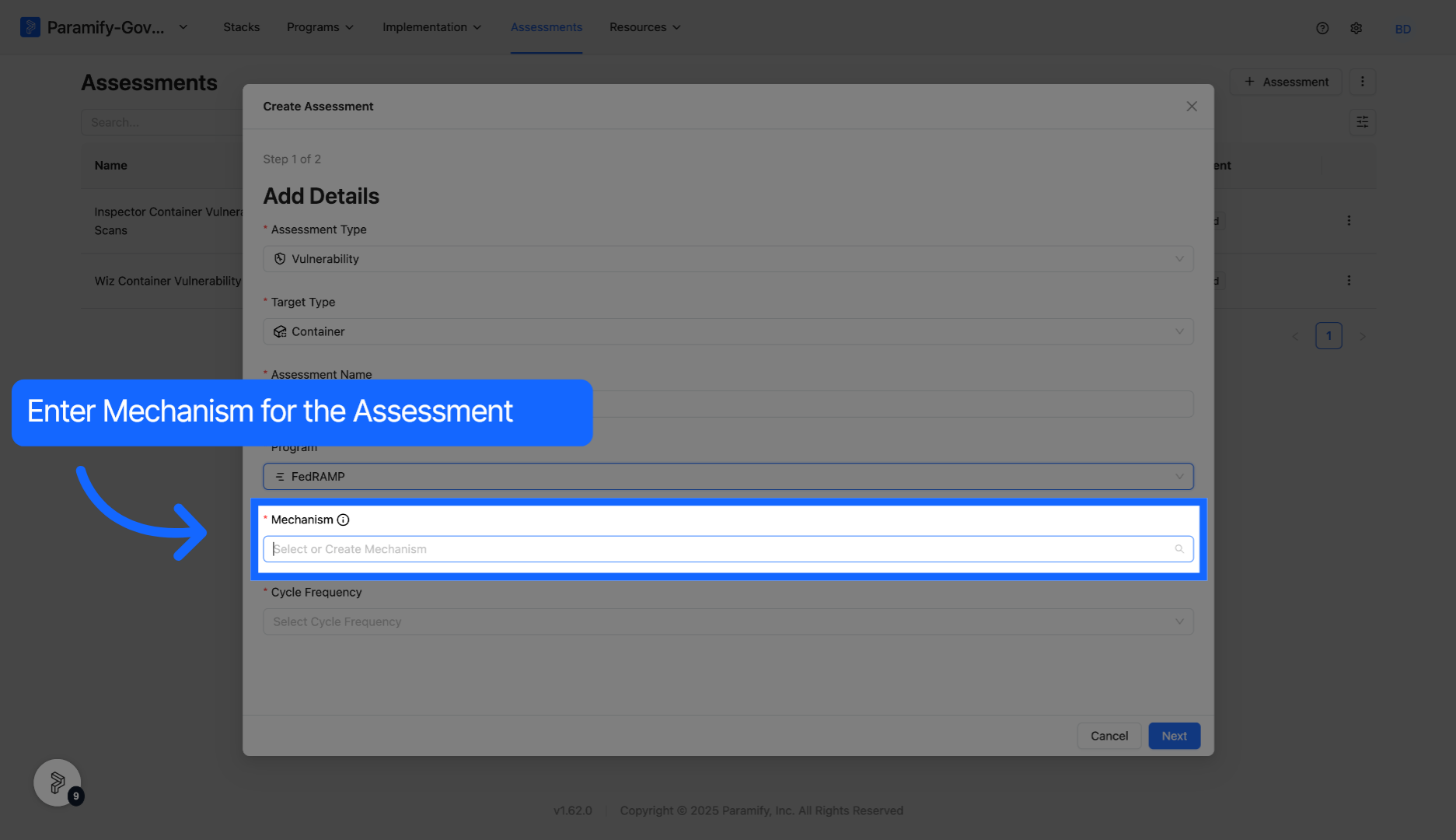
Enter mechanism for the assessment into the Mechanism field. Mechanisms are the tool you are using to perform the assessment (Qualys, AWS Inspector, etc).
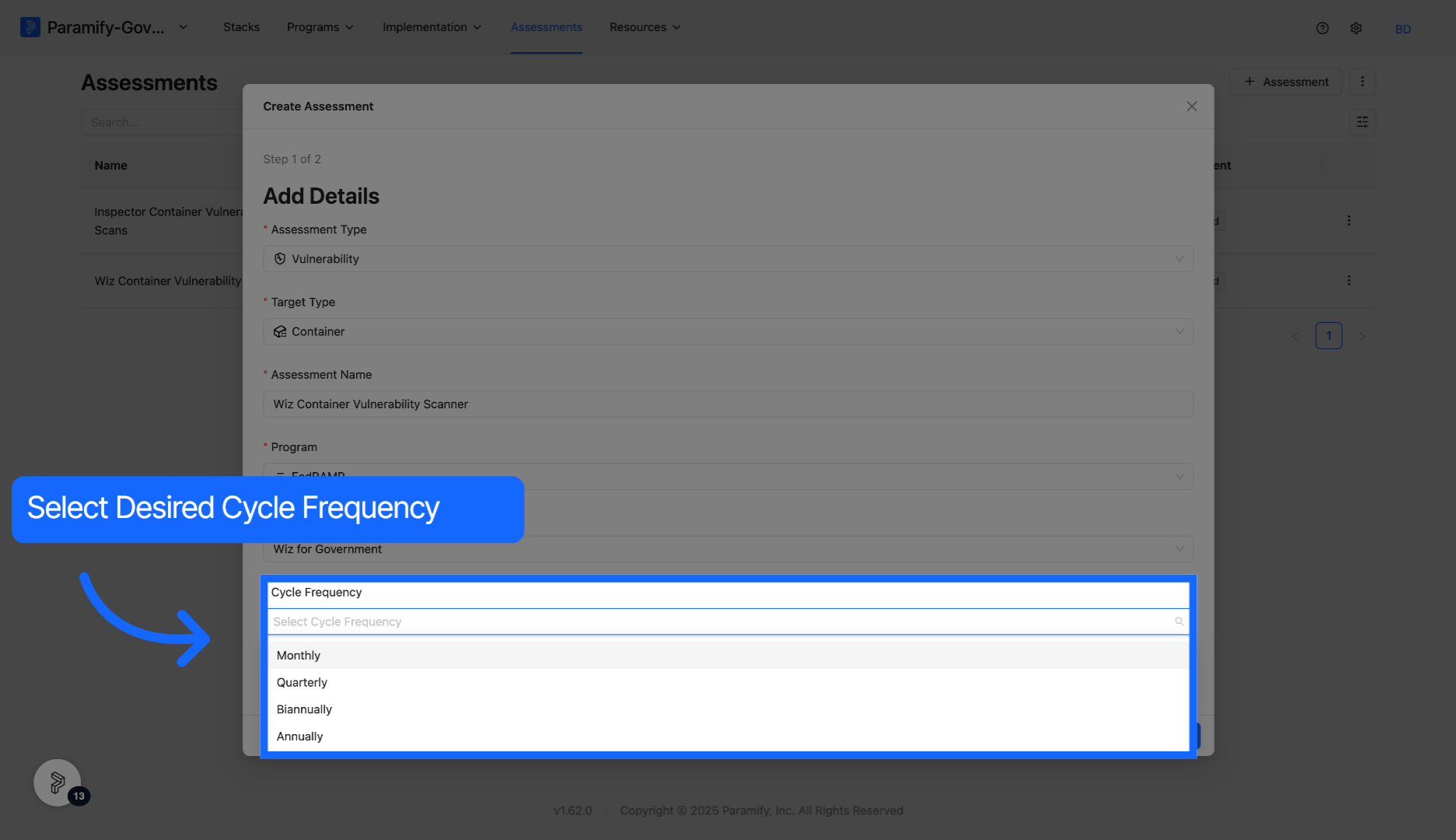
Select desired Cycle Frequency from the dropdown.
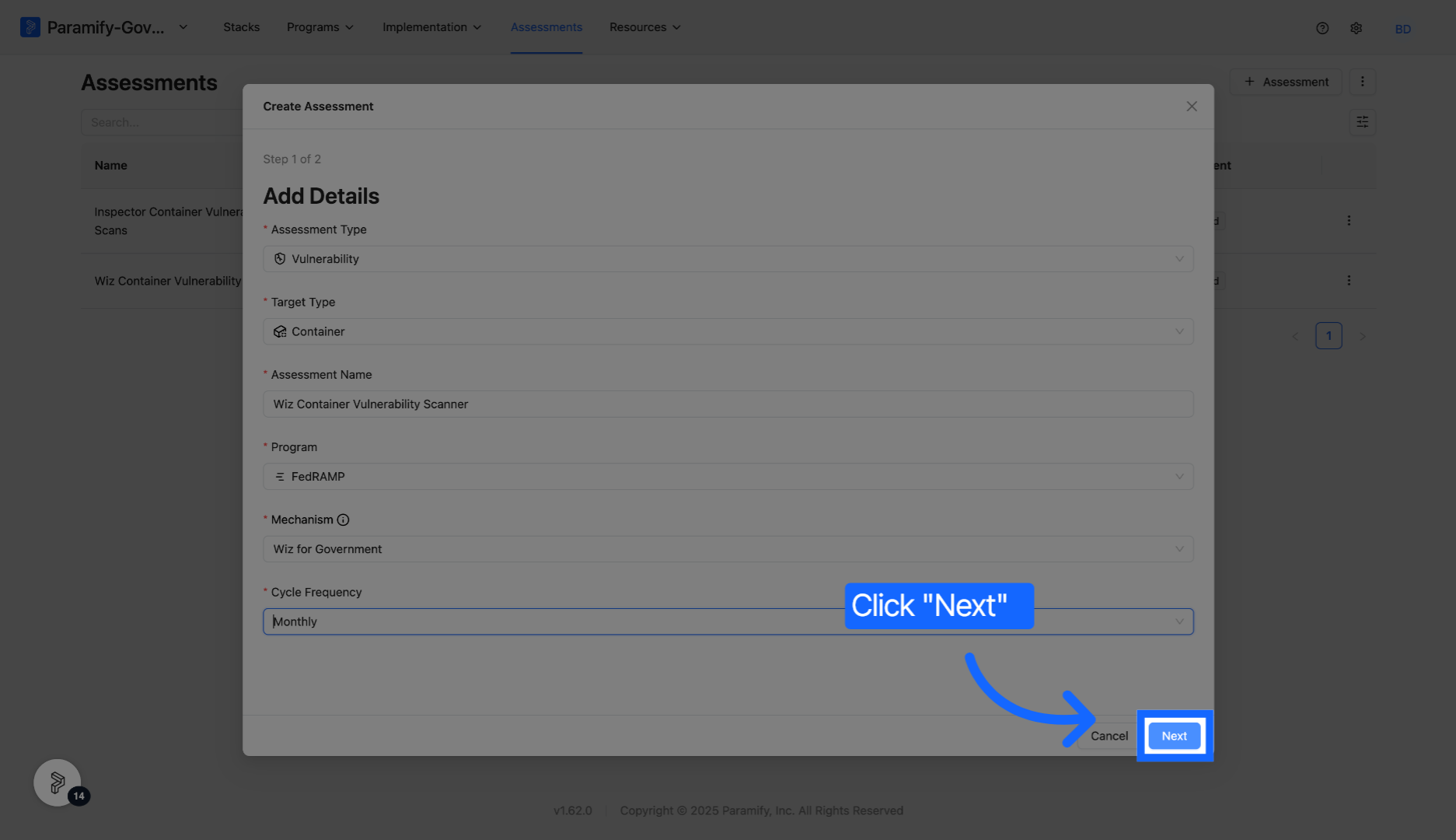
Click Next to continue to the following configuration screen.
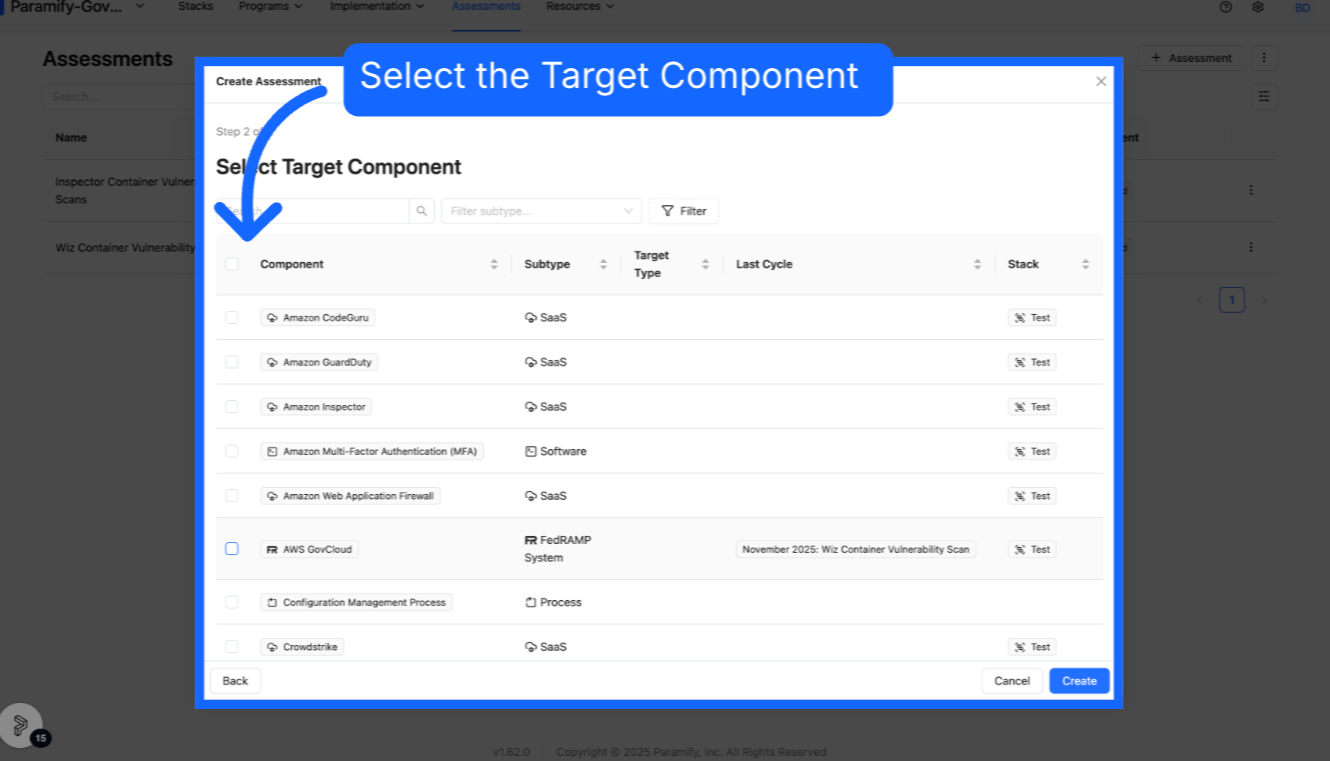
Select desired Target Component from the given list. The target component is the component that you wish to perform the assessment on.
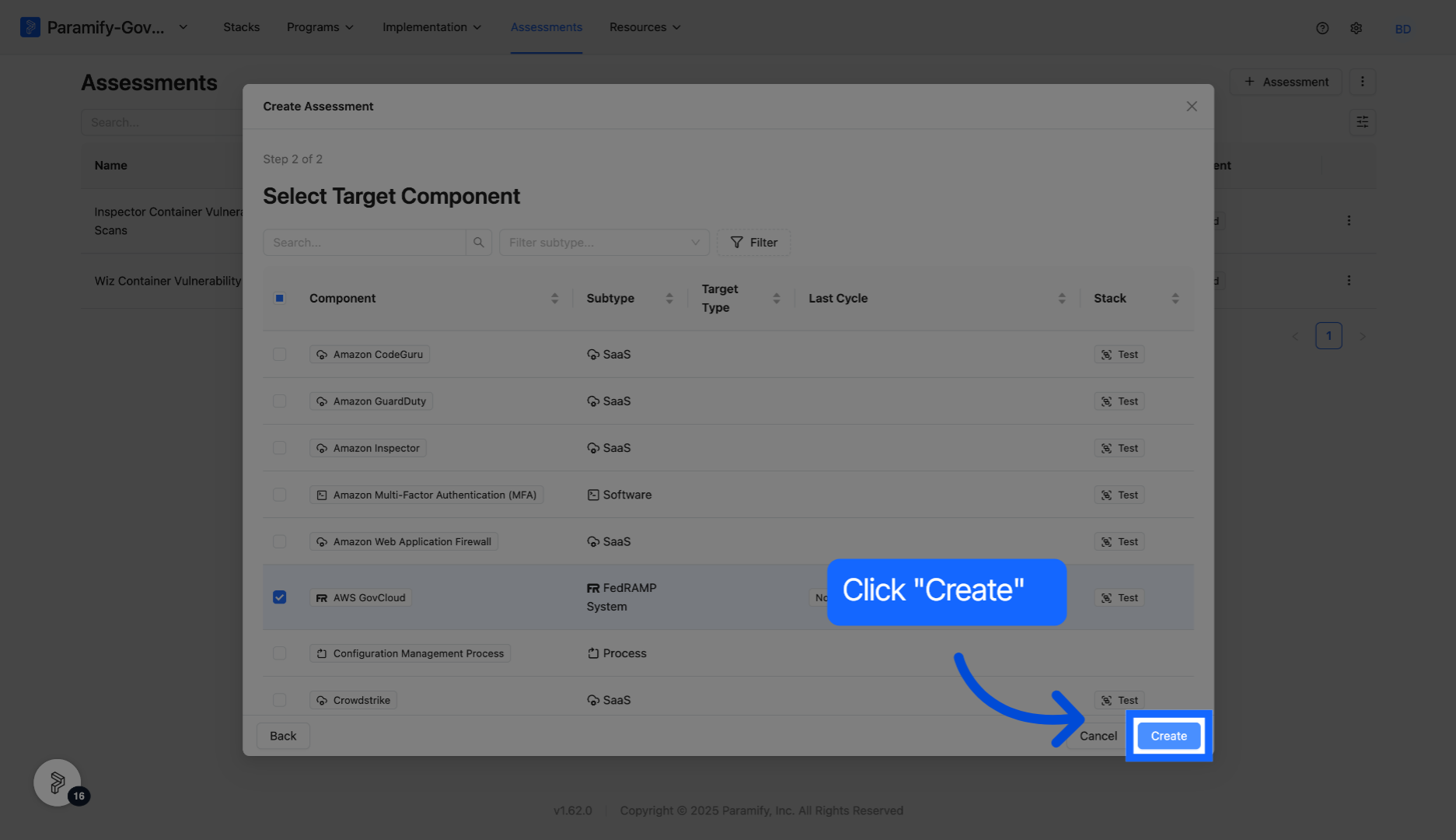
Click Create to save your assessment setup and proceed.
Congratulations, you have now created an assessment in Paramify.
Comments
0 comments
Please sign in to leave a comment.