
This guide will walk you through the process of accessing and using the Paramify API Documentation which contains all Paramify API endpoints in OpenAPI spec. 3.1.
1. Introduction
To start, login at app.paramify.com
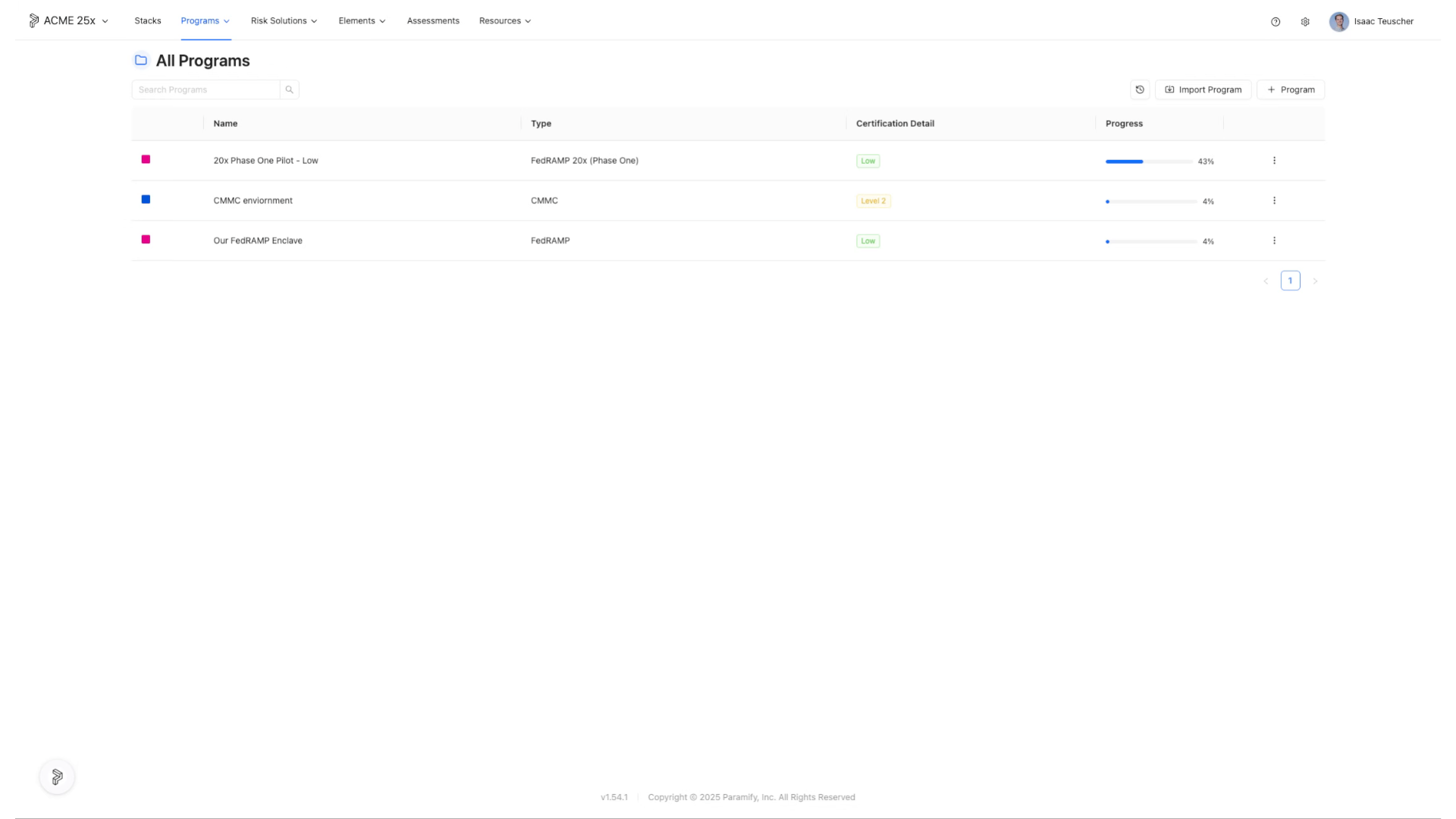
2. Click the Help (?) button
Click the Help (?) button
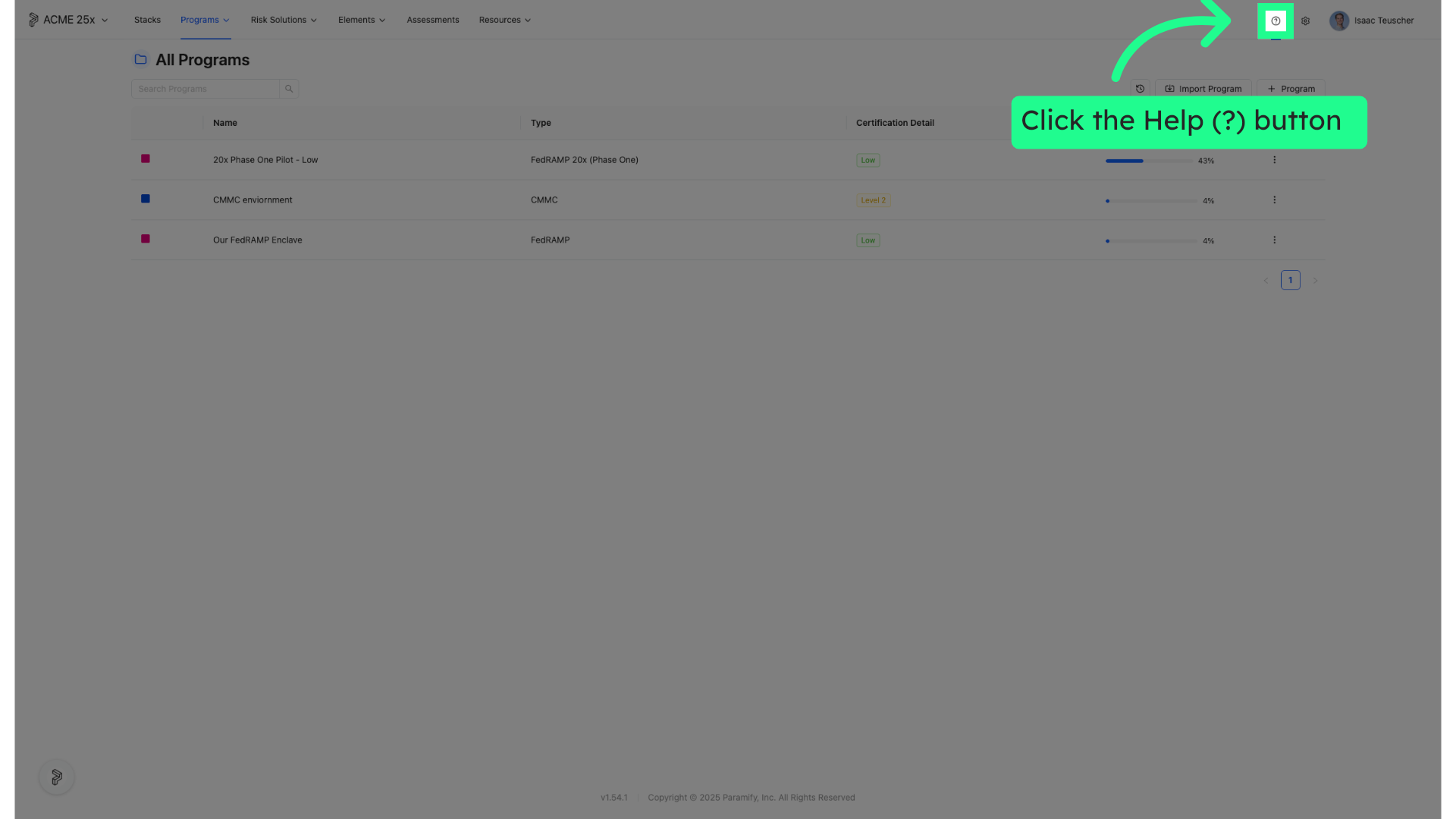
3. Click "API Documentation"
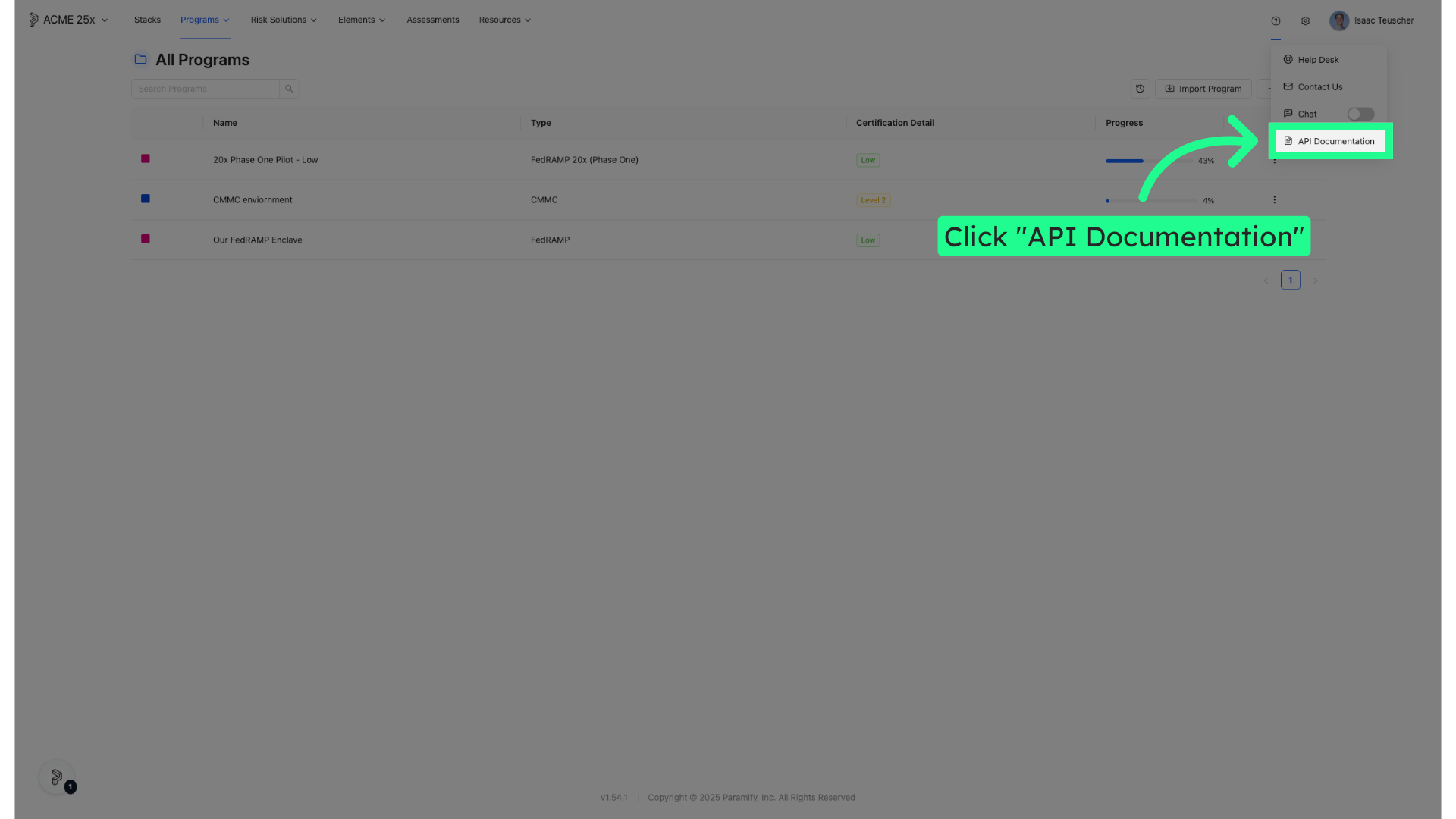
4. API Documentation URL
https://app.paramify.com/api/documentation/
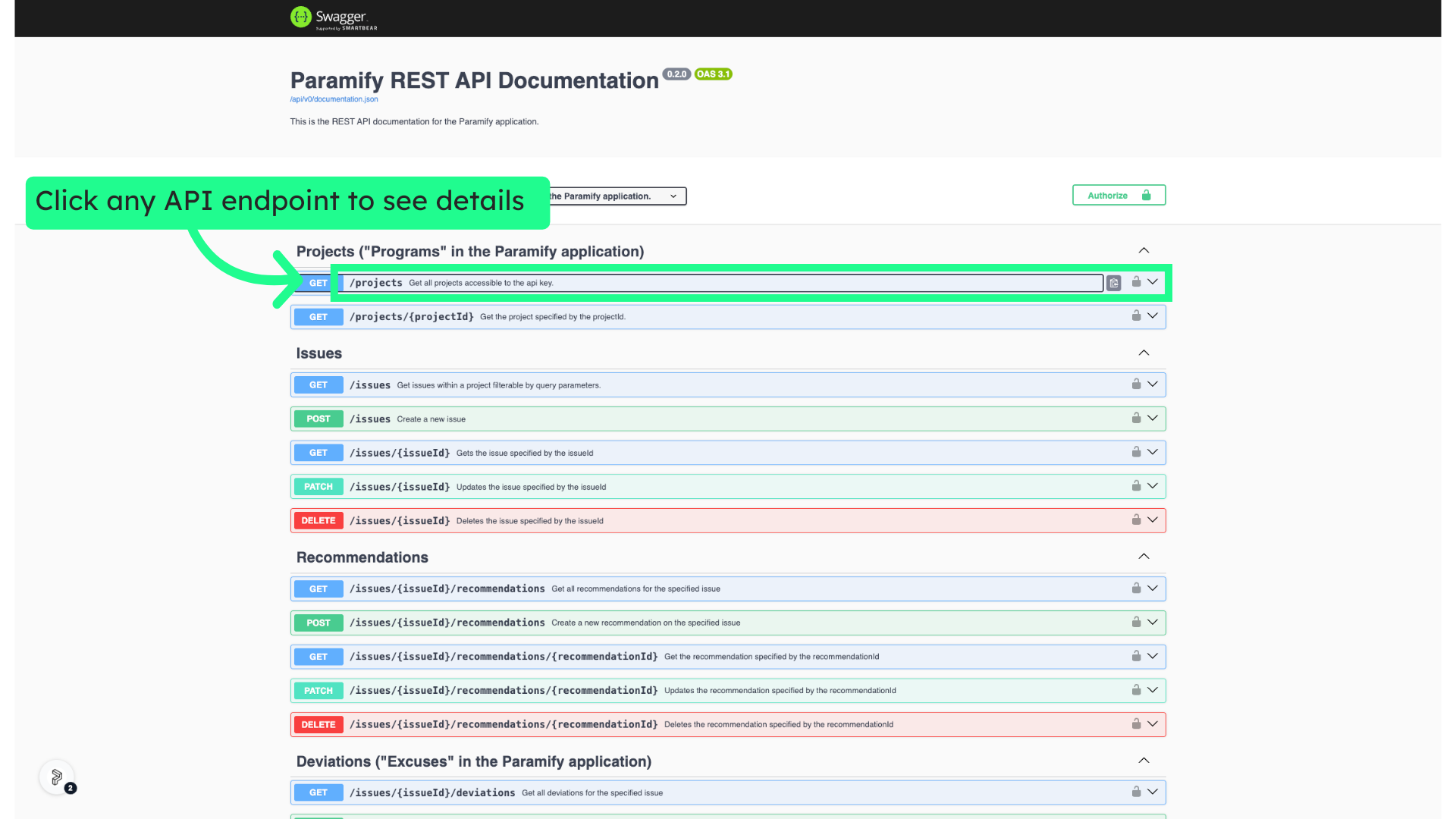
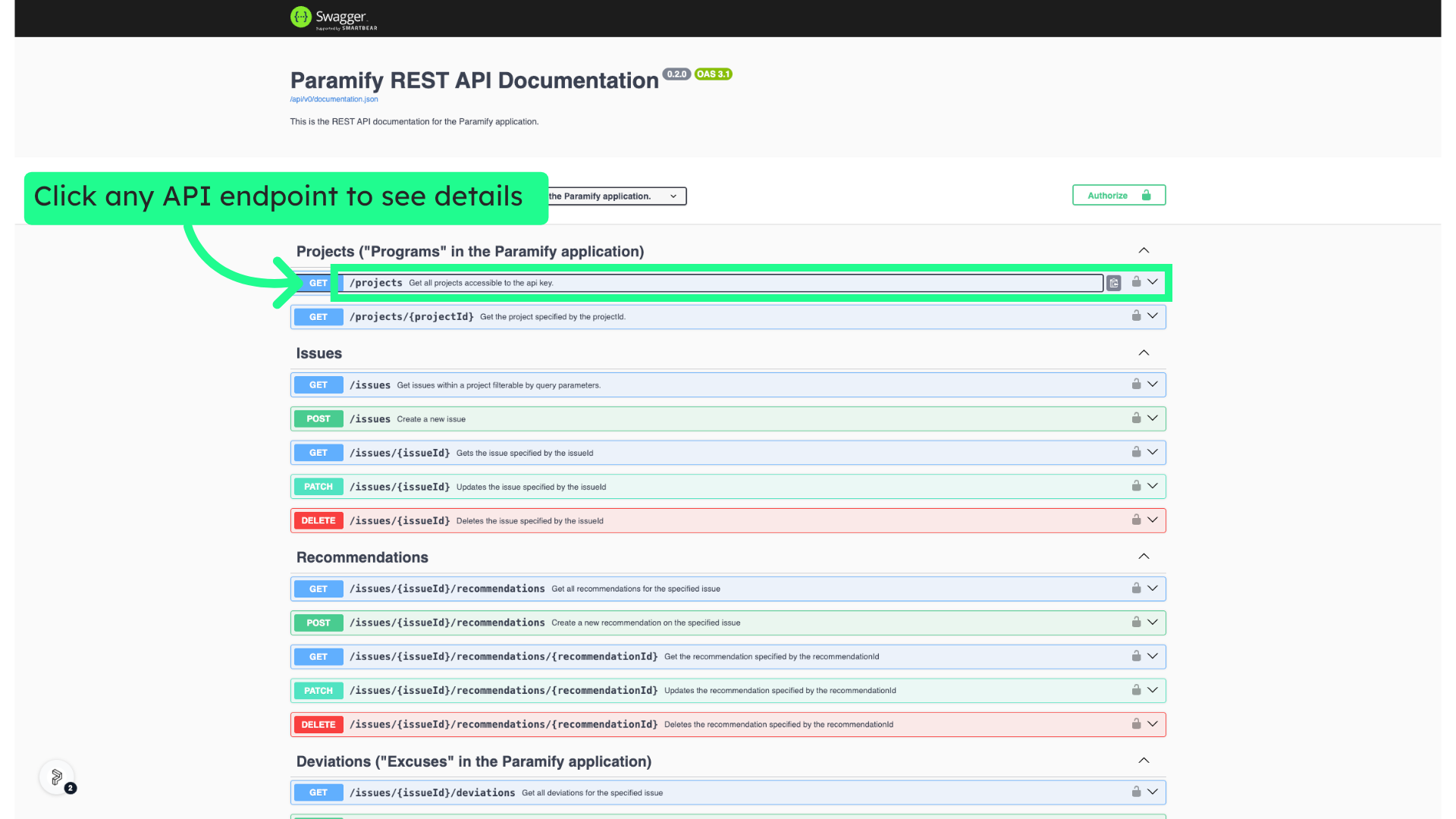
5. Click any API endpoint to see details
Click any API endpoint to see details
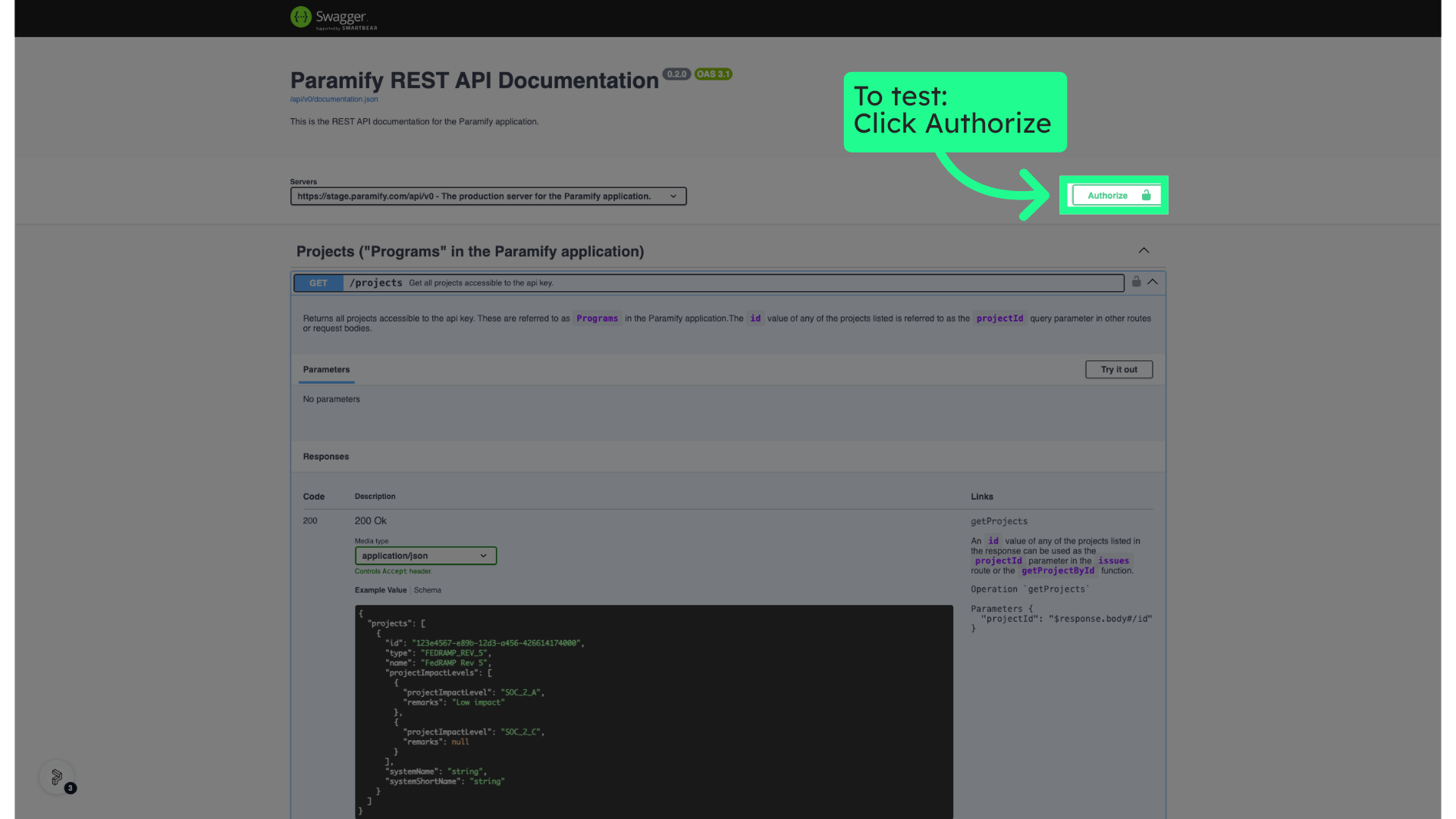
6. To test: Click Authorize
Click the Authorize button
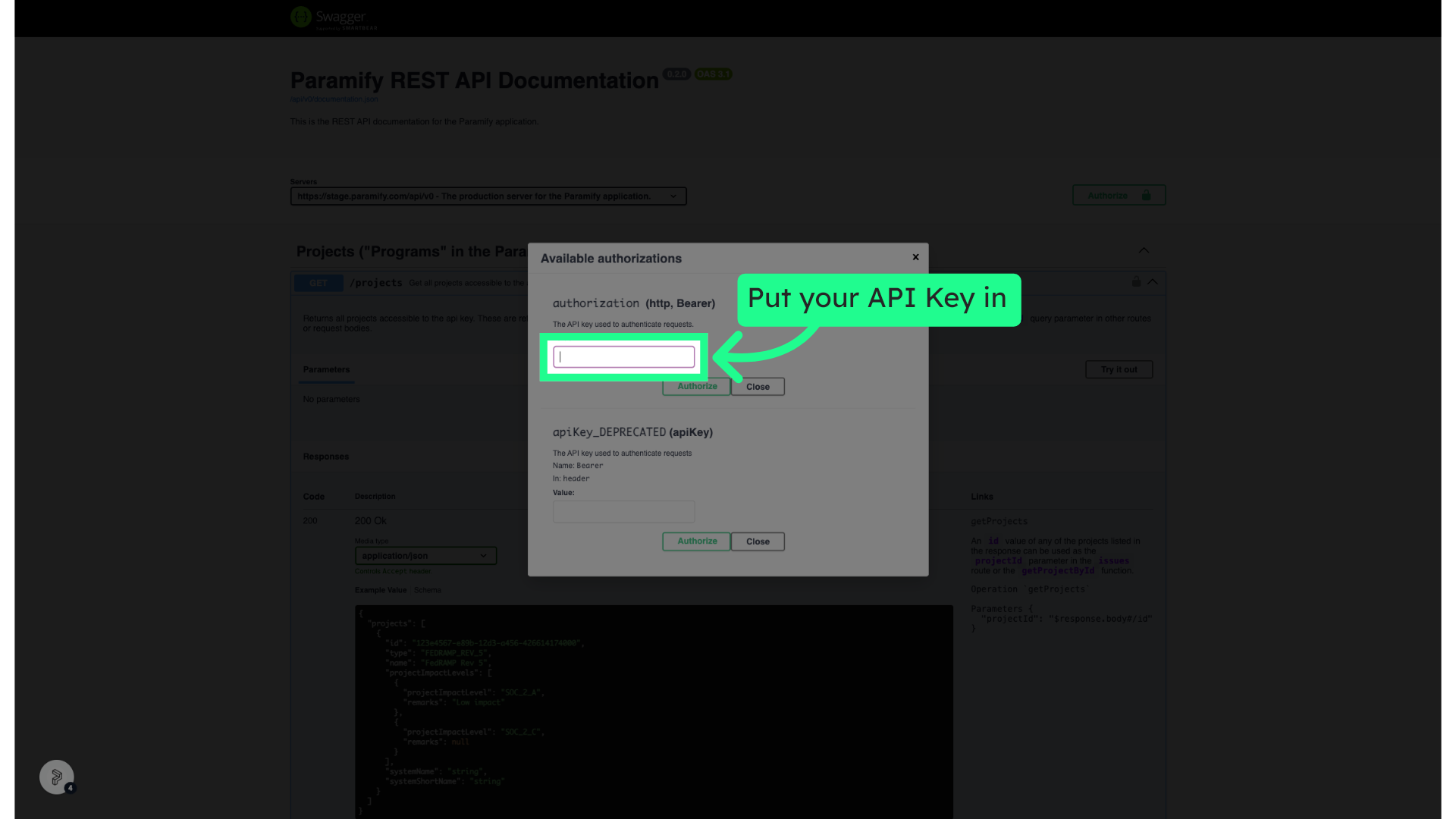
7. Put your API Key in here
Paste your API Key in the "Value:" box
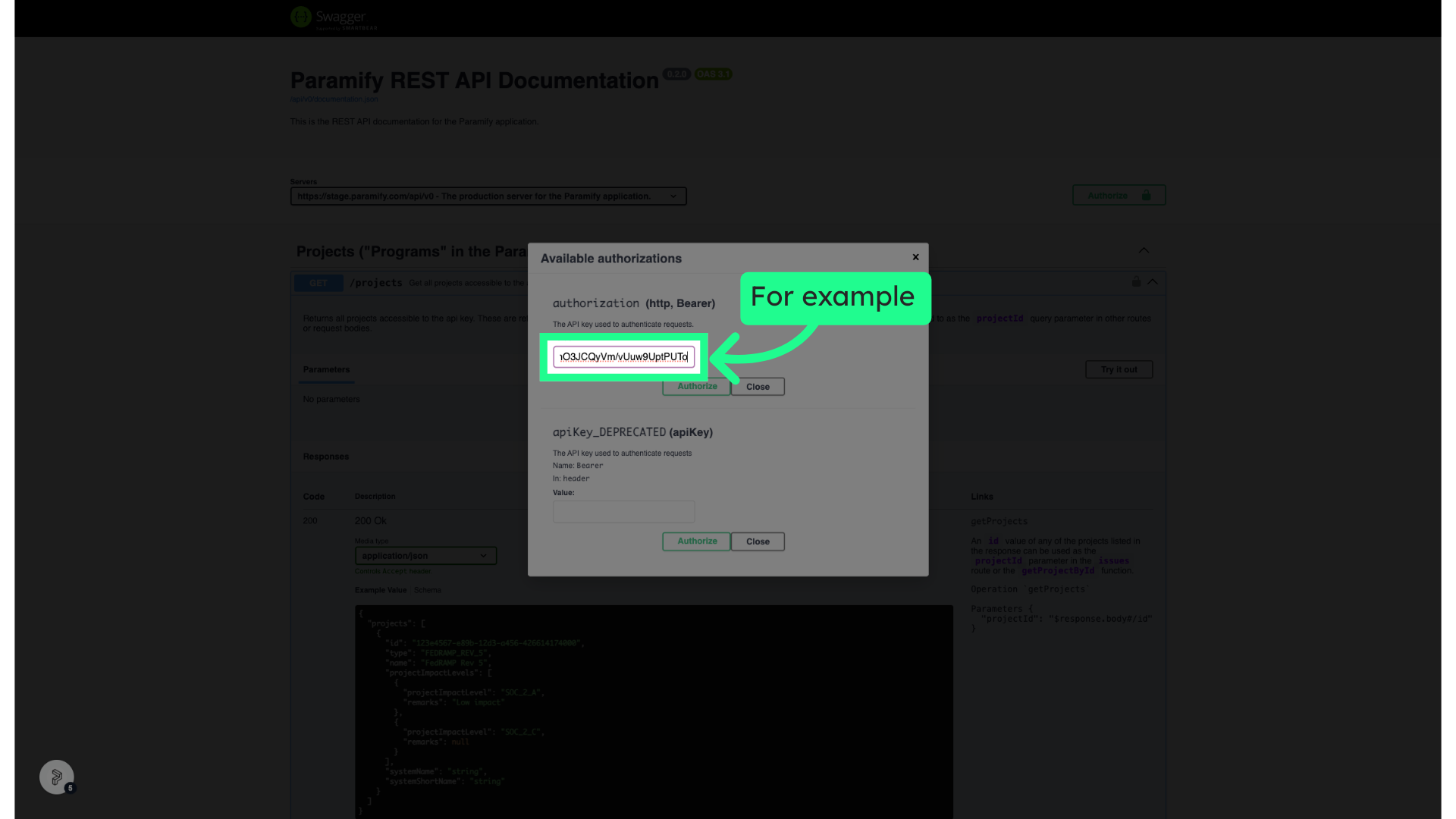
8. For example
Fill in your API Key
9. Click "Apply credentials"
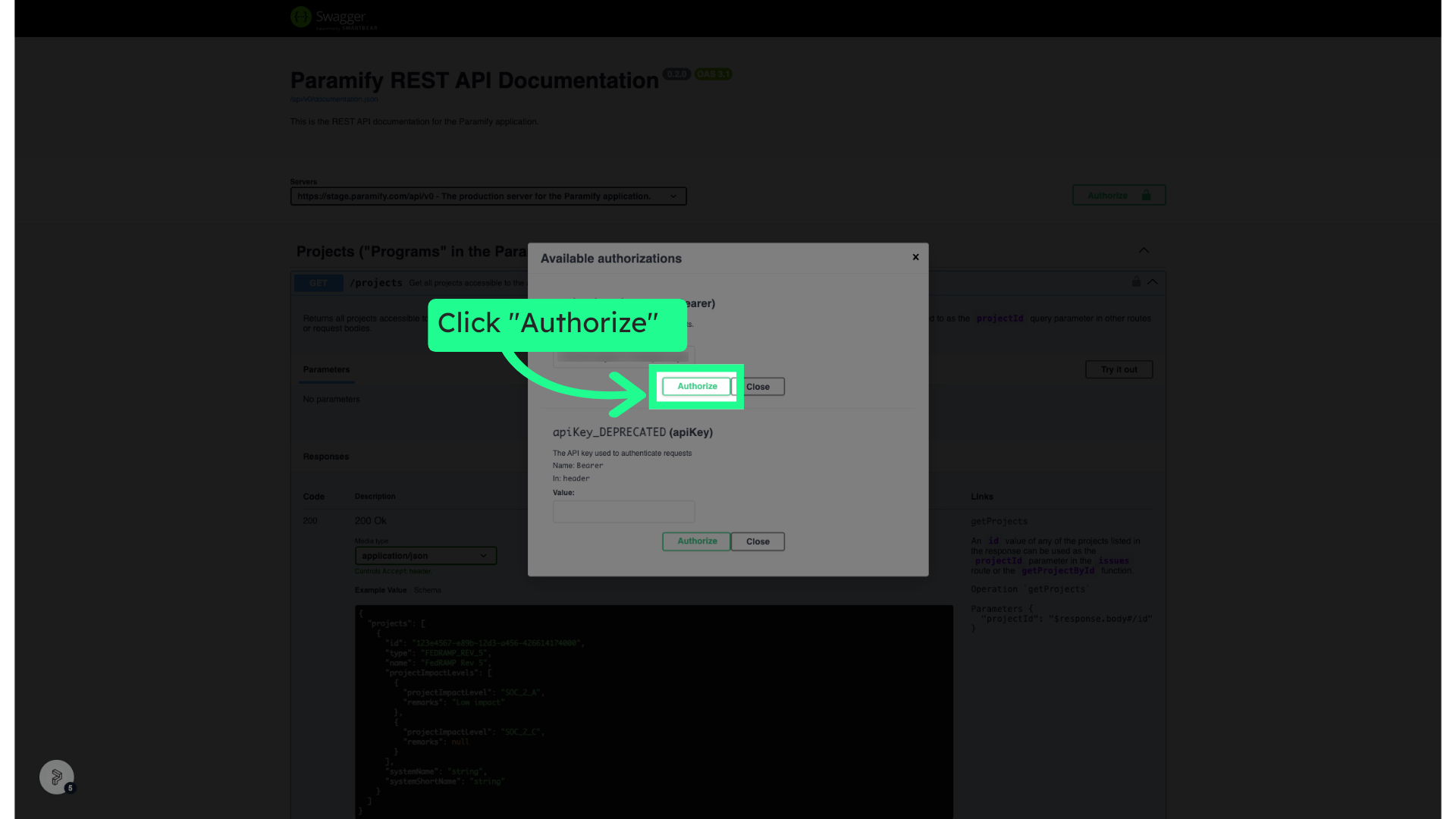
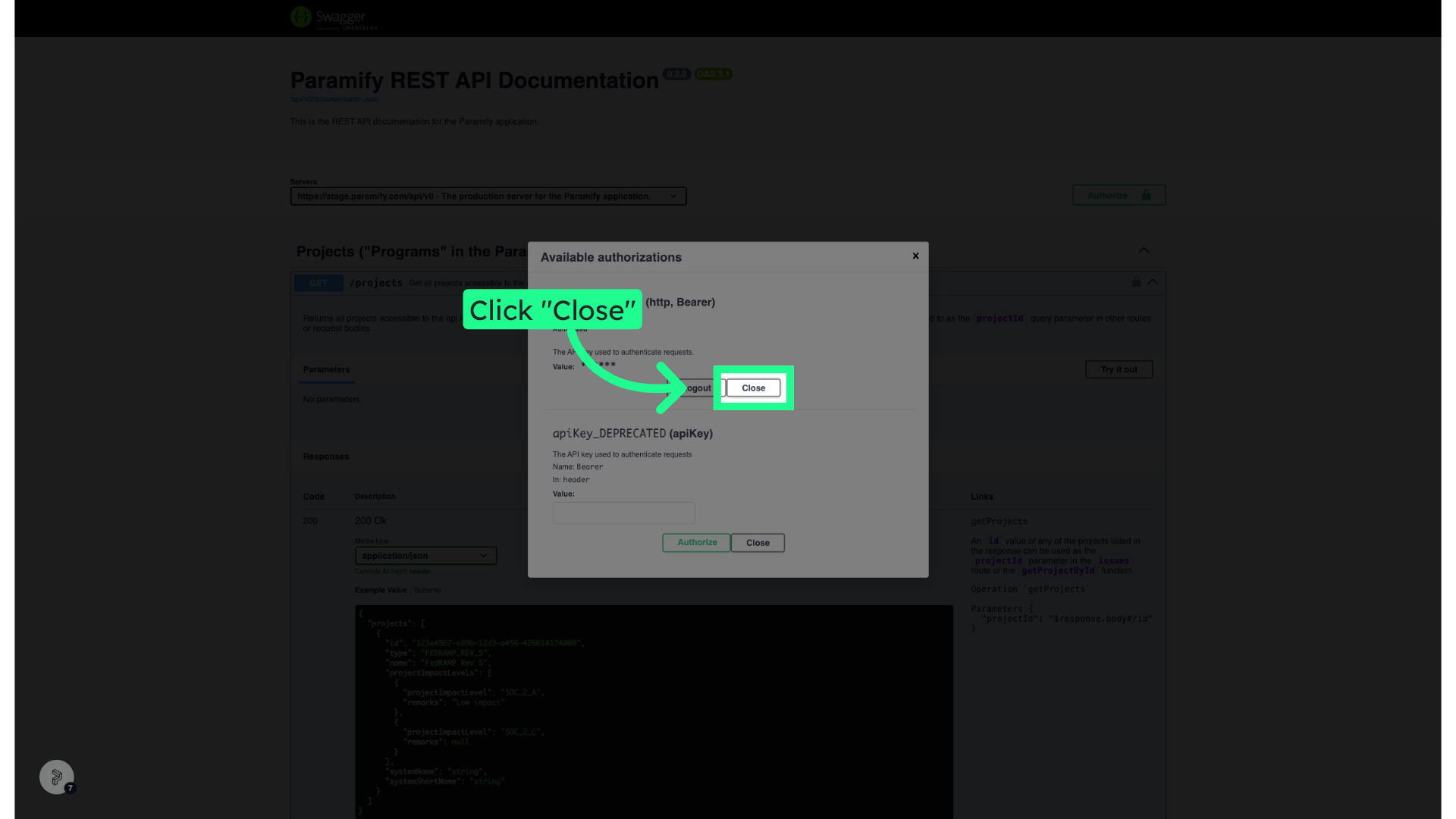
10. Click "Close"
11. Click any API endpoint to see details
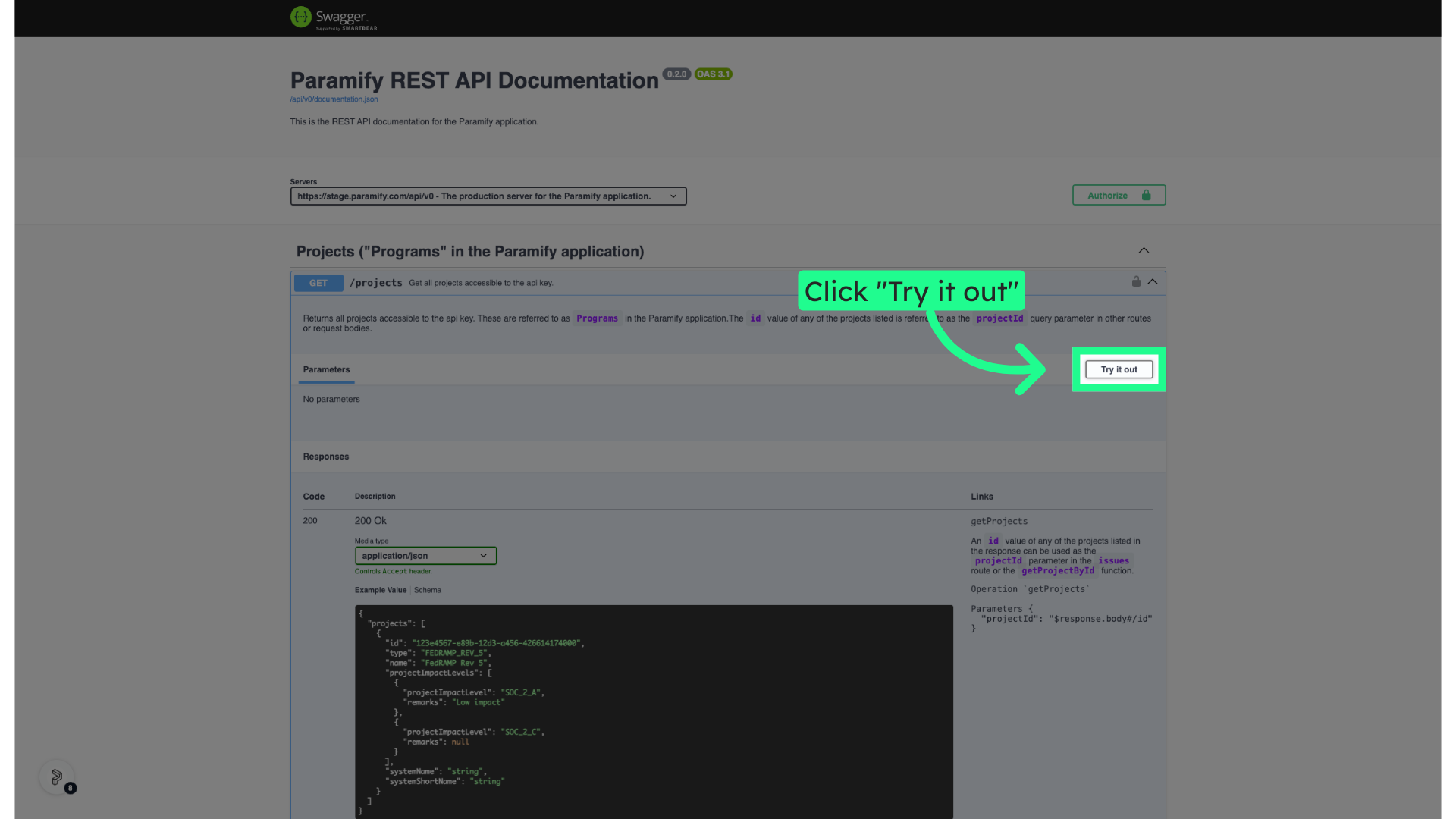
12. Click "Try it out"
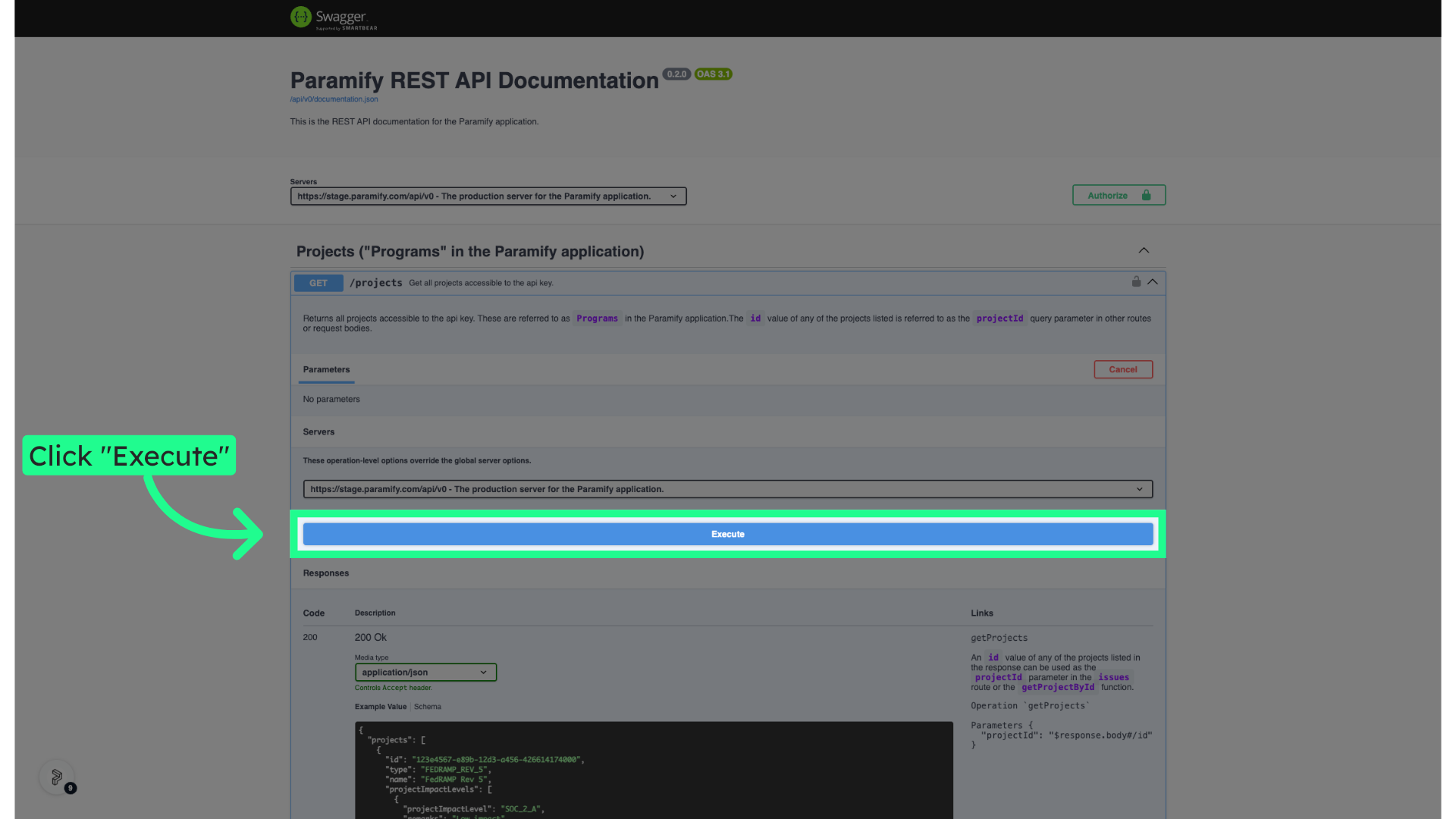
13. Click "Execute"
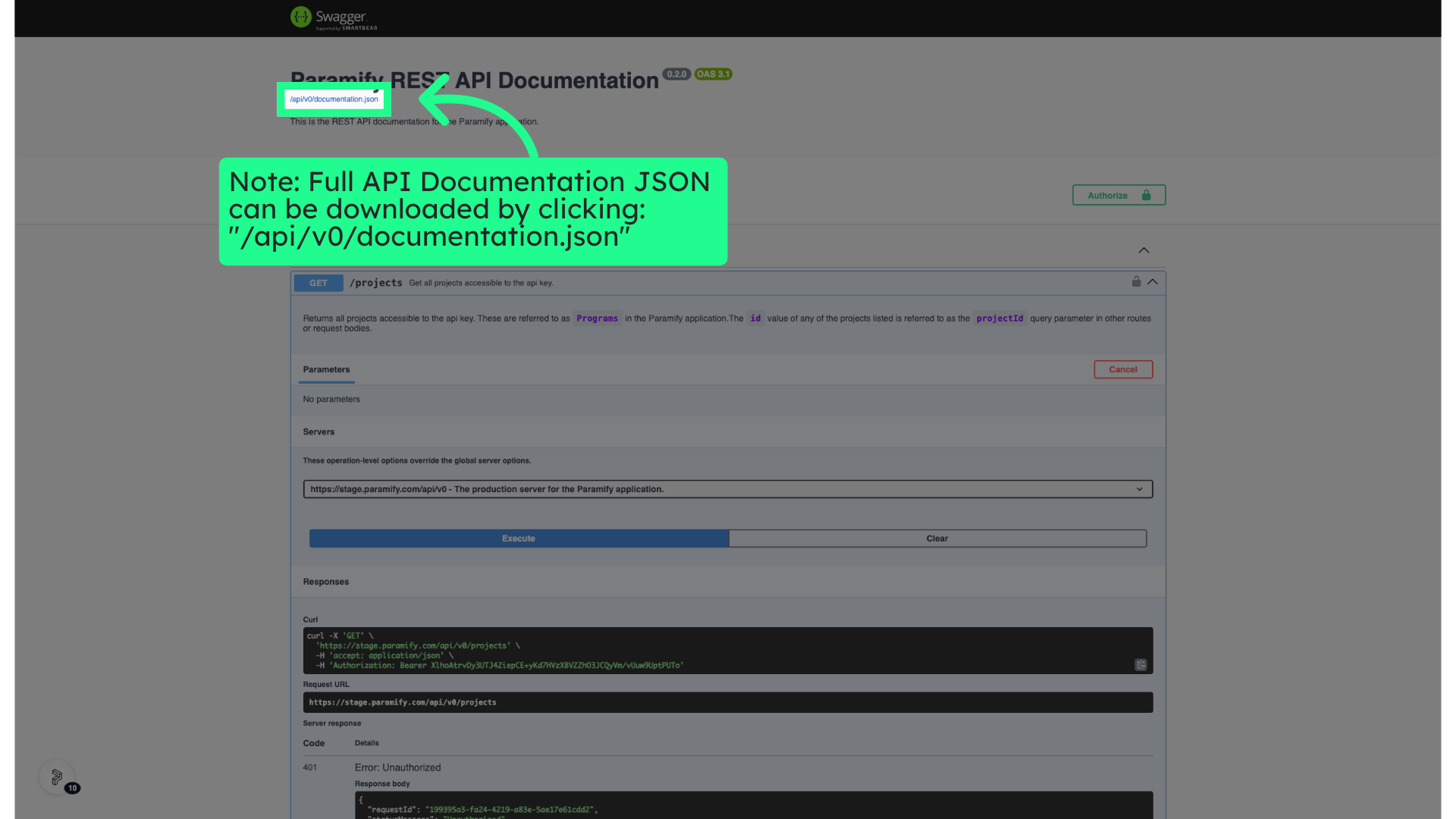
14. Note: Full API Documentation JSON can be downloaded by clicking: "/api/v0/documentation.json"
Click the selected location
This guide covered the steps to access and use the Paramify API Documentation.
Comments
0 comments
Please sign in to leave a comment.