
Learn how to streamline your compliance documentation by manually uploading evidence into an Artifact Channel.
Open the Evidence Set
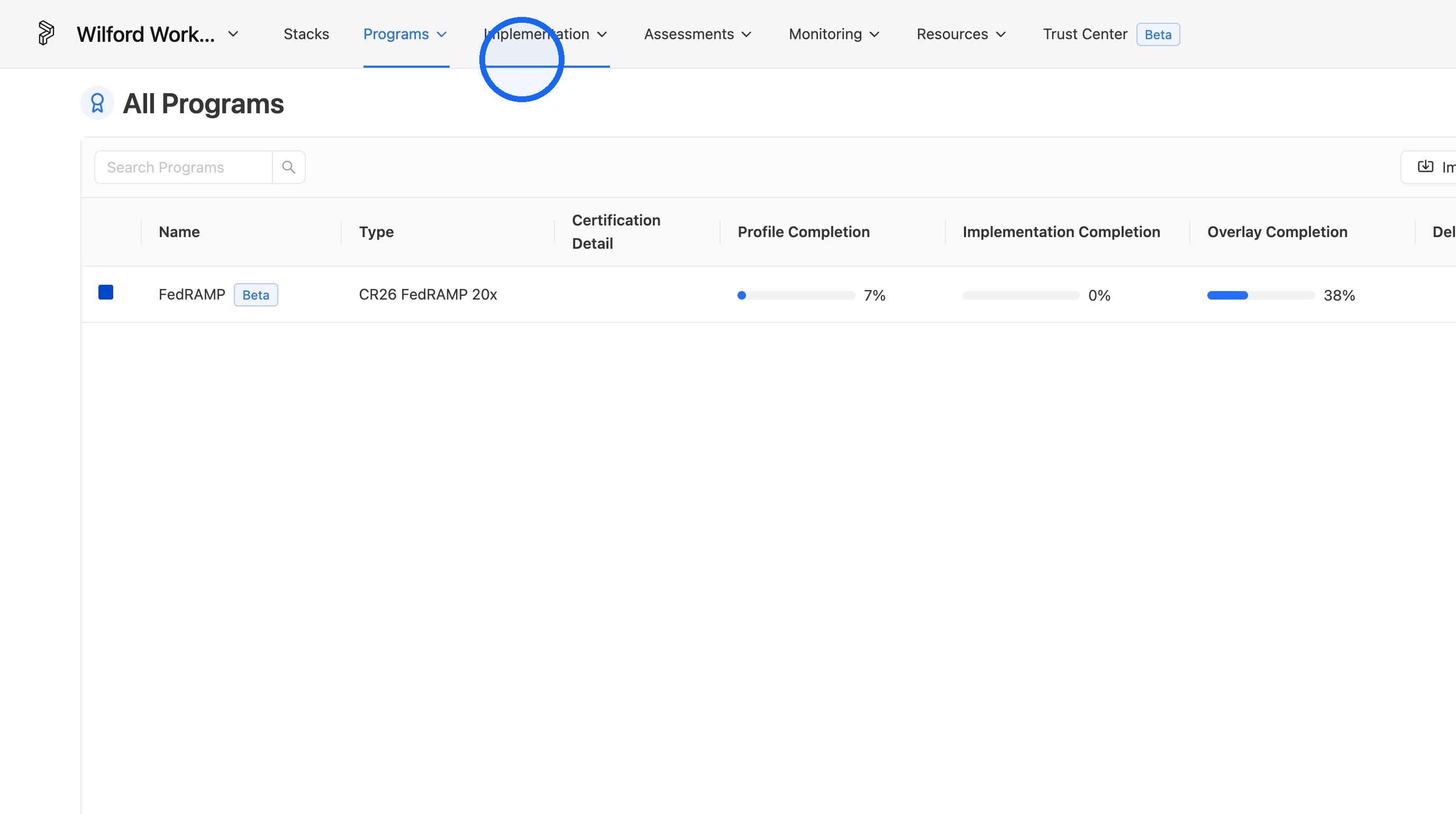
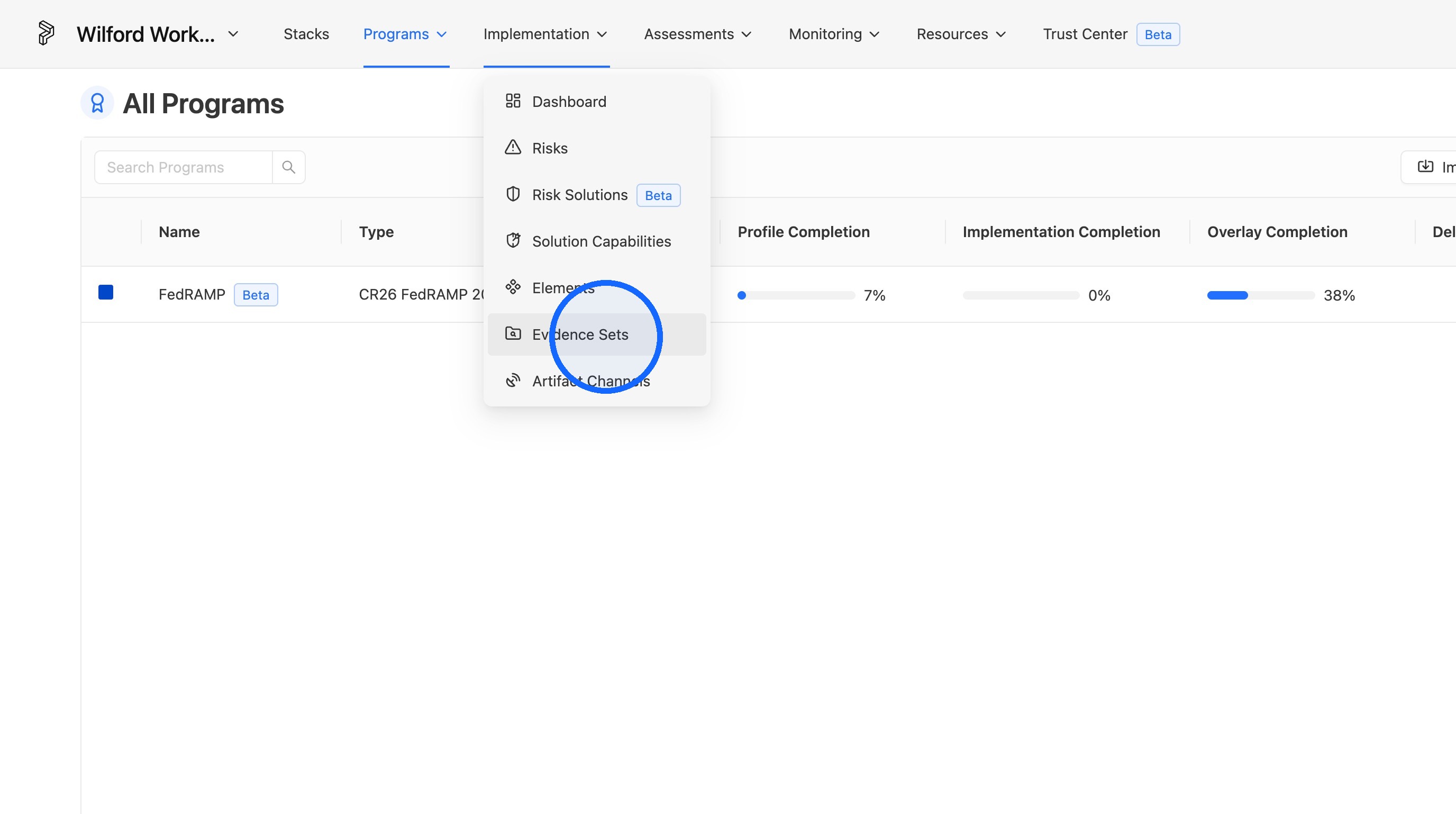
1. Navigate to Implementation > Evidence Set
From the main navigation, go to Implementation, then select Evidence Set.
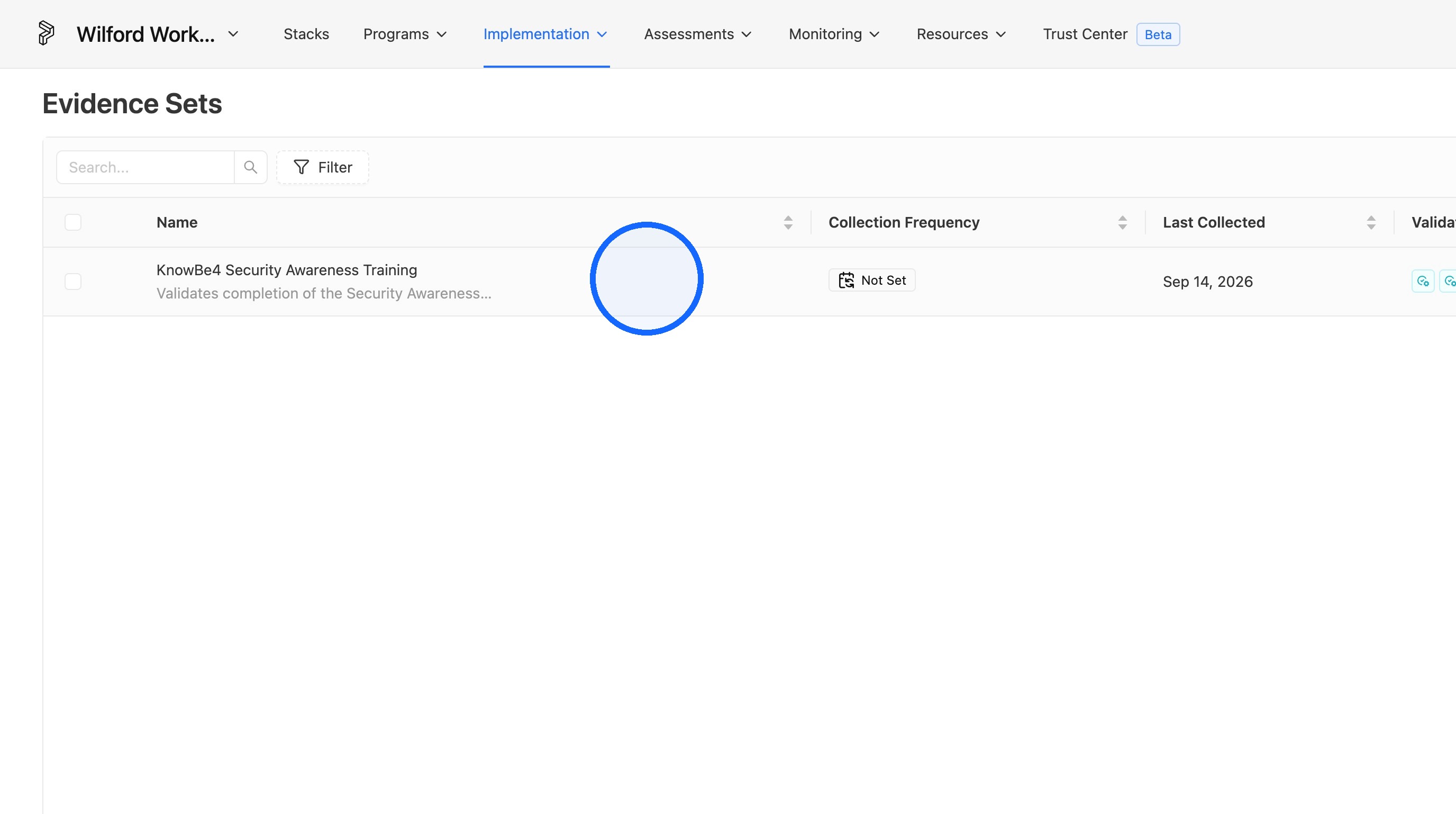
2. Open the Evidence Set you'd like to upload evidence for
Select the specific Evidence Set that needs new evidence.
Artifact Upload
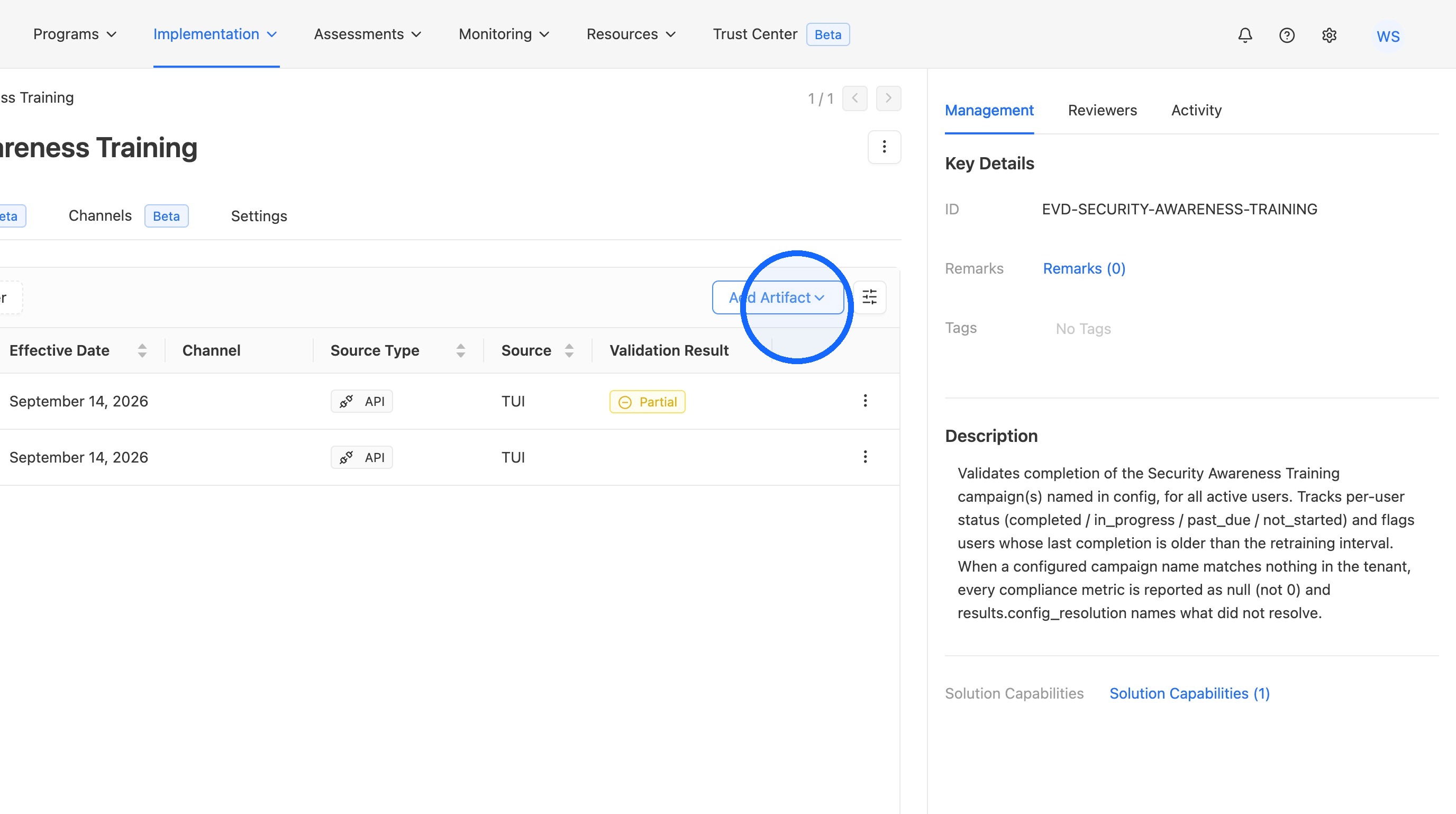
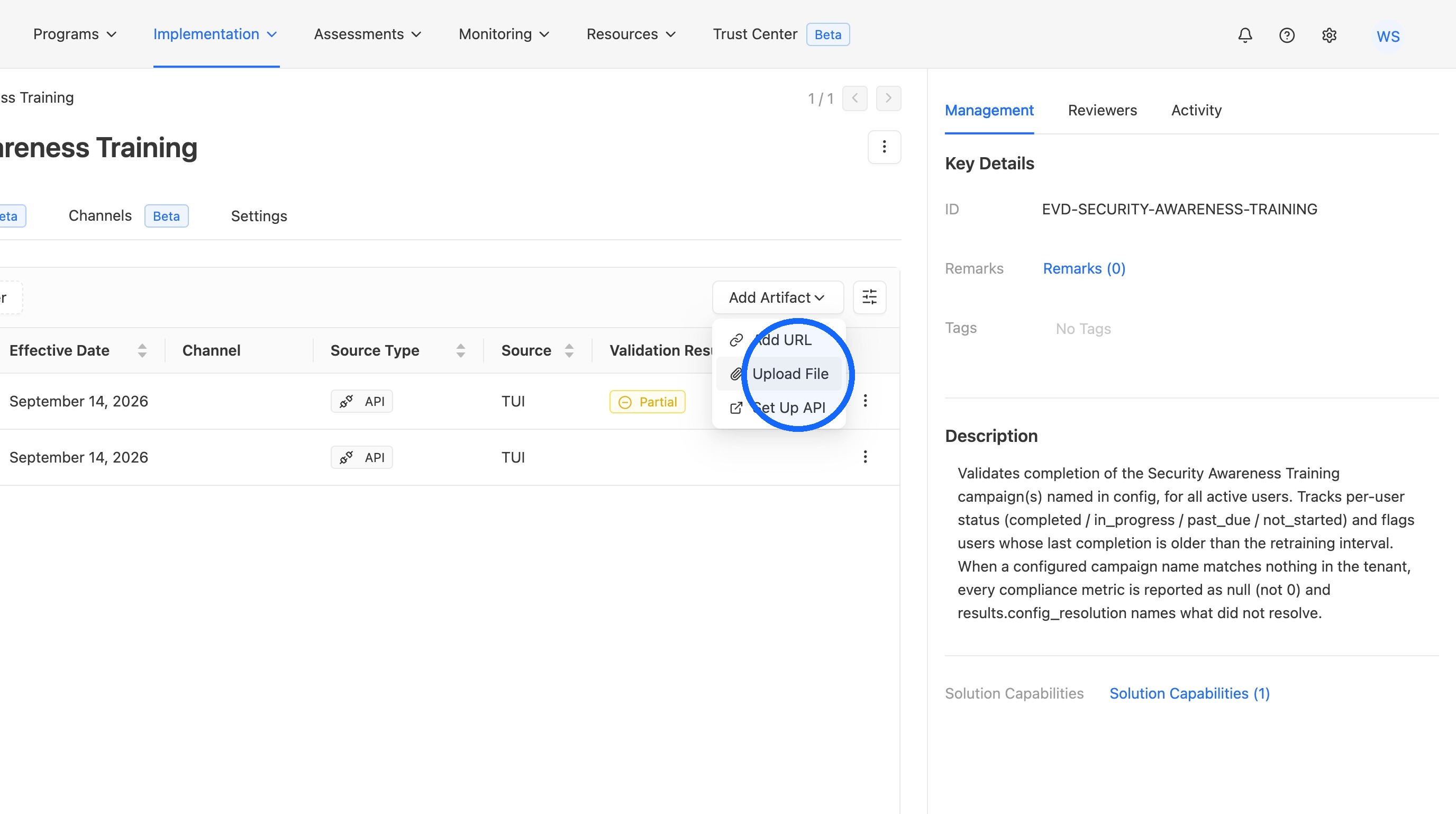
3. Click "Add Artifact"
Open the Add Artifact option from within the Evidence Set.
4. Click "Upload File"
Choose the Upload File option to add a local file as evidence.
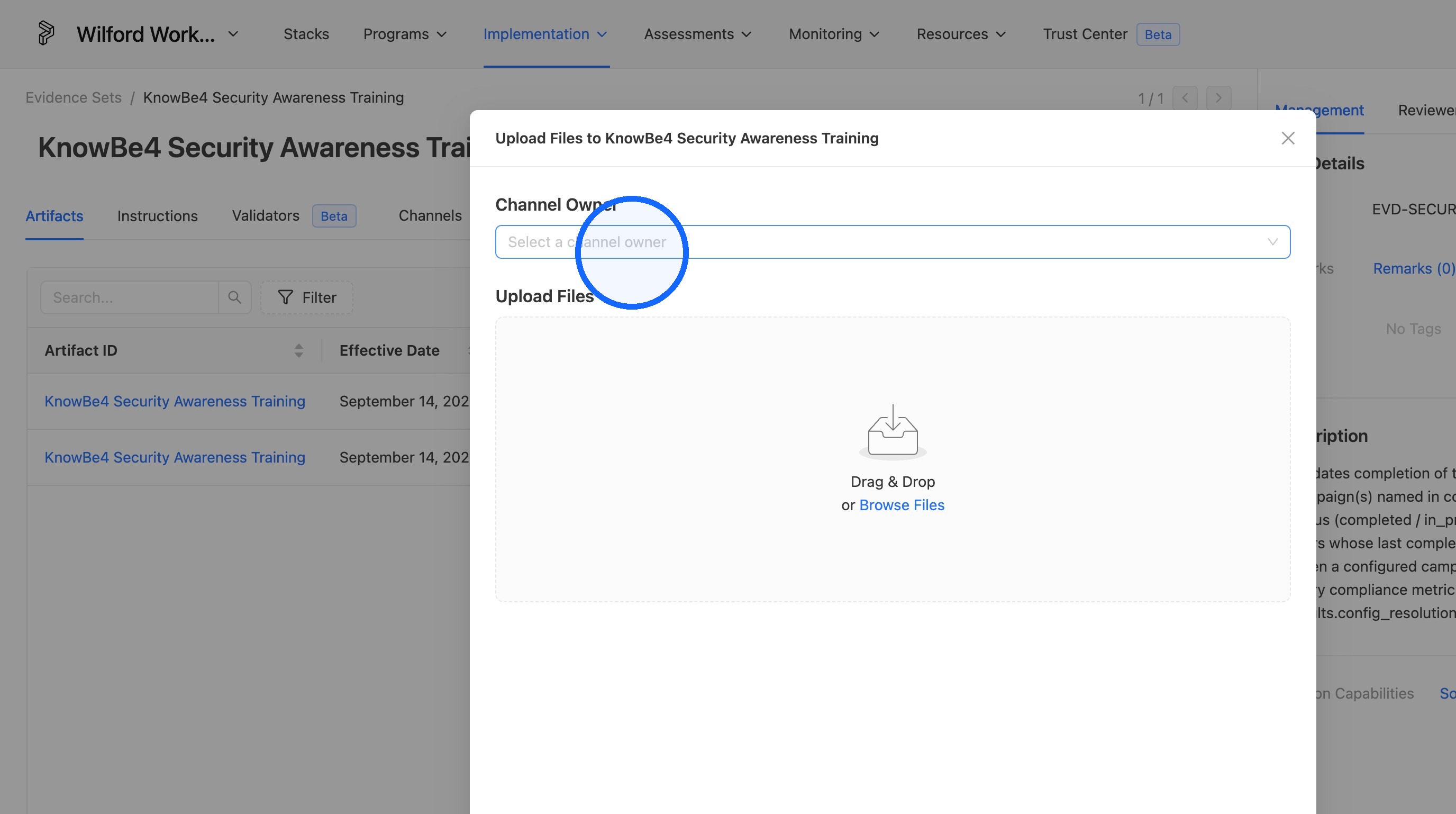
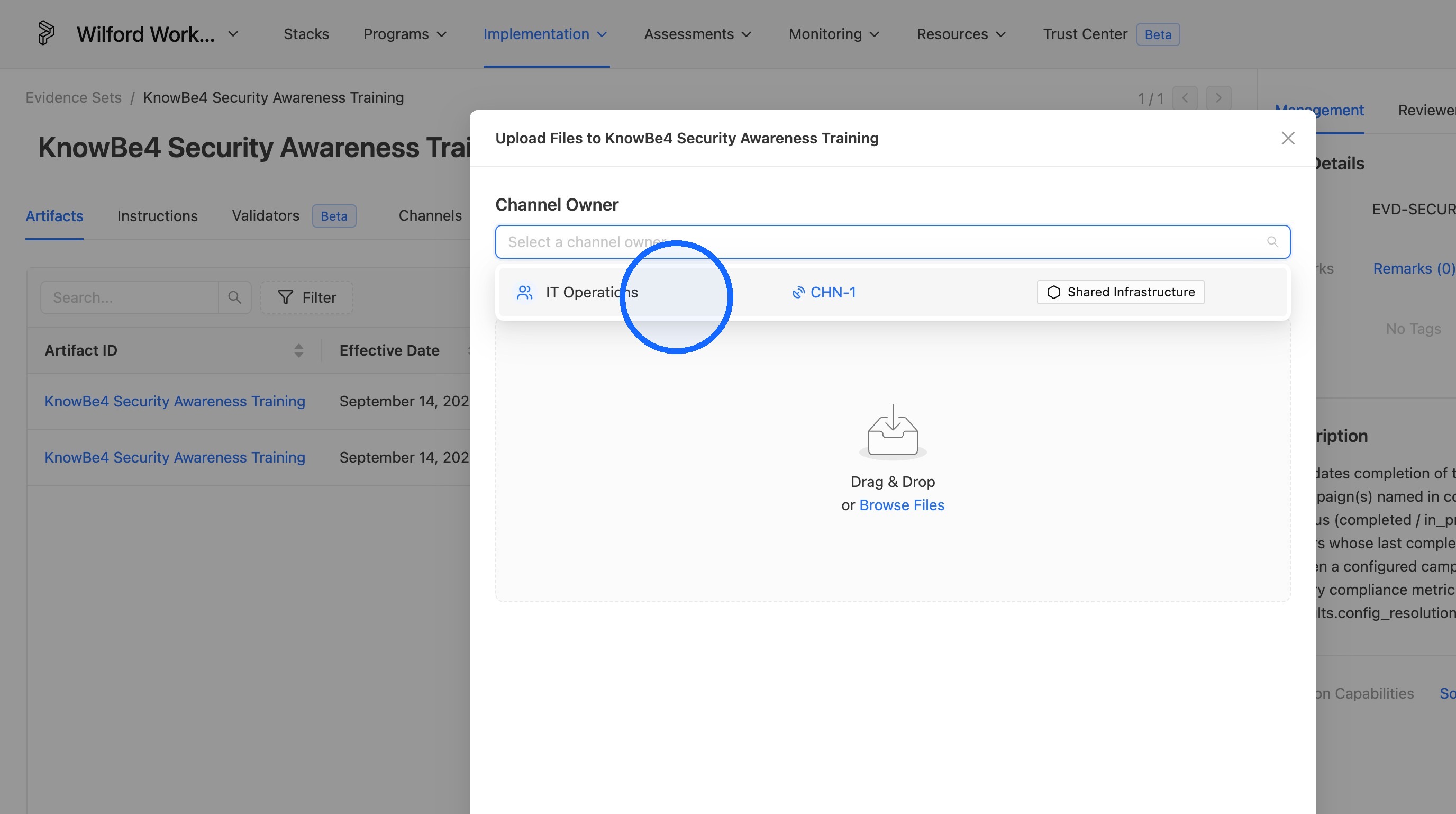
5. Click "Channel Owner" and set the proper channel
Assign the artifact to the correct channel before uploading.
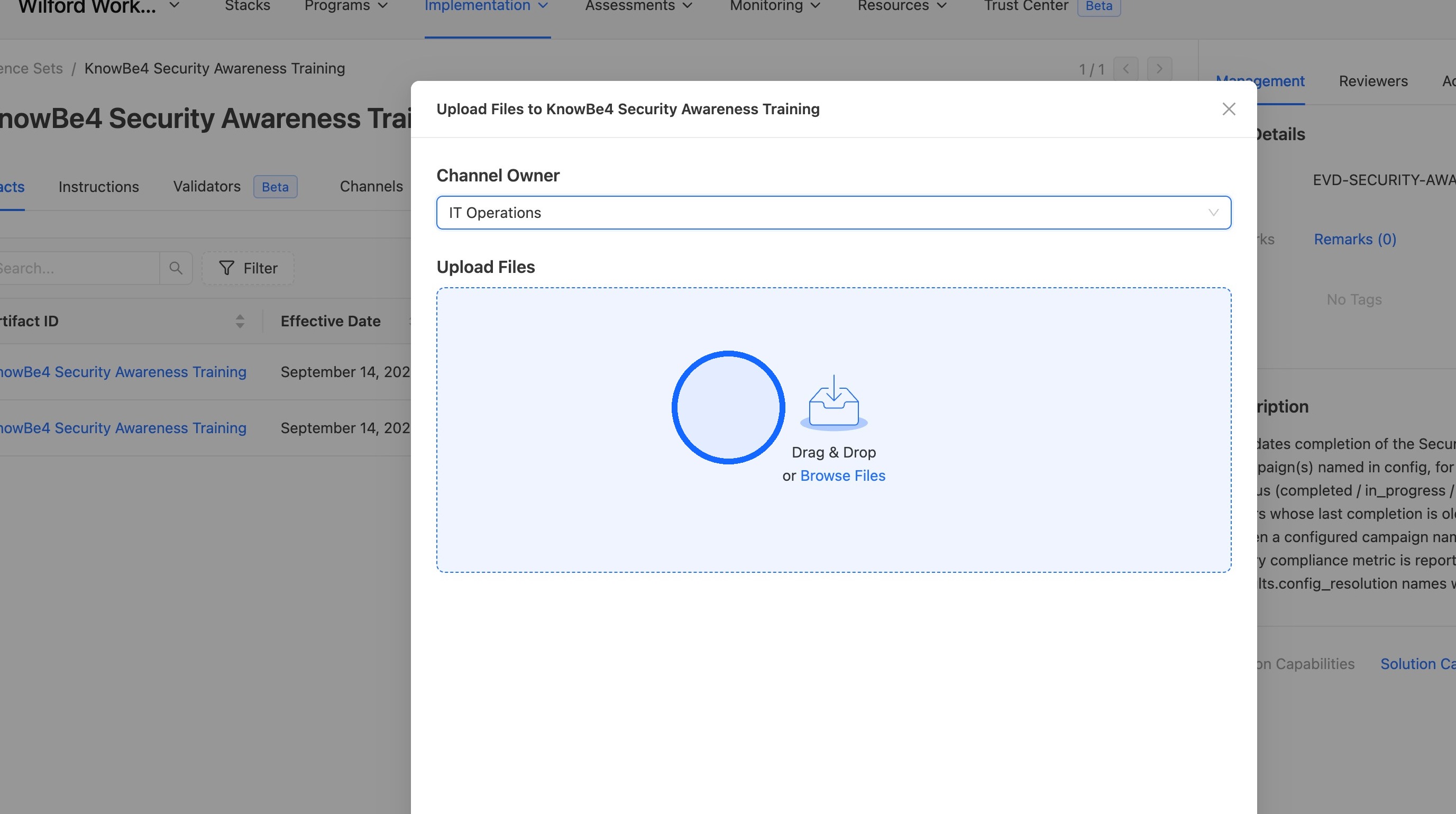
6. Upload your evidence artifact
Select and upload the evidence file.
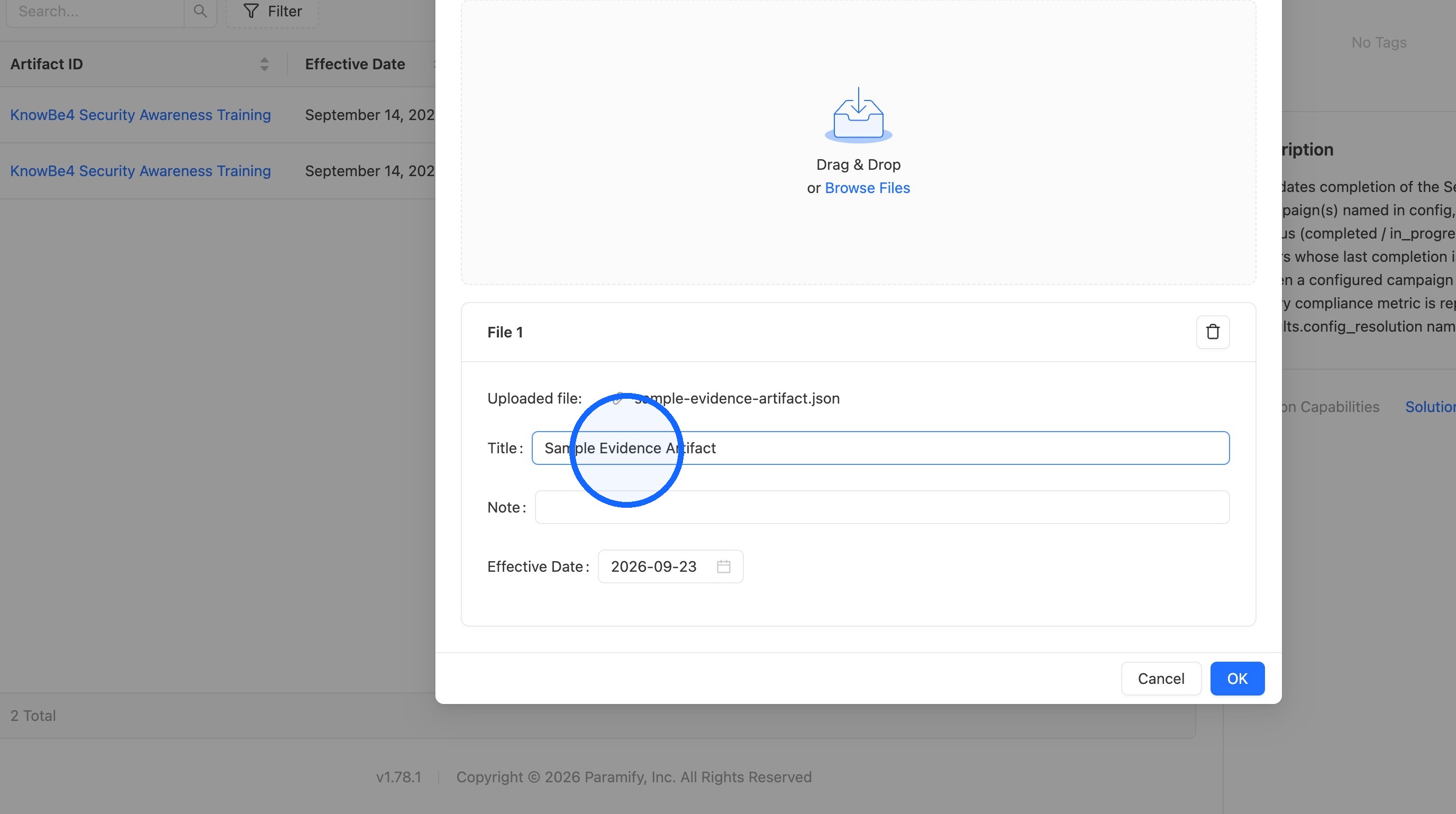
7. Set the name for your evidence artifact, and input any notes if needed
Give the artifact a clear name and add any supporting notes.
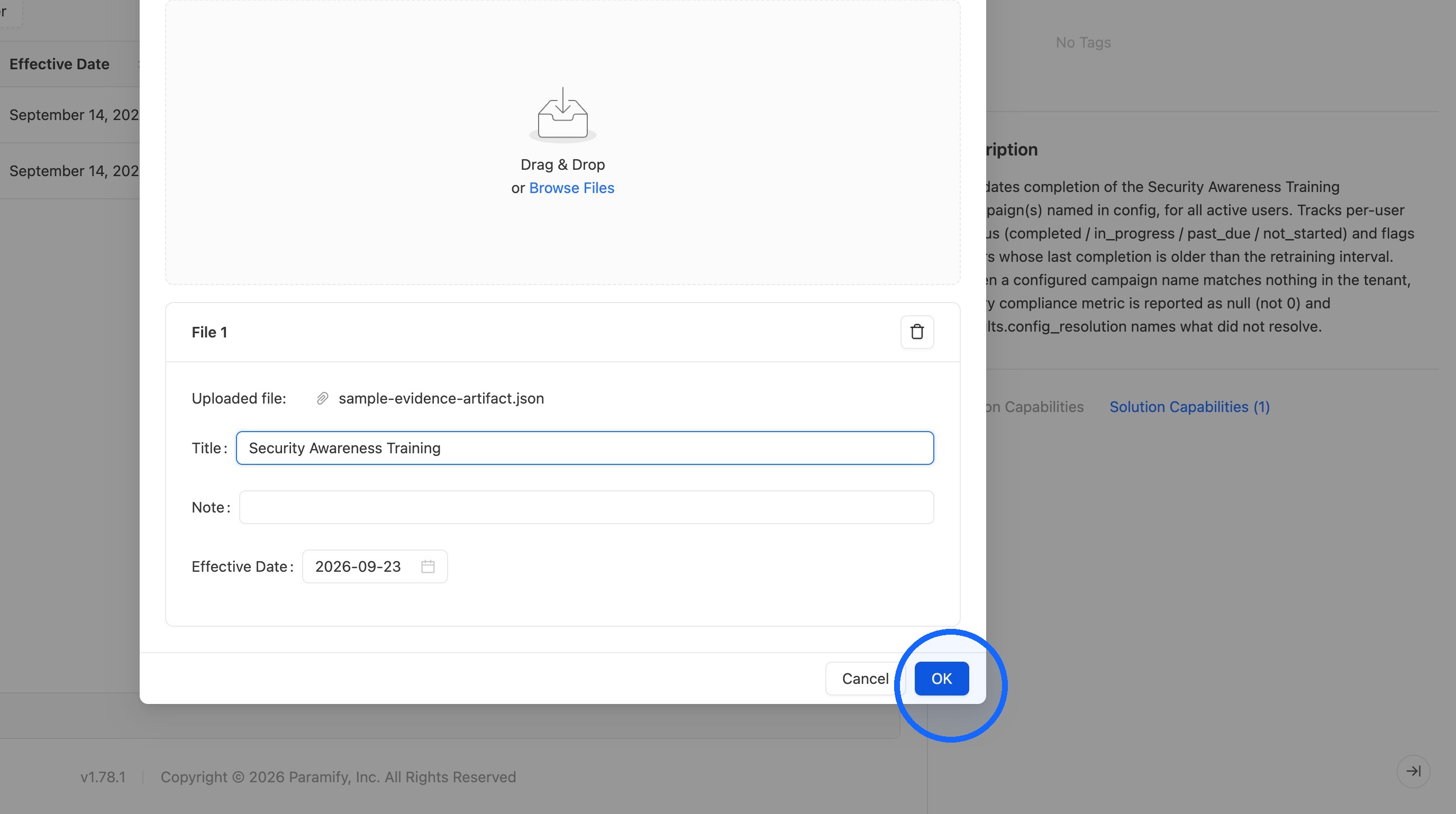
8. Click "OK"
Confirm the upload to finalize the artifact.
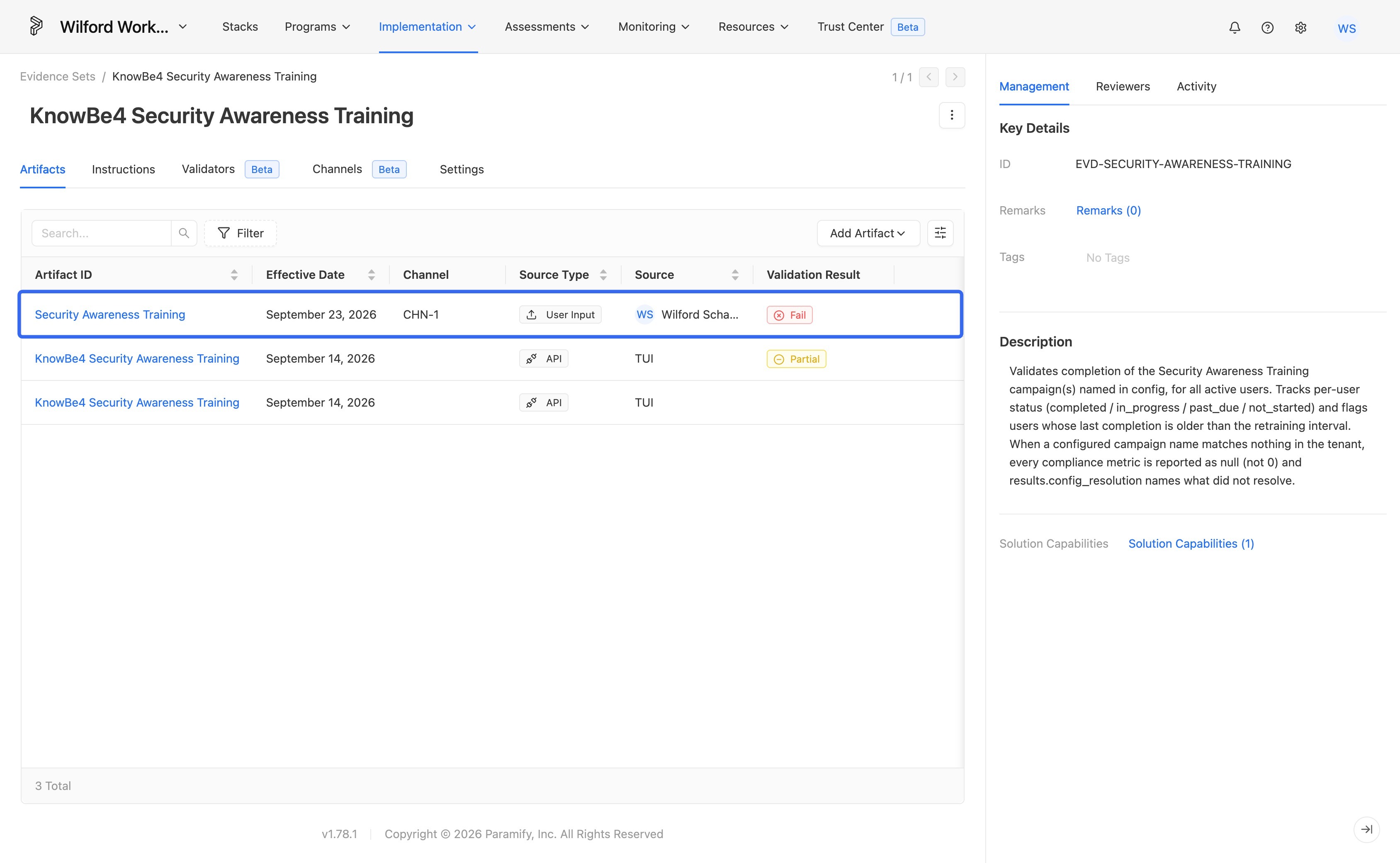
9. Confirm the upload
Your artifact will now be uploaded through the channel into the Evidence Set.
Comments
0 comments
Please sign in to leave a comment.