
The Paramify Trust Center provides secure access to compliance documentation and other trust-related resources. To ensure sensitive materials are shared appropriately, access to certain deliverables requires approval.
This guide walks you through the steps to navigate the Trust Center, locate available deliverables, and request access to view detailed documentation within Paramify Cloud.
How to Request Access to Deliverables
1. Go to trust.paramify.com
Open trust.paramify.com in your browser.
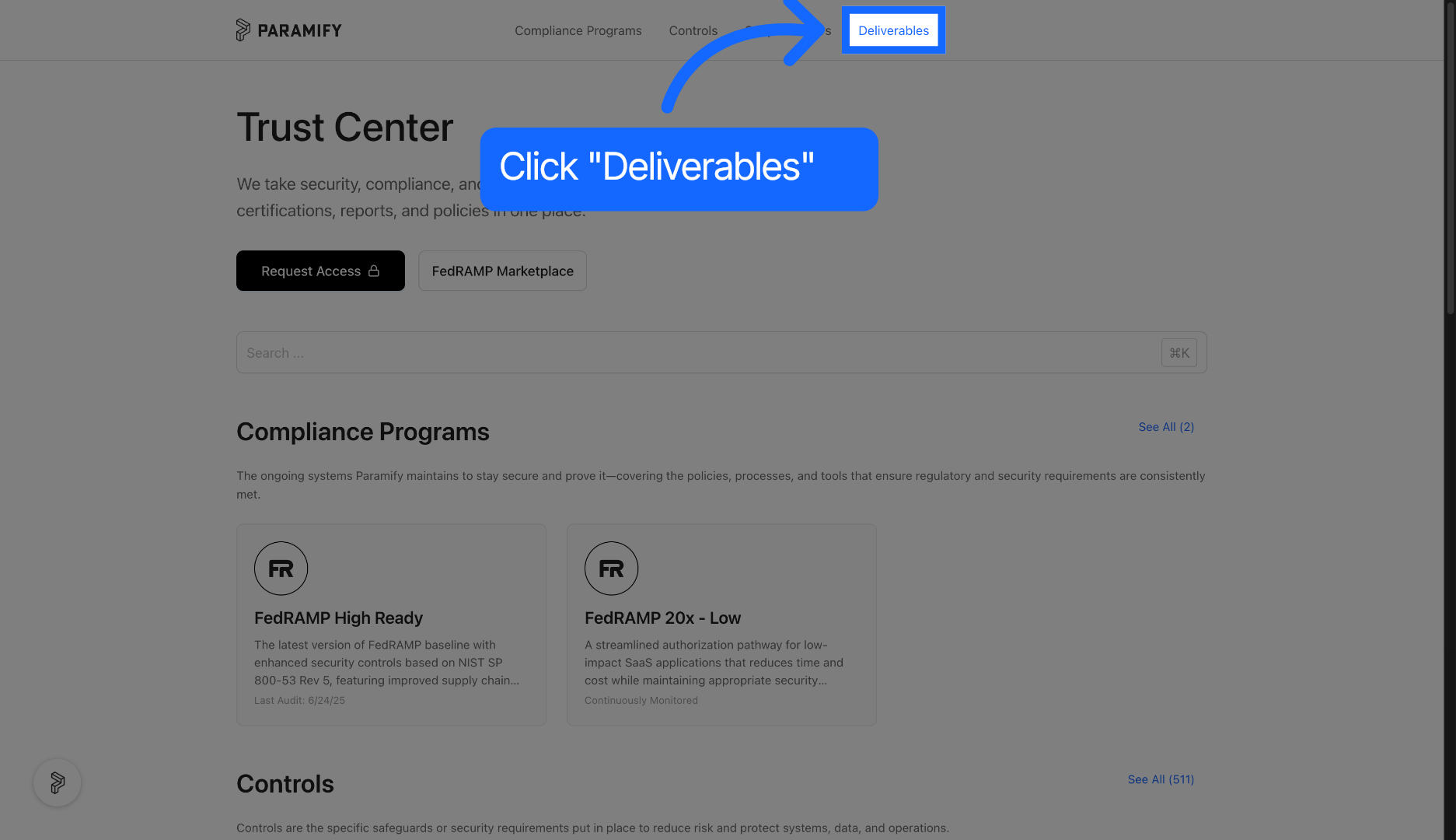
2. Click the Deliverables tab
Click the Deliverables tab to view available documents and resources within the Trust Center.
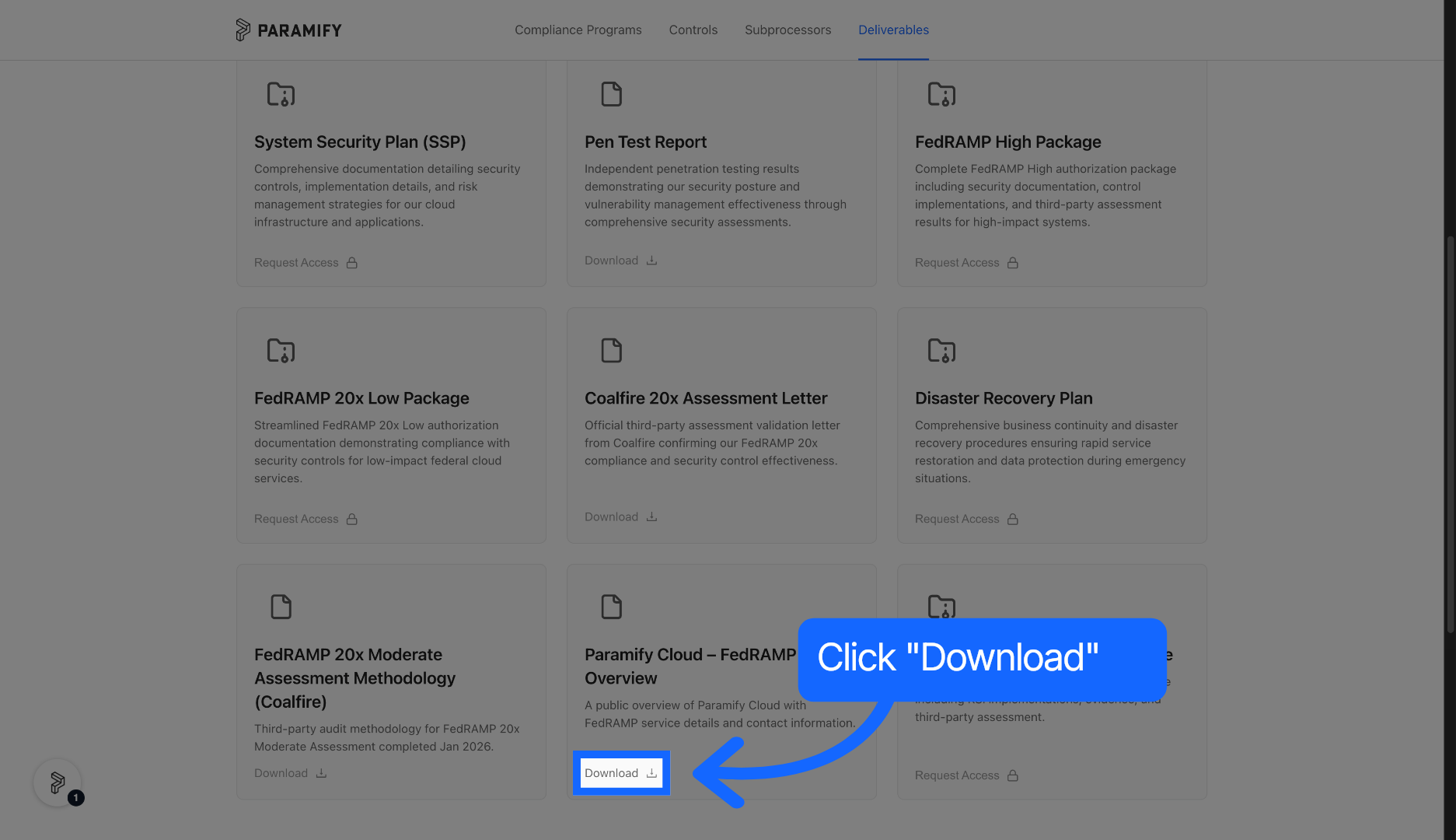
3. Open a deliverable
Scroll down and click the indicated area to open detailed information about a specific deliverable.
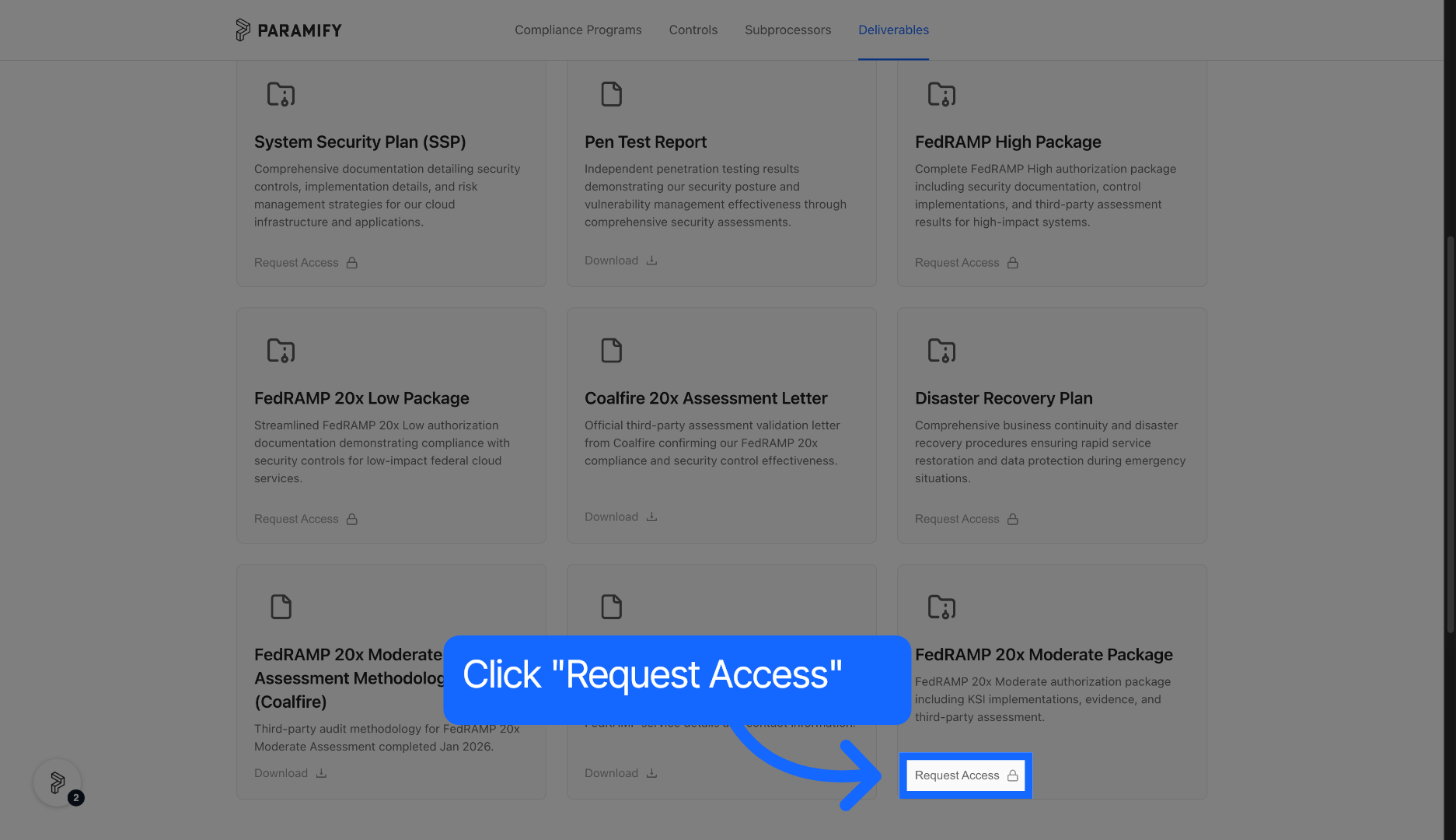
4. Request access
Click the Request Access button to begin the process of gaining permission to view the deliverable.
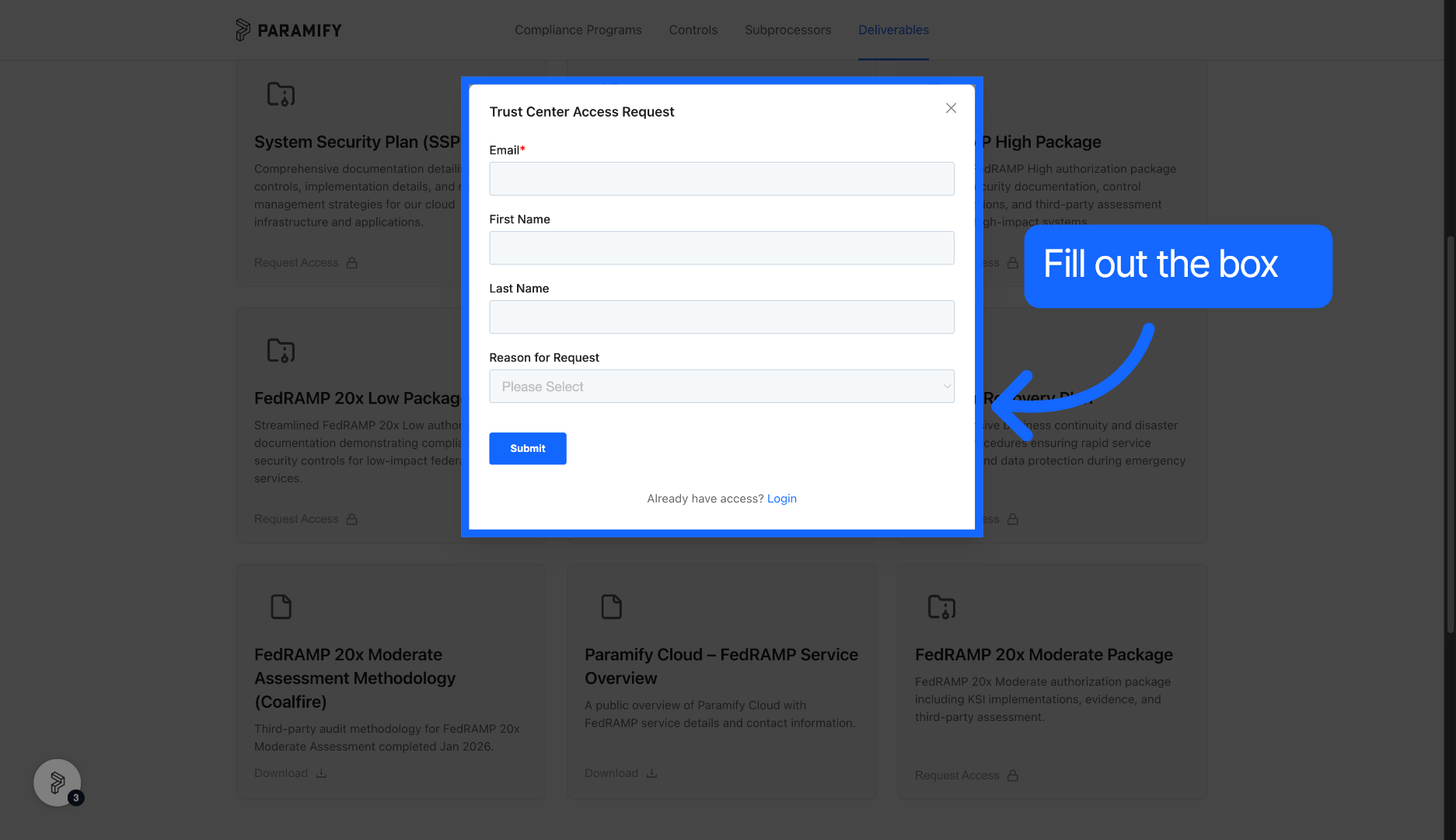
5. Submit the request
Fill out the form and click the Submit button to send your access request.
Comments
0 comments
Please sign in to leave a comment.