
In Paramify, Workspace Admins are privileged accounts that can control and administer settings across the workspace. They can manage workspace settings, user access, rename workspaces, configure login methods, and use data import features. Plus, they can create, view, edit, and delete Risk Solutions, Elements, and Projects.
For most Paramify users, a Workspace is the highest level of administration; however, in some cases, an Account level organization may be configured where multiple Workspaces are managed within one Account. To learn more about Workspaces vs Accounts see this article: Workspace vs Account Level Management
This article will go through all of the security-related settings within the Workspace level, which can be divided into eight sections.
- General
- Users
- Teams
- Licensing
- Authentication
- API keys
- Integrations
- Notifications
General
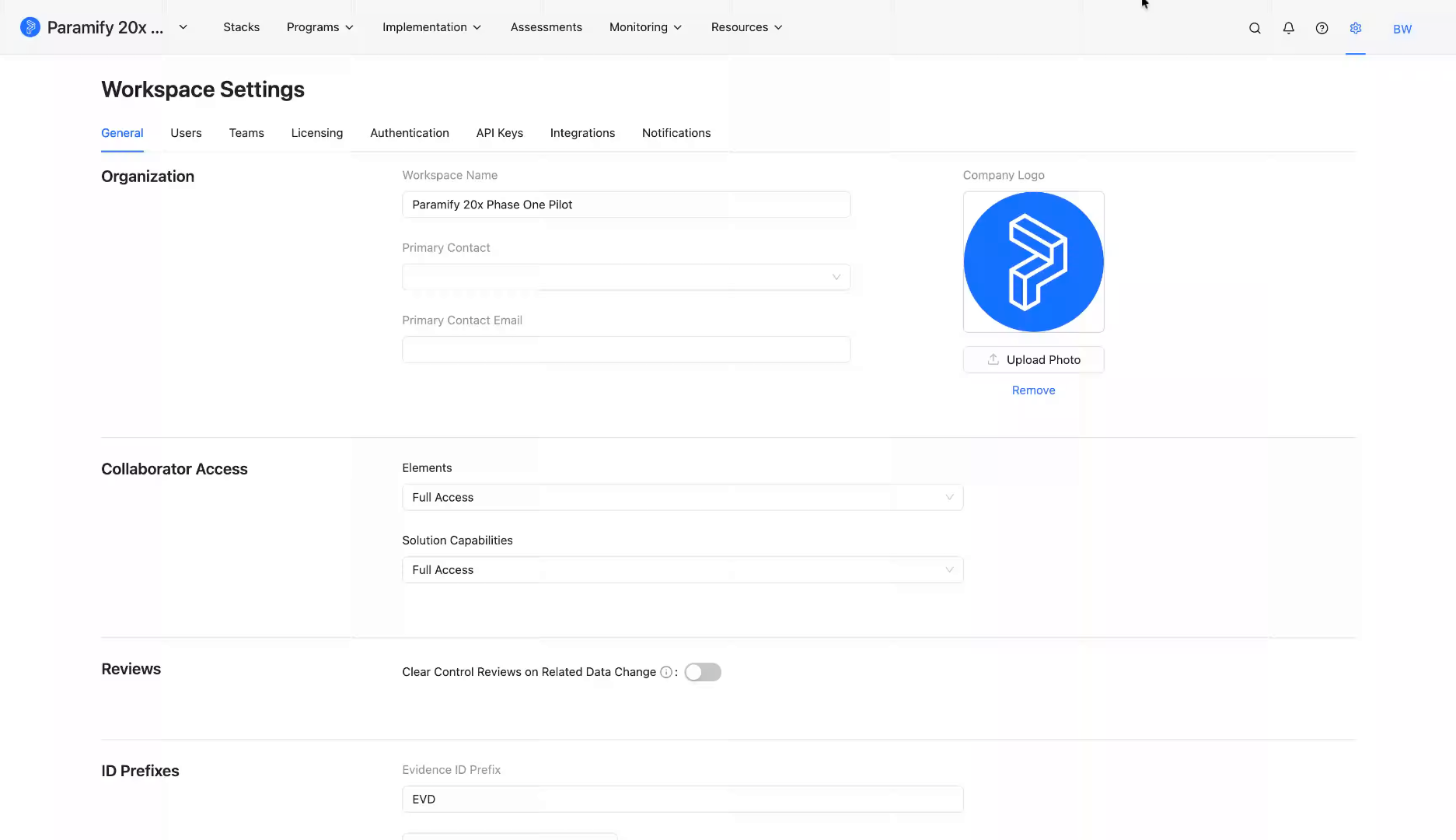
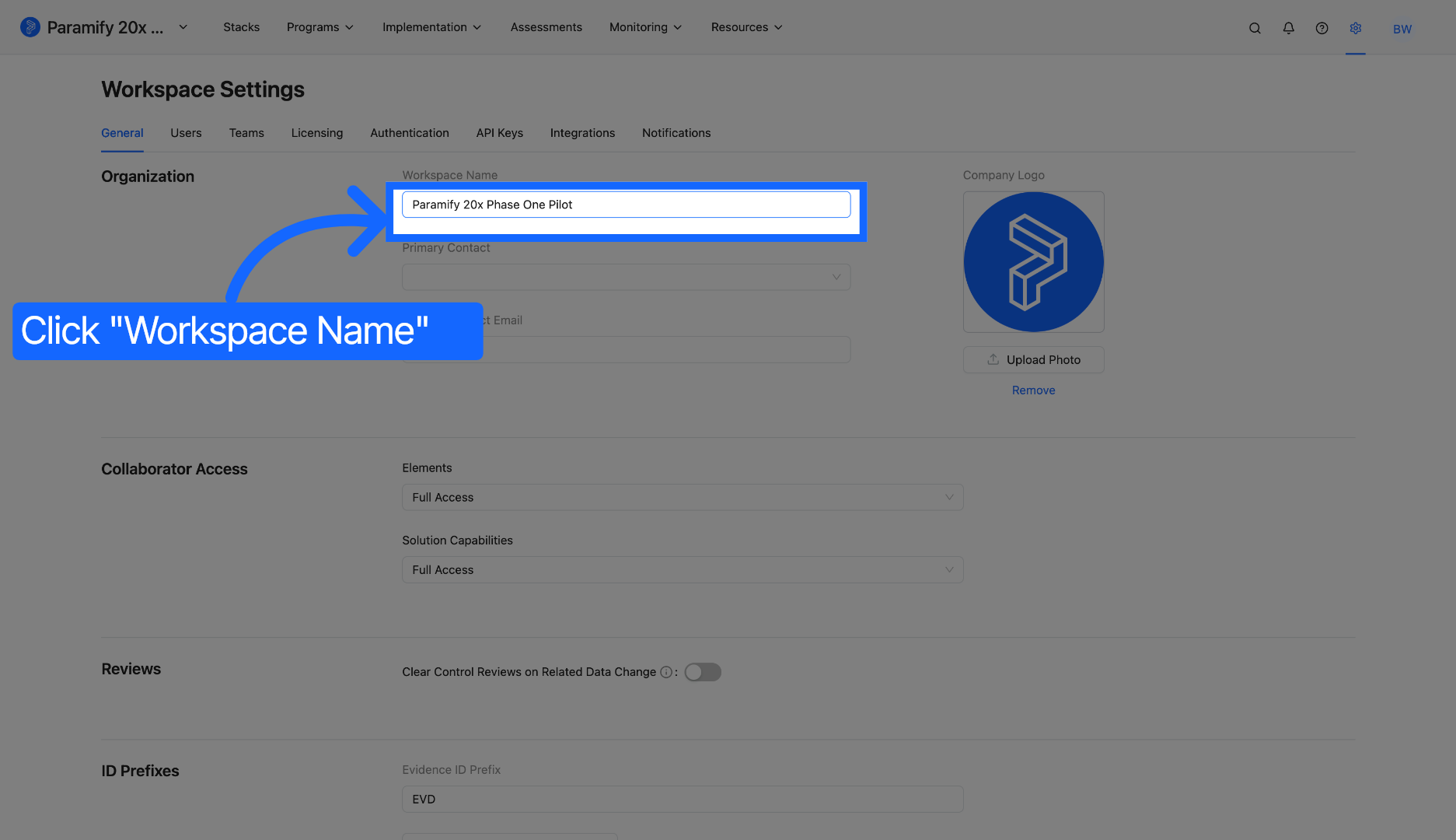
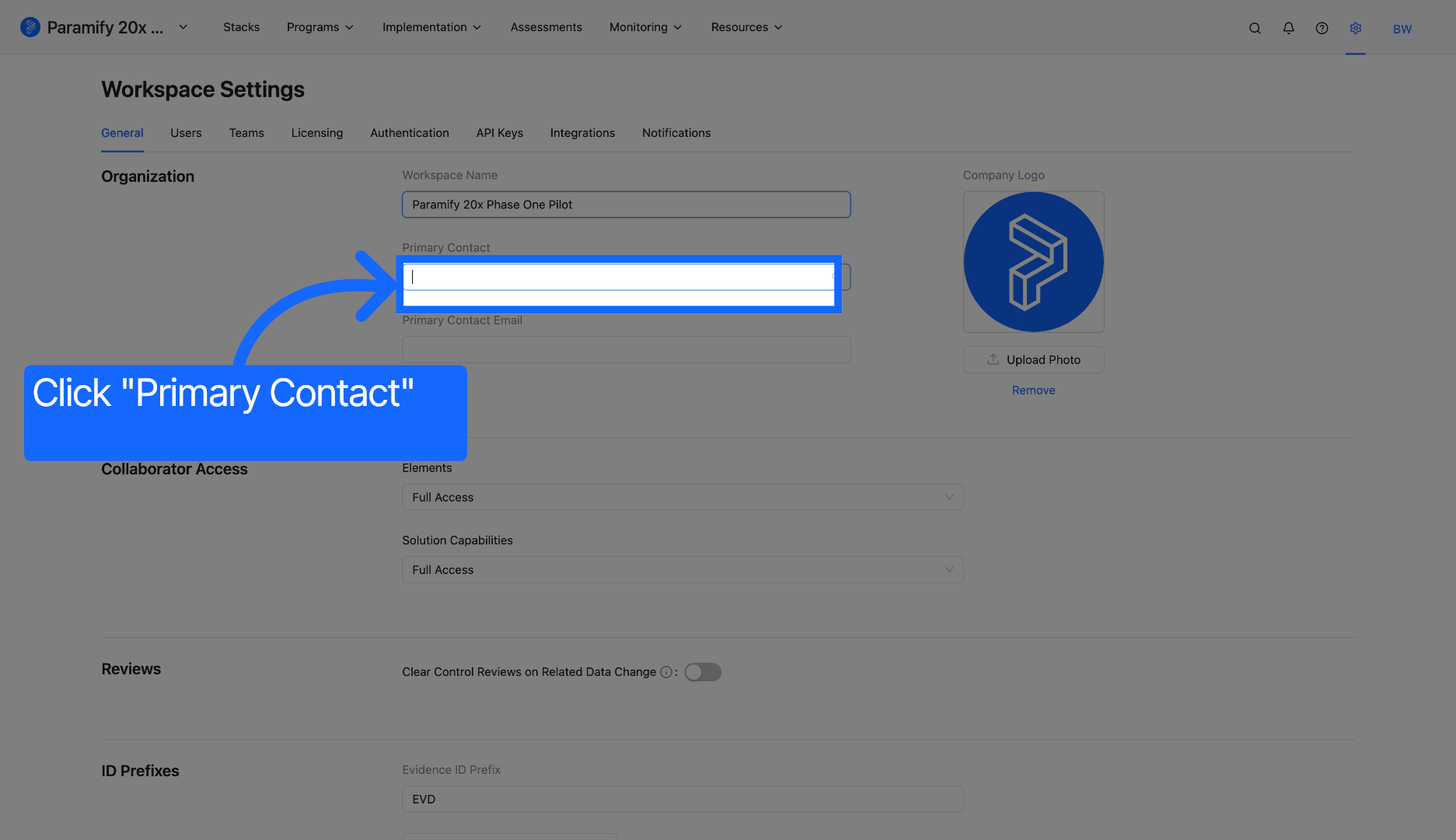
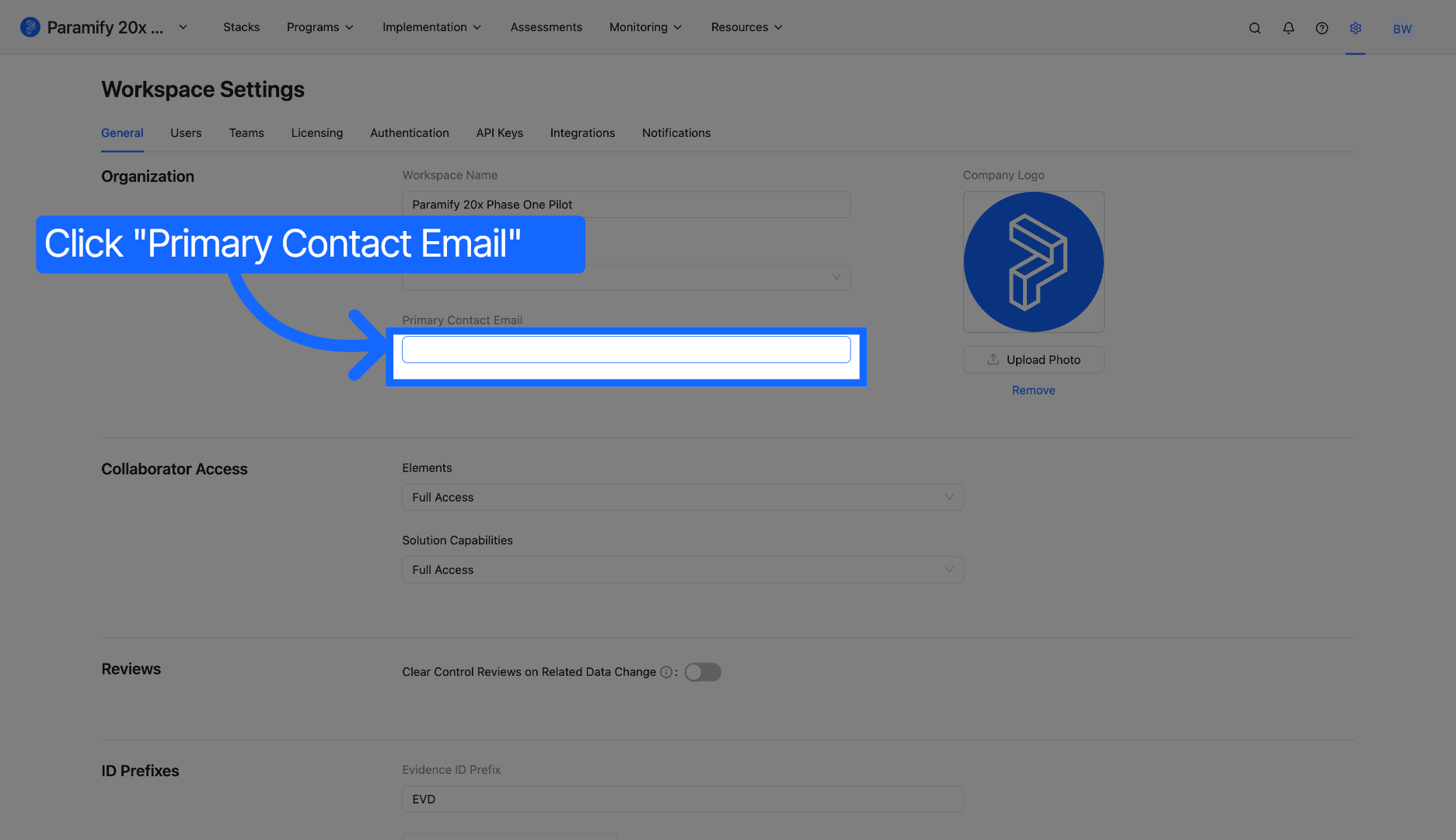
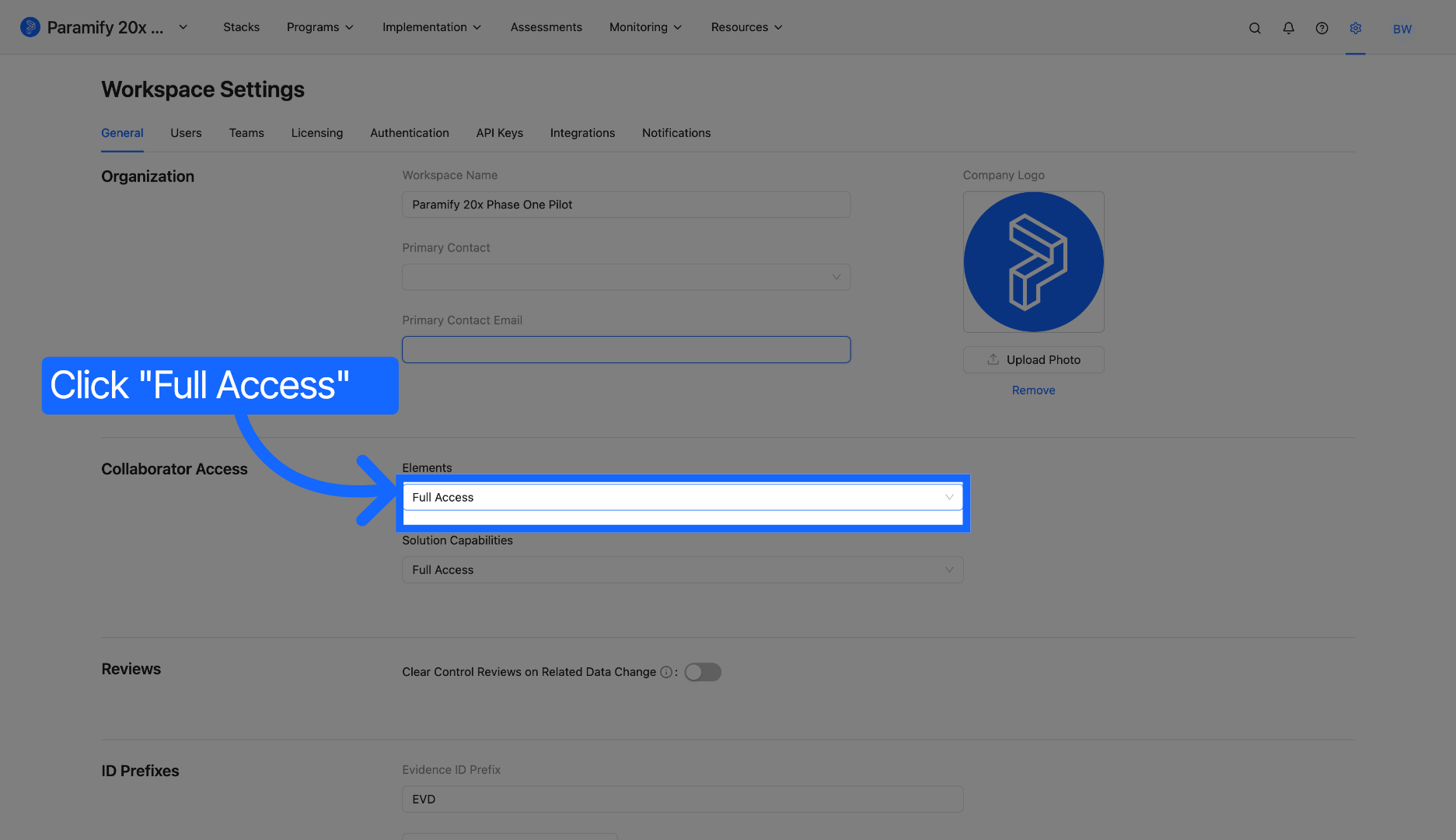
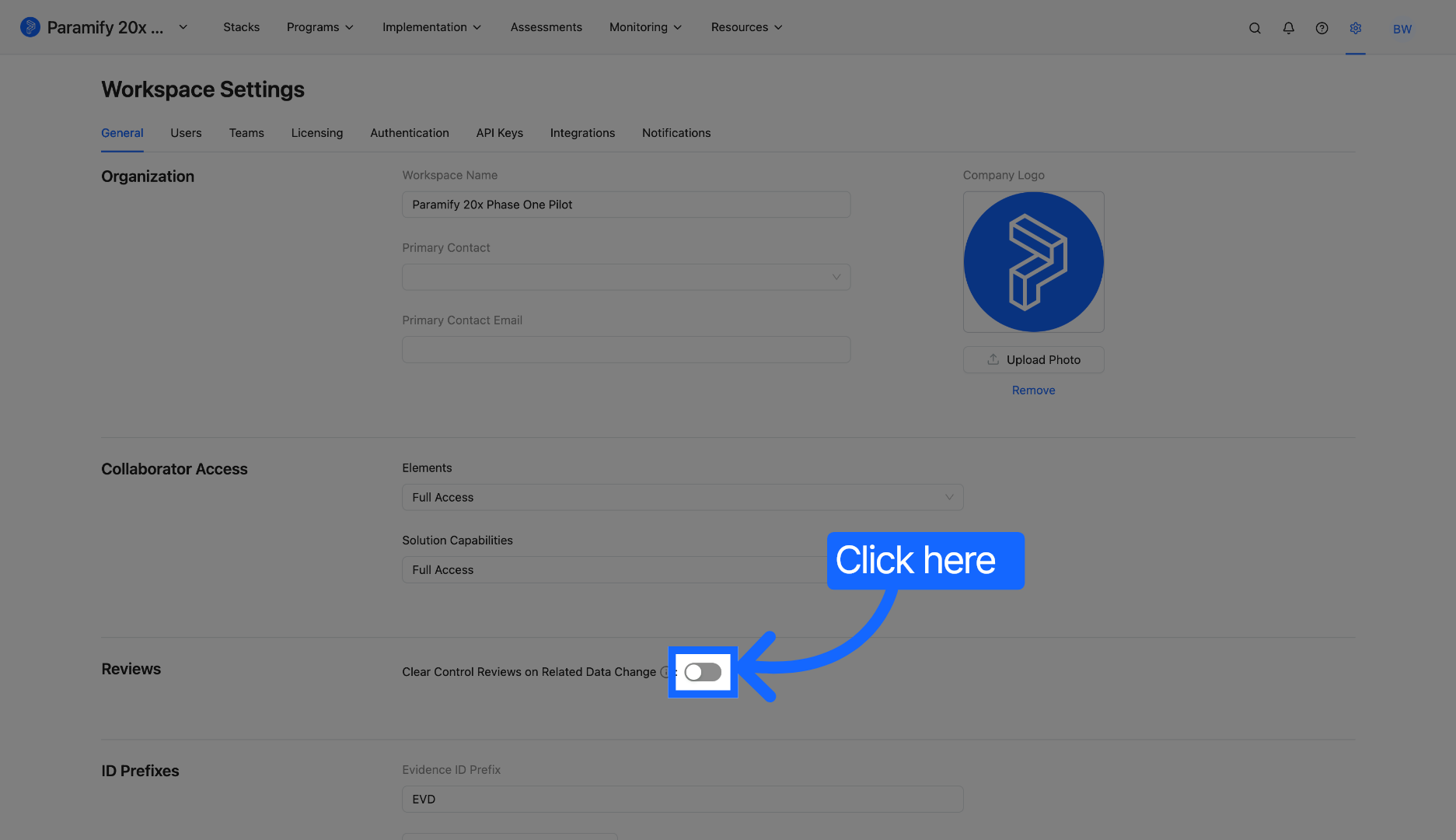
The "General" section in the Workspace level allows Admins to configure setting on what collaborators can have access to assigned or unassigned reviews for Elements and Solution Capabilities. This is helpful to have broader Workspace oversight and control for the Admin.
Below are the instructions for configurations that Admins in a Paramify Workspace has access to.
1. Workspace Settings
Users
A Workspace Admin can configure the user access settings to manage users within the Workspace. They can create, deactivate, and edit the details of all users. Specifically, they can configure the Name, Job Title, User Type, Email, Teams, Responsible Roles, and Program Access for each user.
In Paramify, user configuration is vital because it centralizes Identity and Access Management (IAM), ensuring that security admins can enforce the principle of least privilege and instantly offboard users to prevent unauthorized access.
Teams
The Workspace Admins can create teams and assign users to them and has the ability to remove users from the teams as well. When creating a team, you can also assign roles and the point of contact for that team. This is great for admins to enforce segregation of duties and least privilege policies to ensure their data is accessible only to trusted users.
In Paramify, configuring teams at the workspace level enables Scalable Role-Based Access Control (RBAC), allowing admins to manage permissions across functional groups to prevent manual errors and unauthorized privilege.
Licensing
In the Licensing section, Workspace Admins can configure the MCP server and Frameworks. For the MCP server settings, they can enable and disable it and make a custom link to access it. For the Framework settings, the admin can configure which cybersecurity Framework and its levels that can be used for Workspaces. For example, if admins only wants the Programs in a Workspace be used for FedRAMP Class B and Class C, they can check only those two Frameworks and ignore the rest of the Frameworks if desired.
Authentication
Okta SSO
Workspace level Admins can configure the Okta SSO settings, such as the Okta Client ID, Client Secret, Domain, Editors Group, and Admin Groups.
This is handy because having specific admins dedicated only to configuring Okta SSO is a critical cybersecurity standard because it enforces the principle of least privilege, ensuring that no single user has excessive control over the entire identity environment. By isolating SSO configuration duties from broader administrative powers, Paramify significantly reduce their attack surface.
SAML SP Configuration
Workspace level Admins can configure the SAML SP, such as the ACS URL, and Entity ID. By isolating SP(service provider) configuration tasks, such as managing ACS URLs, Entity IDs, and sensitive signing certificates, Paramify enforces the separation of duties making sure that no single person has absolute control over the entire authentication chain. This specialized focus minimizes the risk of misconfiguration errors, such as using weak SHA-1 certificates or incorrect attribute mappings, which are common entry points for identity-based attacks.
SAML IDP Configuration
Workspace level Admins can configure the SAML IDP by providing a Metadata URL. They can also configure the IDP manually by uploading Metadata IDP, inserting SSO URL, Entity ID, and Signing Certificate.
Configure Session Timeout
Workspace level Admins can configure the session timeout for the sessions in Paramify.
Allowed Authentication Methods
- Google
- Microsoft
- Okta
- SAML
- Email
IP Address Restriction
Workspace level Admins can configure the IP Addresses that are restricted and allowed to access Workspaces. This is good since admins can deny unauthorized attempts to access Paramify to diminish the attempts of attacks.
API Keys
Workspace level Admins can configure API Keys for Workspaces. They have the ability to create the Name, Expiration Time, and Permissions. Managing API Keys are very important for admins since they are highly sensitive keys to access specific endpoints in Paramify.
Integrations
Workspace level Admins can configure other apps and softwares to be integrated into Paramify. For example, they can integrate Slack and Jira via APIs.
Notifications
Workspace level Admins can streamline team communication by configuring automated email and Slack notifications directly at the workspace level. When users are assigned to specific Risk Solutions, Controls, Elements, or Issues, they receive instant email alerts to ensure immediate awareness of their responsibilities. Furthermore, the Slack integration keeps the workflow moving by notifying users the moment they are assigned as reviewers, ensuring that critical security documentation and compliance tasks never stall.
Comments
0 comments
Please sign in to leave a comment.