
Introduction
In this tutorial you will learn how to set privacy thresholds for a given program.
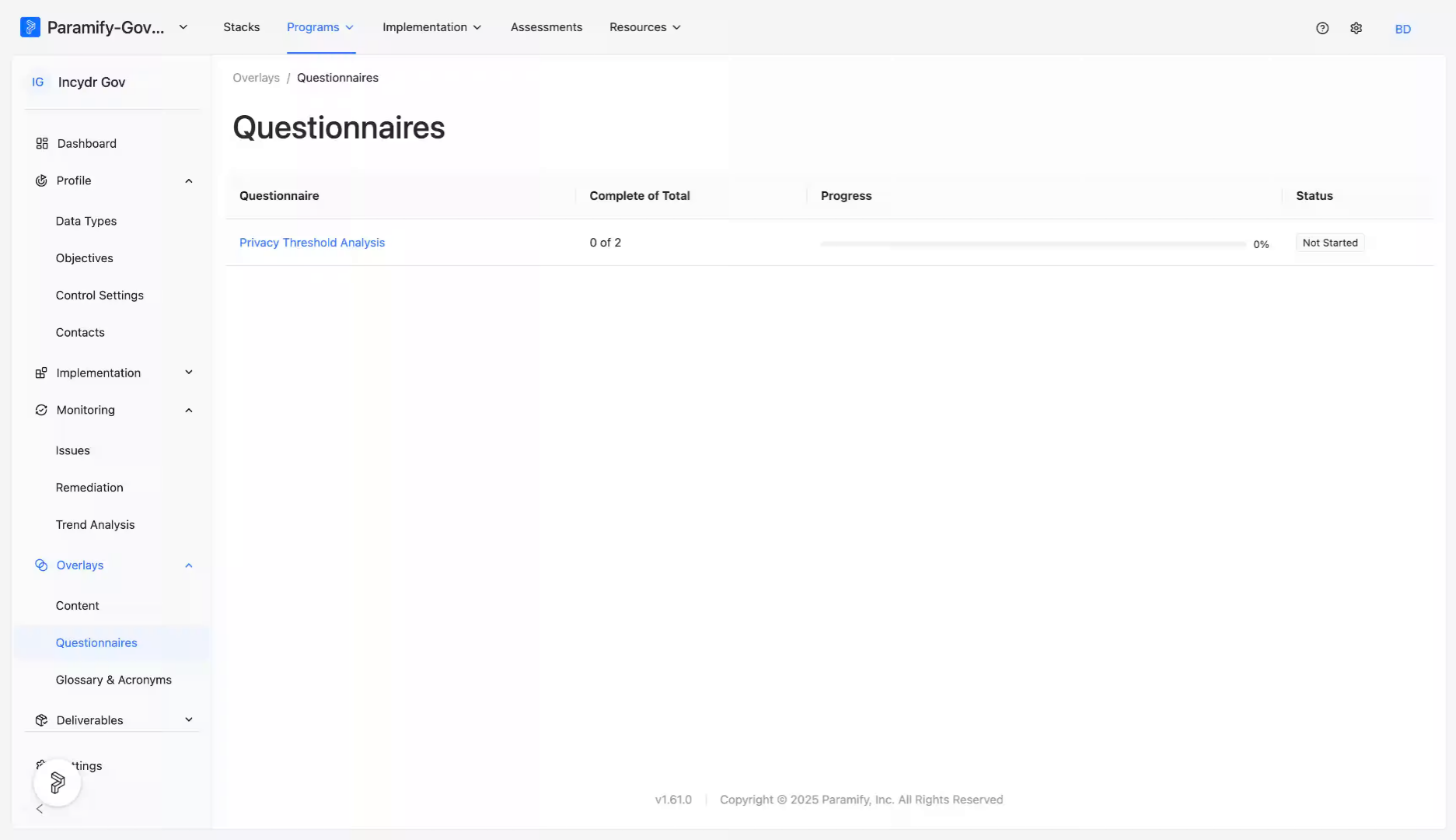
1. Go to Questionnaires
Within a program, navigate to the Overlays section on the left sidebar, then click Questionnaires.
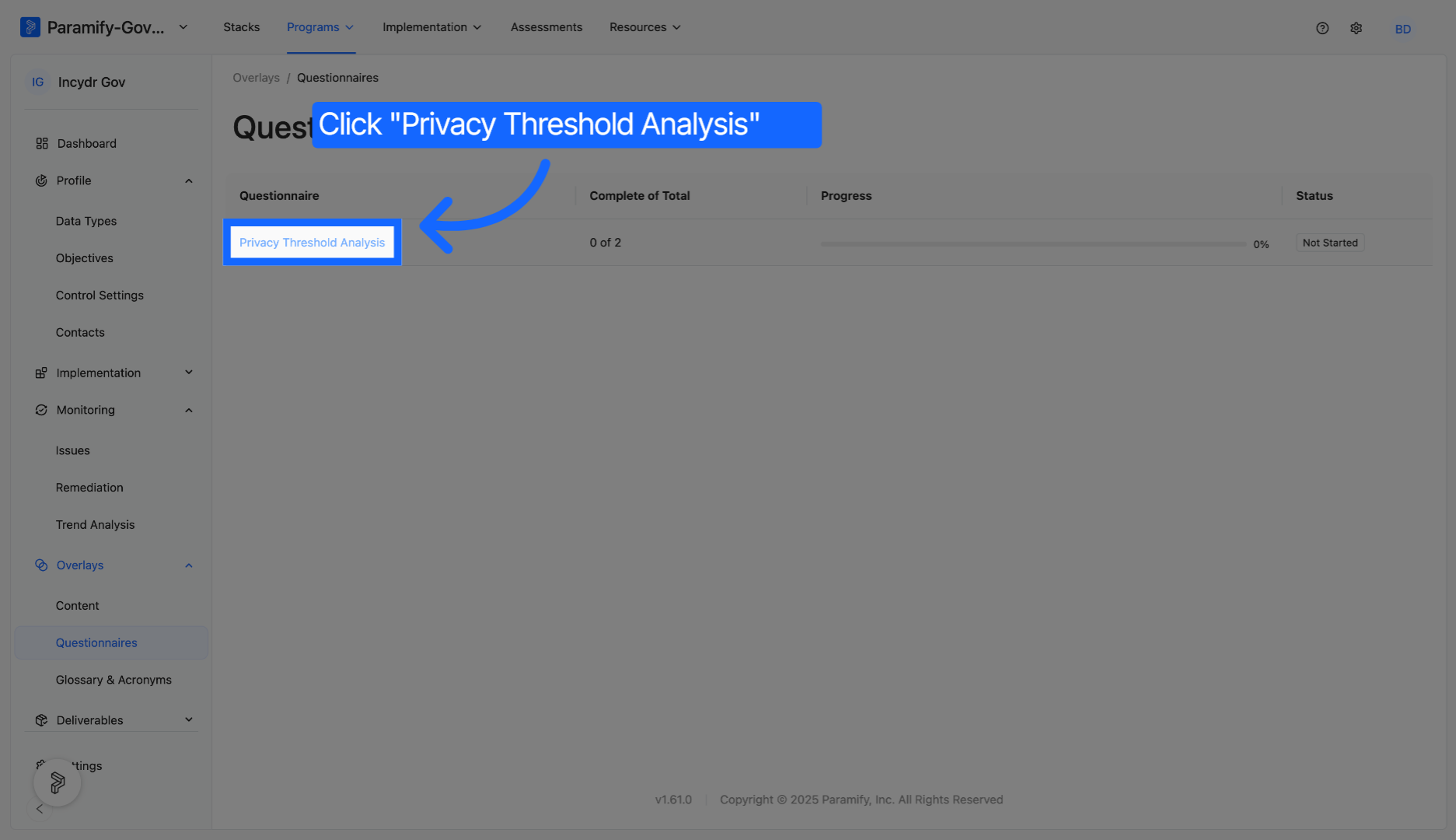
2. Access Privacy Threshold Analysis
Click the Privacy Threshold Analysis option to begin configuring privacy settings.
3. Privacy Threshold Options
Qualifying Questions and Privacy Designation can be set within the Privacy Threshold Analysis Questionnaire.
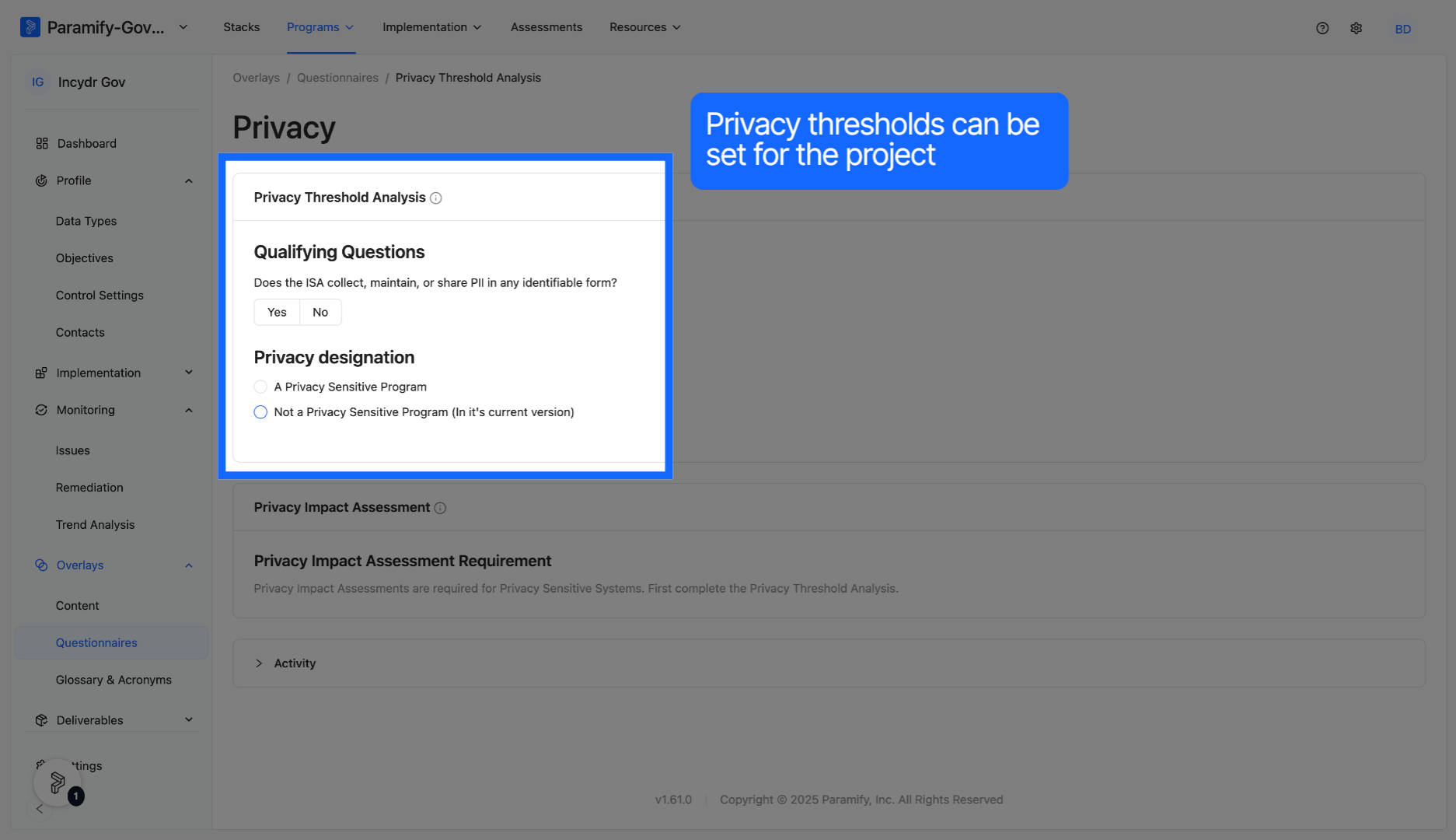
You have successfully configured the Privacy Threshold Analysis Questionnaire.
Comments
0 comments
Please sign in to leave a comment.